
Подключение денежного ящика: drawer-kick RJ11/RJ12, от принтера против USB, и импульс 12–24В
Руководство по подключению денежного ящика POS — что такое интерфейс drawer-kick (DKD) RJ11/RJ12, пины соленоида и датчика, запуск от принтера против автономного USB-триггера, импульс открытия 12–24В, и как подобрать кабель и триггер под принтер.
Короткий ответ
The surprise for most people setting up a till: the cash drawer doesn’t plug into the computer at all. It plugs into the receipt printer, which pops it open with a short 12–24V pulse down an RJ11/RJ12 cable every time a receipt prints. Get three things right — interface, voltage and pinout — and it just works:
| Get this right | Why | |
|---|---|---|
| RJ11/RJ12 into the printer's DK port | The drawer is printer-driven, not PC-driven | — |
| Use a 6-pin RJ12 cable | 5+ pins needed for kick + open/closed sensing | — |
| Match solenoid voltage (12V vs 24V) | Mismatch = won't kick, or stresses the solenoid | — |
| Match the printer's pinout (Epson/Star…) | A phone cable is wired differently and can misfire | — |
Интерфейс drawer-kick RJ11/RJ12
The connection standard goes by several names — drawer kick, DK, DKD, or the “Epson/Star/Citizen interface” — but it’s one idea: an RJ11/RJ12 cable carrying a kick pulse and a status sensor between printer and drawer.
| Connector | Contacts | Use | |
|---|---|---|---|
| RJ11 (true) | 4 | Too few for full sensing on most drawers | — |
| RJ12 | 6 | Standard — kick pins + open/closed sensor | — |
От принтера против автономного USB
There are two ways to drive the kick. The drawer wiring is identical — only what sends the pulse differs:
| Printer-driven | Standalone USB trigger | ||
|---|---|---|---|
| What fires it | The receipt printer's DK port | A small USB trigger/controller box | — |
| Needs a receipt printer? | Yes | No | — |
| Connects to POS via | The printer | USB, directly | — |
| Best for | Standard till with a printer | No printer, or POS-controlled 'no sale' | — |
Напряжение, пины и импульс открытия
The kick is a brief, punchy pulse — and matching its voltage is the part people most often get wrong:
| Spec | Typical value | |
|---|---|---|
| Solenoid voltage | 12V or 24V DC — match drawer to printer port | — |
| Pulse duration | Very short — under ~100 ms | — |
| Current | Around 1A during the pulse | — |
| Solenoid pins (6-pin) | A pin pair (e.g. 2 & 4, or 4 & 5) | — |
| Sensor pins | Another pair (commonly 3 & 6) — open/closed | — |
Когда ящик не открывается
If the drawer won’t open, split the problem into electrical (wiring/signal) and mechanical (the drawer itself):
- 1
Check the cable and port
Confirm an RJ11/RJ12 cable runs into the printer’s drawer-kick (DK) port — not a phone, network or serial jack — and is seated at both ends. - 2
Check the printer fires the kick
Make sure the printer/POS is set to send the kick on print (or test the “open drawer” command). No pulse = no open, regardless of the drawer. - 3
Confirm voltage match
Verify the drawer’s solenoid voltage matches the printer’s port (12V vs 24V). A mismatch can mean a weak click or no kick at all. - 4
Clicks but won't open? Go mechanical
If the solenoid clicks with good wiring but the drawer stays shut, the fault is mechanical — jam, bent frame or failed solenoid. See the cash-drawer-not-opening guide.
Подбор кабеля или триггера
Most connection problems are solved with the right cable or a trigger — match them to your gear:
| Part | Match on | |
|---|---|---|
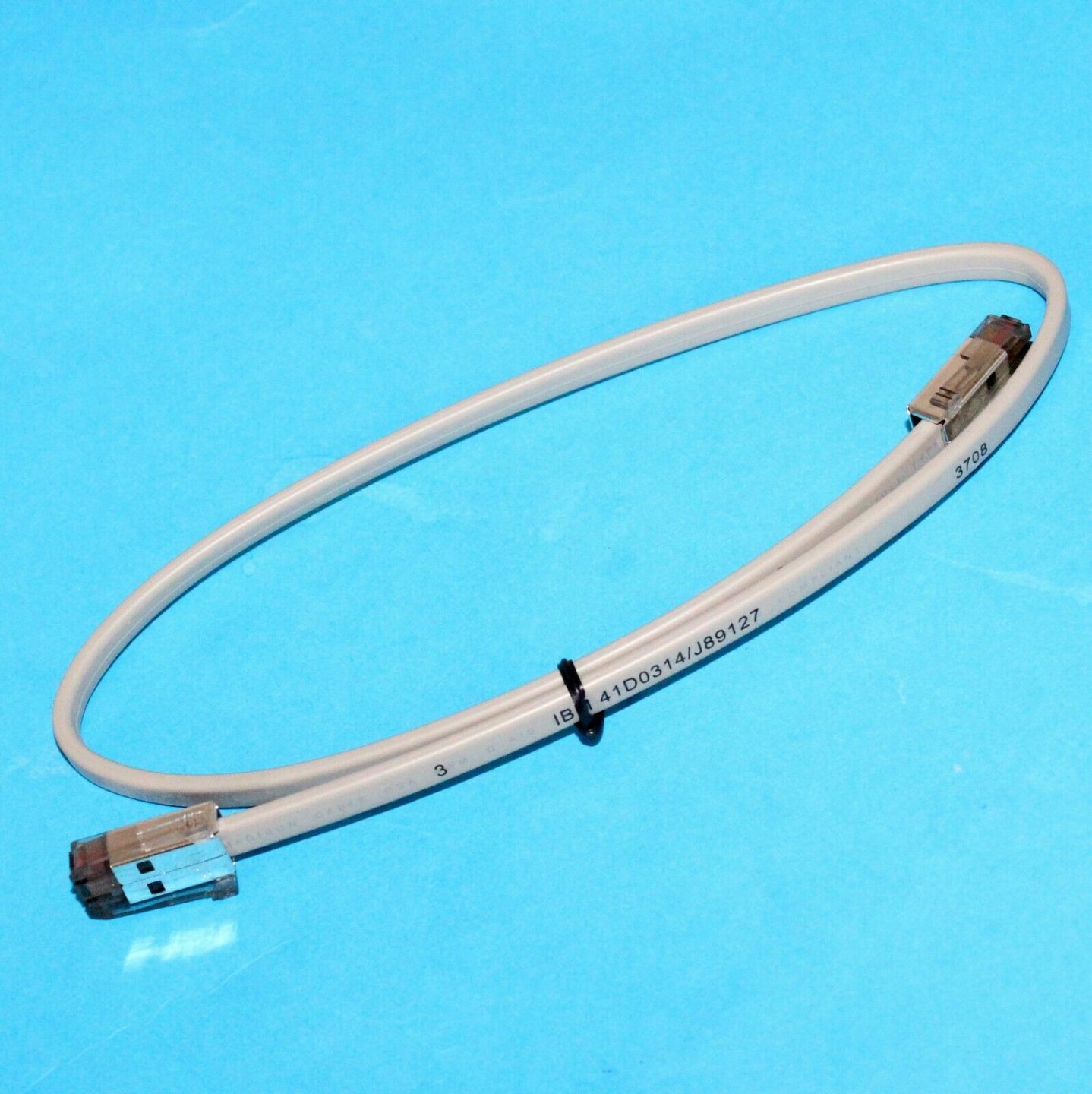
| RJ11/RJ12 drawer cable | 6-pin RJ12, wired for your printer brand's pinout | — |
| USB drawer trigger | POS connection (USB) + RJ11/RJ12 to the drawer | — |
| Replacement solenoid | Correct voltage (12V/24V) for your printer port | — |
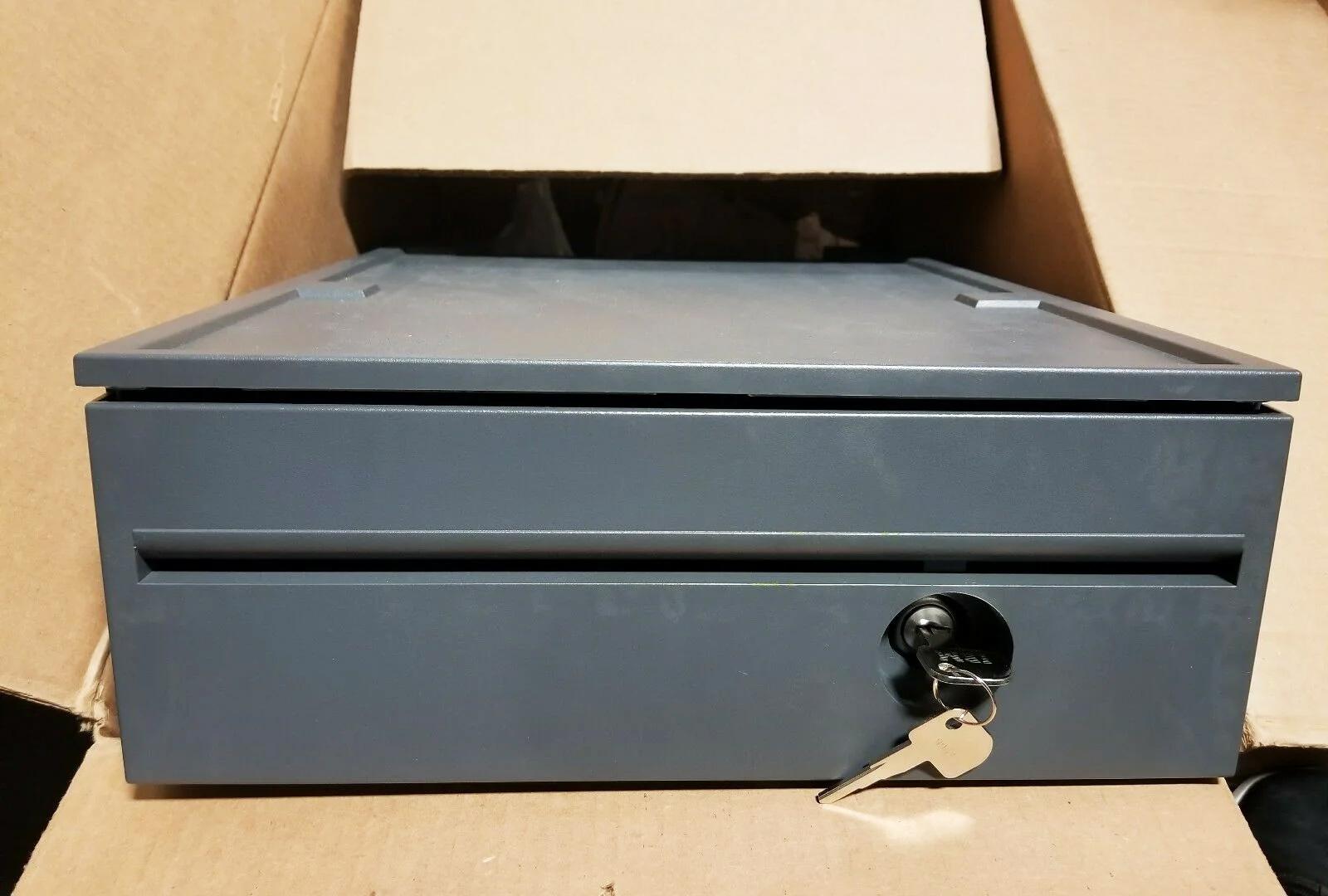
Browse drawers and cables in our cash drawer parts category, printers in POS printers, and leads in cables & connectors. If the drawer clicks but stays shut, work through our cash-drawer-not-opening guide; to choose a new drawer, the cash drawer buying guide. Tell us your printer brand and drawer voltage and we’ll match the right cable or trigger.
Часто задаваемые вопросы
Как денежный ящик подключается к POS?
В чём разница между RJ11 и RJ12 для денежного ящика?
Каким напряжением открывается денежный ящик?
Какие пины за что отвечают в кабеле RJ11/RJ12?
Можно ли открыть денежный ящик без чекового принтера?
Ящик не открывается — это проводка или ящик?
Источники и дополнительные материалы
- Cash Drawer Cables & Connectivity Guide — Star Micronics
- About Cash Drawer Interfaces — RJ11, RJ12 — Cashdrawers.ie
- Cash Drawer Setup and Guidance — Acode
- RJ11/RJ12 Replacement Cable for Cash Drawer — Volcora
Связанные руководства
Шумный или отказывающий вентилятор POS? Диагностируйте подшипник, очистите и подберите замену
Скрежещущий или воющий вентилятор POS — обычно пыль или изношенный подшипник, а без внимания это ведёт к перегреву и отключениям. Вот как найти шумный вентилятор, решить чистить-или-менять и подобрать нужный.
Читать →Чек печатает бледно, тёмно, частично или полосами? Диагностика качества термопечати (начните с самотеста)
Бледные, полосатые или односторонние чеки почти всегда — грязная головка, не та бумага или настройка плотности, а не мёртвый принтер. Один самотест говорит, в чём решение — в ПО или в железе.
Читать →Отказ материнской платы POS: нет питания, нет POST, вздутые конденсаторы — диагностируйте до замены
Прежде чем осудить плату POS, докажите, что дело в плате, а не в блоке питания, ОЗУ или севшей батарейке. Двухминутный осмотр плюс POST-бипы обычно говорят это — вот метод.
Читать →Связанные категории
Рекомендуемые запчасти


Нужны детали, упомянутые в этом руководстве?
Оригинальные OEM-детали и заводские аналоги для систем IBM, Toshiba, NCR, Diebold, Wincor и Hyosung — с доставкой по всему миру.


