
مروحة تبريد POS صاخبة أو معطوبة؟ شخّص المحمل، نظّفه، وطابق بديلًا
دليل إصلاح لمراوح تبريد POS الصاخبة والمعطوبة — تحديد المروحة المزعجة، قراءة الصوت (صفير، طحن، خشخشة) إلى السبب، أنواع محامل المراوح وأعمارها، نفخ الغبار، ومطابقة بديل بحسب المقاس والموصّل وتدفّق الهواء والضوضاء.
الفرز السريع
A POS fan that suddenly whines, grinds or rattles is telling you one of two things: it’s clogged with dust, or its bearing is worn. The first is a cleaning job; the second needs a new fan. Either way, don’t ignore it — a struggling fan leads to overheating, throttling and shutdowns. Triage in this order:
| Do this | What it tells you | |
|---|---|---|
| 1. Locate the noisy fan (cardboard tube) | Isolates CPU vs case vs PSU fan | — |
| 2. Read the noise type | Grind/rattle → dust; steady whine → bearing | — |
| 3. Power off and clean with compressed air | Fixes most dust-related noise | — |
| 4. Noise returns / never cleared? | Worn bearing — replace the fan | — |
| 5. Match size, connector, airflow | So the replacement actually fits and cools | — |
إيجاد المروحة الصاخبة وقراءة الصوت
First, find which fan, then let the sound tell you the cause:
| Noise | Likely cause | First action | |
|---|---|---|---|
| Grinding / rattling | Dust, debris, a cable on the blades | Clean; check for cable contact | — |
| Whine / whirr (worsening with age) | Worn bearing (esp. sleeve, horizontal) | Plan a replacement | — |
| Rhythmic tick / click | Cable or sticker catching a blade | Reroute the cable; clear the obstruction | — |
| Loud, fast, then hot | Fan struggling / failing | Clean, then replace if it persists | — |
أنواع محامل المراوح والعمر
The bearing is what determines how long a fan lasts and how it ages — worth knowing both to diagnose the noise and to choose a durable replacement:
| Bearing | Typical life | Noise / notes | |
|---|---|---|---|
| Sleeve | Shortest | Quiet when new; whines with age, worse mounted horizontally | — |
| Ball | ~60k–75k hrs continuous | Long life; slightly louder | — |
| Fluid dynamic (FDB) | ~100k hrs and up | Longest life; very quiet (no metal-on-metal) | — |
التنظيف — ومتى لا يُصلِح
If the noise is dust, cleaning often fixes it for free. Do it safely:
- 1
Power down and open up
Switch off and unplug the terminal, then open or access the fan. Never clean a fan with the unit live. - 2
Blow out the dust
Use compressed air to clear dust from the blades and housing. Hold the blade still with a finger or swab so it doesn’t over-spin and generate voltage.Caution: Don't let the fan free-spin fast under compressed air — it can damage the bearing or motor. - 3
Re-test and decide
Power up and listen. Quiet now? Dust was the cause. Still whining or grinding? The bearing is worn — move to replacement.
A sleeve-bearing fan can sometimes be quietened a while with cleaning and light lubrication, but a worn bearing always comes back. When the noise returns, replace the fan rather than re-cleaning it indefinitely.
مطابقة مروحة بديلة
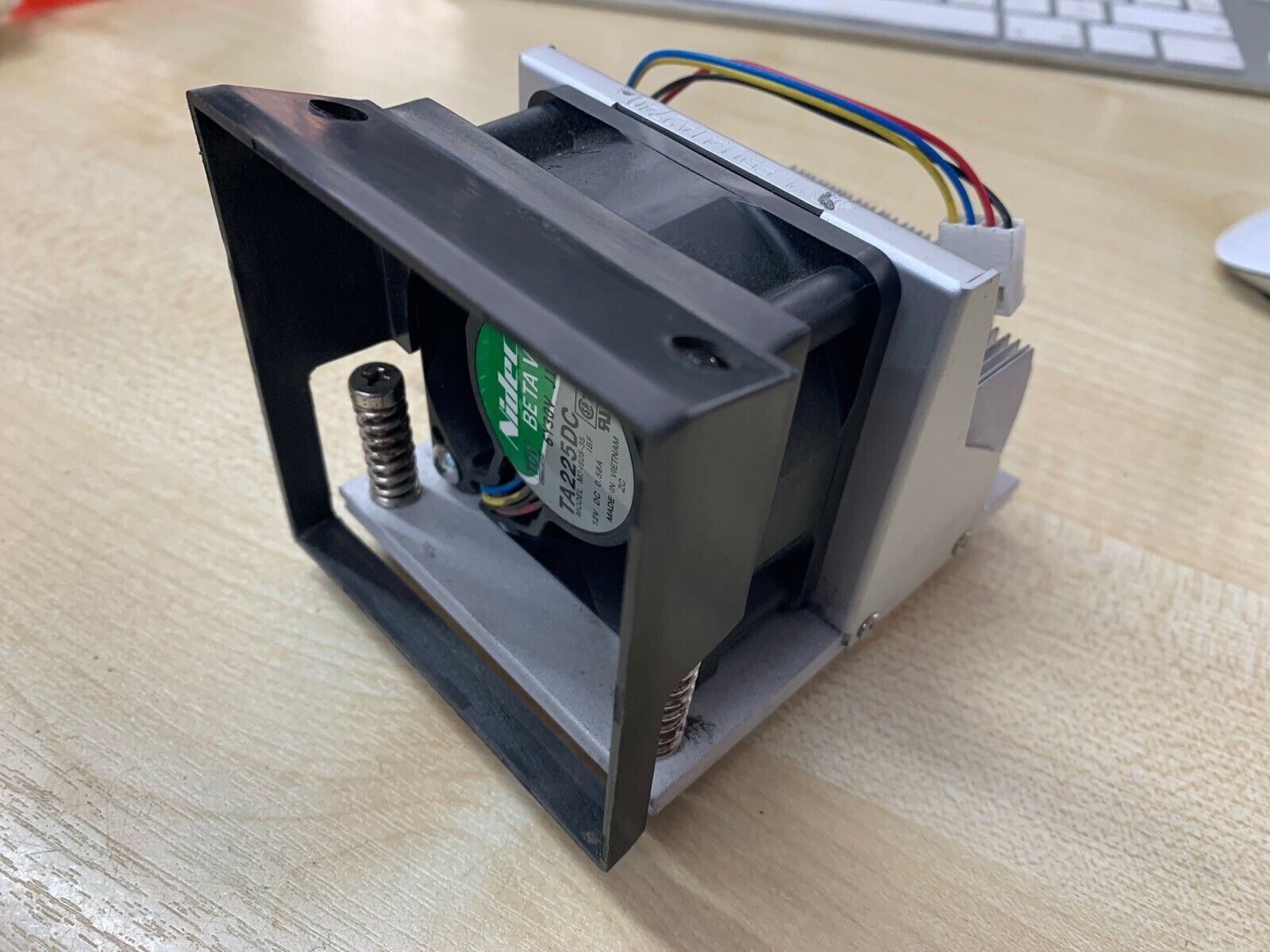
When it’s time for a new fan, match four specs against the old one — getting size or connector wrong is the most common mistake:
| Spec | Match on | |
|---|---|---|
| Size | Frame size & thickness (e.g. 40 / 60 / 80 / 120 mm) | — |
| Connector & control | 2-/3-pin voltage or 4-pin PWM — to the board header | — |
| Airflow direction | Intake or exhaust — which way it blows | — |
| Airflow & noise | CFM for cooling, dBA for quietness | — |
اختيار المروحة الصحيحة
Match the replacement to your terminal and you’re done:
| Need | Choose | |
|---|---|---|
| Always-on terminal | Ball or FDB bearing, correct CFM | — |
| Tight/compact chassis | Exact size & thickness; quiet (low dBA) | — |
| Board uses PWM control | 4-pin PWM fan matched to the header | — |
| Simple voltage control | 2-/3-pin fan at the right voltage | — |
Browse fans and heatsinks in our cooling parts category, related components in terminal repair parts, and boards in mainboards. If the terminal is already overheating or shutting down, work through our overheating & cooling guide; if it won’t power on at all, the won’t-boot guide. Send us the old fan’s size and connector and we’ll match a long-life replacement.
الأسئلة الشائعة
لماذا صارت مروحة POS لديّ صاخبة فجأة؟
كيف أجد أيّ مروحة تُصدر الصوت؟
ماذا يخبرني نوع الصوت؟
ما أنواع المحامل وأيّها يدوم أطول؟
هل أنظّف مروحة صاخبة بدل استبدالها؟
كيف أختار مروحة POS بديلة؟
المصادر والمراجع الإضافية
- The Basics of Case Fan Bearings — Which Bearing Is Best? — GamersNexus
- Understanding Fan Bearings for Cooling Systems — AC DC EC Fan
- Fixing Noisy Case and CPU Cooling Fans in Your PC — IT Fix
- Fan Bearing Types and Their Effects on Noise — Overclock.net
أدلة ذات صلة
توصيل وأسلاك درج النقود: drawer-kick بـ RJ11/RJ12، مُشغَّل بالطابعة مقابل USB، ونبضة 12–24V
درج نقود POS لا يُوصَل بالكاشير — بل تفتحه نبضة 12–24V من طابعة الإيصالات عبر كابل RJ11/RJ12. الواجهة والدبابيس والجهد الصحيحة، ويعمل.
اقرأ الدليل →الإيصال يطبع باهتًا أو داكنًا أو ناقصًا أو مخطّطًا؟ استكشاف جودة الطباعة الحرارية (ابدأ بالاختبار الذاتي)
الإيصالات الباهتة أو المخطّطة أو من جانب واحد تعود غالبًا إلى رأس متّسخ أو ورق خاطئ أو إعداد كثافة — لا إلى طابعة معطّلة. اختبار ذاتي واحد يقول إن كان الحل برمجيًا أم عتاديًا.
اقرأ الدليل →عطل اللوحة الأم لـ POS: لا طاقة، لا POST، مكثّفات منتفخة — شخّص قبل الاستبدال
قبل أن تدين لوحة POS الأم، أثبت أنها اللوحة لا مزوّد الطاقة أو الذاكرة أو بطارية زر ميّتة. فحص بصري من دقيقتين مع صفير POST يقول ذلك عادةً — إليك الطريقة.
اقرأ الدليل →فئات ذات صلة
قطع غيار مميزة
%20Sparta%20Riser%20Card/120c399634d85265f7a7595a979407ee_c48b4b186f0a2eea2b86d0d5a86c219e_s-l1600.jpg)

هل تحتاج إلى القطع المذكورة في هذا الدليل؟
قطع OEM أصلية وبدائل مختبرة في المصنع لأنظمة IBM و Toshiba و NCR و Diebold و Wincor و Hyosung — مع شحن عالمي.


