
POS-Touchscreen-Technologien im Vergleich: Resistiv vs Kapazitiv vs SAW vs Infrarot
Ein Vergleichsleitfaden zu POS-Touchscreen-Technologien — wie resistive, projiziert-kapazitive (PCAP), Surface-Acoustic-Wave- und Infrarot-Touch funktionieren, ihre Kompromisse bei Robustheit, Handschuhen, Multi-Touch, Klarheit und Kosten, und welche für eine Kasse, einen Kiosk oder eine Handschuh-/Nassumgebung zu wählen ist.
Die kurze Antwort
Four touch technologies turn up in POS — resistive, projected capacitive (PCAP), surface acoustic wave (SAW) and infrared (IR). For most modern counters the answer is PCAP, but the “best” one is set by your environment: gloves, wet hands, kiosk size and stylus use all swing the choice. Quick orientation:
| Your environment | Lean toward | |
|---|---|---|
| Standard retail counter | Projected capacitive (PCAP) | — |
| Staff in gloves / any-stylus input | Resistive, SAW, IR (or glove-mode PCAP) | — |
| Large kiosk / self-service | IR or SAW (clarity + scalable size) | — |
| Precise stylus / signature, low cost | Resistive | — |
Wie die vier Technologien funktionieren
Each technology senses a touch by a completely different mechanism — and that mechanism is what dictates its strengths:
Vergleich nebeneinander
Laid side by side, the trade-offs are clear. Read down the column that matters most for your site:
| Resistive | Capacitive (PCAP) | SAW / IR | ||
|---|---|---|---|---|
| Activated by | Anything (pressure) | Bare/conductive finger | Any object (incl. gloves) | — |
| Multi-touch | Limited | Excellent | Good | — |
| Clarity | Lower | Excellent | Excellent (clear glass) | — |
| Durability | Layers wear over time | Very durable | Durable; bezel/contaminants matter | — |
| Gloves / stylus | Yes | No (unless glove-mode) | Yes | — |
| Best size / cost | Small, low cost | Small–medium, mainstream | Medium–large kiosks | — |
Welche wählen, je nach Umgebung
Translate the trade-offs into a choice with a short decision path:
- 1
Do staff wear gloves / use any stylus?
Yes → resistive, SAW or IR (or specify a glove-capable PCAP). No → PCAP is the default for a standard counter. - 2
Is it a large kiosk or self-service screen?
Yes → IR or SAW give clear glass and scale to big sizes for unattended use. No → stay with PCAP for a counter terminal. - 3
Is it wet, dusty or contaminated?
Heavy water/dust can affect SAW; a sealed PCAP or IR with regular bezel cleaning may suit better. Match the panel to the conditions. - 4
Confirm size, controller and interface
Whichever technology, match the panel size, controller and host interface (USB/serial) to your terminal before buying.
Was jeden Typ verschleißt
Each technology fails or degrades in its own way — worth knowing both to choose well and to maintain what you have:
| Technology | What wears or interferes | |
|---|---|---|
| Resistive | Top layer/elasticity wears with heavy use → dead spots | — |
| Capacitive (PCAP) | Very durable; won't read non-conductive input (gloves/nails) | — |
| SAW | Water droplets, heavy dust on the glass can disrupt touch | — |
| Infrared (IR) | Dust in the beam bezel; very robust otherwise | — |
Ein Ersatz-Touchpanel treffen
When a touchscreen fails, you usually don’t replace the whole monitor — the touch layer and the LCD are separate:
| Symptom | What to replace | |
|---|---|---|
| Image perfect, touch dead/erratic | Touch panel + controller — match technology/size | — |
| Touch fine, image black/dim/lined | The LCD/display — a different repair | — |
| Both faulty / cracked glass | The complete touch monitor | — |
Browse touch monitors and panels in our displays & monitors category, complete tills in POS terminals, and controllers/parts in terminal repair parts. If touch has stopped responding, work through our touchscreen troubleshooting guide; if the image is the problem, the monitor display problems guide. Tell us your terminal and environment and we’ll match the right touch panel.
Häufig gestellte Fragen
Welche Touchscreen-Technologien werden im POS verwendet?
Welcher Touchscreen ist für ein Einzelhandels-POS am besten?
Was ist der Unterschied zwischen resistiv und kapazitiv?
Kann ich einen Touchscreen mit Handschuhen bedienen?
Wofür eignen sich Surface Acoustic Wave (SAW) und Infrarot (IR) am besten?
Wenn ein Touchscreen ausfällt, tausche ich das Touchpanel oder das ganze Display?
Quellen & weiterführende Literatur
Verwandte Anleitungen
Star Micronics Bondrucker im Vergleich: TSP100, TSP650, TSP700, TSP800 und der SP700 Nadeldrucker
Stars Bondrucker-Reihen reichen vom günstigen USB-Kassendrucker über die Hochgeschwindigkeits-Ticketmaschine bis zum hitzefesten Küchen-Nadeldrucker. Hier ist die Reihe verglichen, plus die Teile, die sie braucht.
Anleitung lesen →Bixolon Bondrucker im Vergleich: SRP-350III vs SRP-330III vs SRP-Q300 (und die Verschleißteile)
Bixolons SRP-Reihe reicht vom langlebigen Flaggschiff über das günstige 80-mm-Arbeitstier bis zum ultrakompakten Würfel. Hier sind die Unterschiede bei Tempo und Haltbarkeit — und die Teile, die jedes über seine Lebensdauer braucht.
Anleitung lesen →Nadeldrucker vs Thermodrucker am POS: Ein TCO-Vergleich für Einzelhandel und Gastronomie
Thermodrucker haben den Frontbereich vor Jahrzehnten erobert, aber für Küchen, Mehrfach-Durchschlagformulare und heiße Umgebungen ist der Nadeldrucker weiterhin die richtige Antwort. Hier ist der Rahmen, um es im großen Maßstab richtig zu machen.
Anleitung lesen →Verwandte Kategorien
Empfohlene Ersatzteile
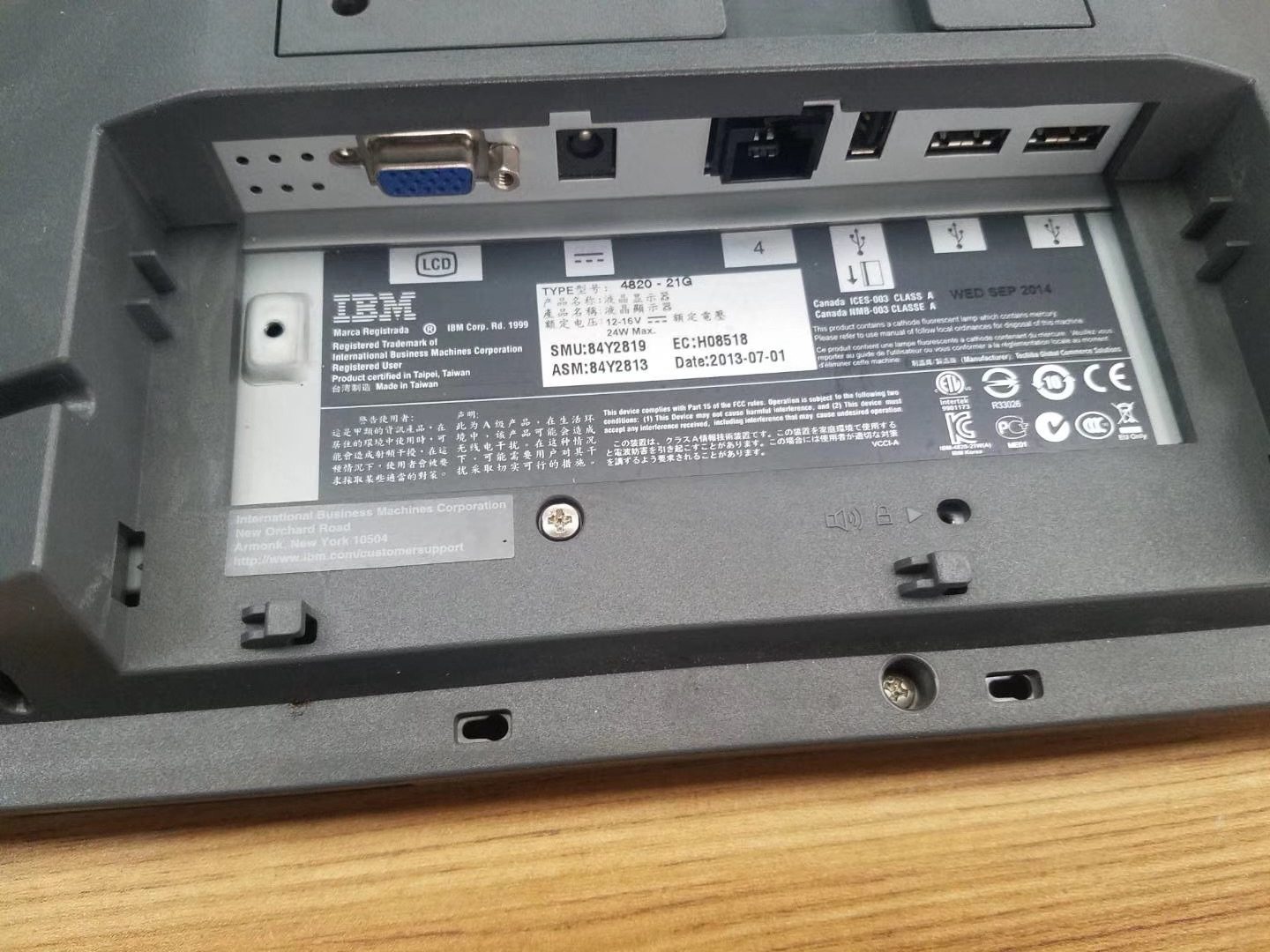

%20Sparta%20Riser%20Card/120c399634d85265f7a7595a979407ee_c48b4b186f0a2eea2b86d0d5a86c219e_s-l1600.jpg)
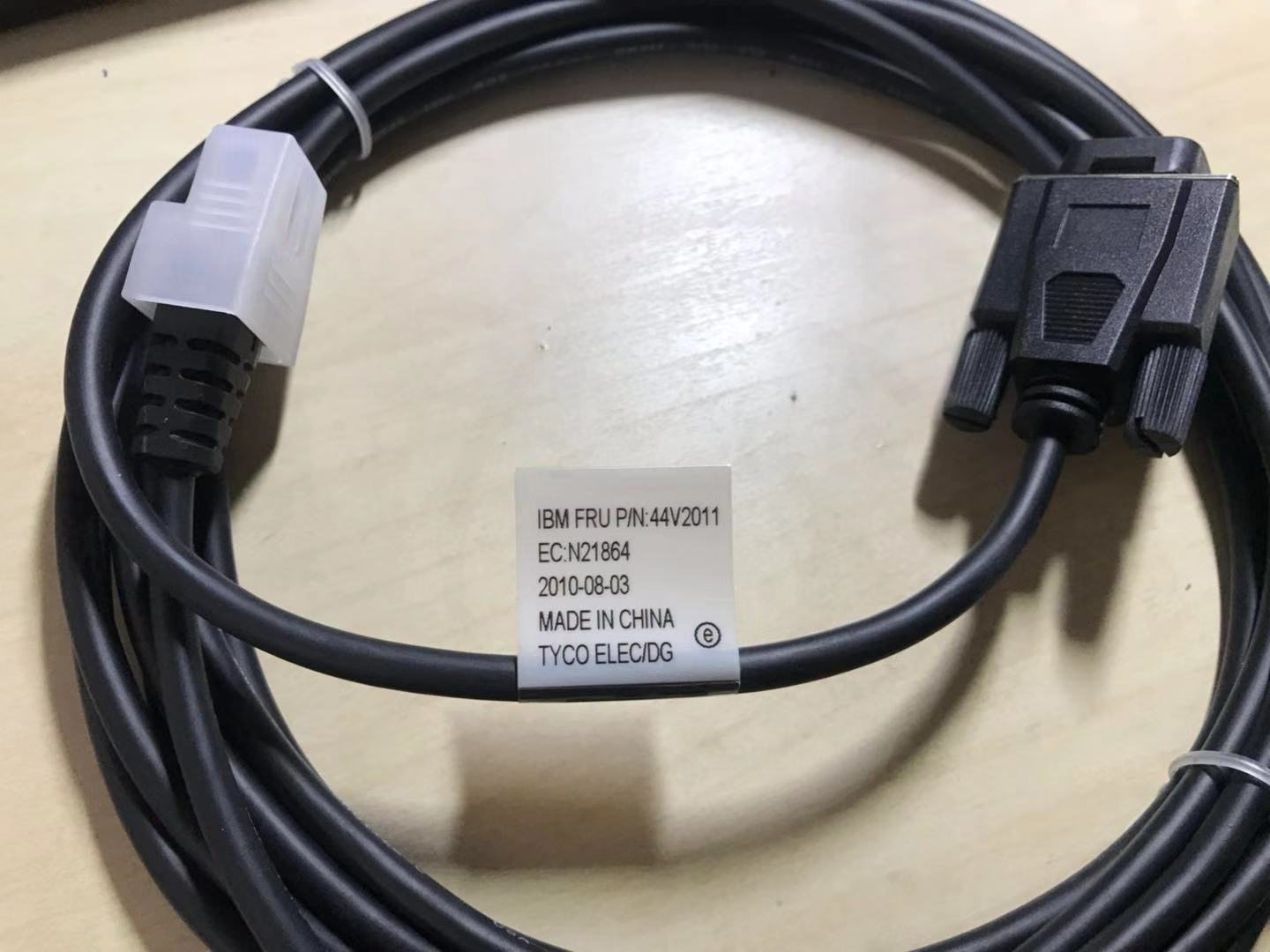
Benötigen Sie die in dieser Anleitung erwähnten Teile?
Originale OEM- und werksgeprüfte Aftermarket-Teile für IBM, Toshiba, NCR, Diebold, Wincor und Hyosung Systeme — mit weltweitem Versand.


