
Câblage et connexion du tiroir-caisse : drawer-kick RJ11/RJ12, piloté par imprimante vs USB, et l'impulsion 12–24V
Un guide de câblage pour connecter un tiroir-caisse POS — ce qu'est l'interface drawer-kick (DKD) RJ11/RJ12, les broches du solénoïde et du capteur, déclencheurs pilotés par imprimante vs USB autonomes, l'impulsion de coup 12–24V, et comment assortir le câble et le déclencheur à votre imprimante.
La réponse courte
The surprise for most people setting up a till: the cash drawer doesn’t plug into the computer at all. It plugs into the receipt printer, which pops it open with a short 12–24V pulse down an RJ11/RJ12 cable every time a receipt prints. Get three things right — interface, voltage and pinout — and it just works:
| Get this right | Why | |
|---|---|---|
| RJ11/RJ12 into the printer's DK port | The drawer is printer-driven, not PC-driven | — |
| Use a 6-pin RJ12 cable | 5+ pins needed for kick + open/closed sensing | — |
| Match solenoid voltage (12V vs 24V) | Mismatch = won't kick, or stresses the solenoid | — |
| Match the printer's pinout (Epson/Star…) | A phone cable is wired differently and can misfire | — |
L'interface drawer-kick RJ11/RJ12
The connection standard goes by several names — drawer kick, DK, DKD, or the “Epson/Star/Citizen interface” — but it’s one idea: an RJ11/RJ12 cable carrying a kick pulse and a status sensor between printer and drawer.
| Connector | Contacts | Use | |
|---|---|---|---|
| RJ11 (true) | 4 | Too few for full sensing on most drawers | — |
| RJ12 | 6 | Standard — kick pins + open/closed sensor | — |
Piloté par imprimante vs USB autonome
There are two ways to drive the kick. The drawer wiring is identical — only what sends the pulse differs:
| Printer-driven | Standalone USB trigger | ||
|---|---|---|---|
| What fires it | The receipt printer's DK port | A small USB trigger/controller box | — |
| Needs a receipt printer? | Yes | No | — |
| Connects to POS via | The printer | USB, directly | — |
| Best for | Standard till with a printer | No printer, or POS-controlled 'no sale' | — |
Tension, broches et l'impulsion de coup
The kick is a brief, punchy pulse — and matching its voltage is the part people most often get wrong:
| Spec | Typical value | |
|---|---|---|
| Solenoid voltage | 12V or 24V DC — match drawer to printer port | — |
| Pulse duration | Very short — under ~100 ms | — |
| Current | Around 1A during the pulse | — |
| Solenoid pins (6-pin) | A pin pair (e.g. 2 & 4, or 4 & 5) | — |
| Sensor pins | Another pair (commonly 3 & 6) — open/closed | — |
Quand le tiroir ne s'ouvre pas
If the drawer won’t open, split the problem into electrical (wiring/signal) and mechanical (the drawer itself):
- 1
Check the cable and port
Confirm an RJ11/RJ12 cable runs into the printer’s drawer-kick (DK) port — not a phone, network or serial jack — and is seated at both ends. - 2
Check the printer fires the kick
Make sure the printer/POS is set to send the kick on print (or test the “open drawer” command). No pulse = no open, regardless of the drawer. - 3
Confirm voltage match
Verify the drawer’s solenoid voltage matches the printer’s port (12V vs 24V). A mismatch can mean a weak click or no kick at all. - 4
Clicks but won't open? Go mechanical
If the solenoid clicks with good wiring but the drawer stays shut, the fault is mechanical — jam, bent frame or failed solenoid. See the cash-drawer-not-opening guide.
Choisir un câble ou un déclencheur
Most connection problems are solved with the right cable or a trigger — match them to your gear:
| Part | Match on | |
|---|---|---|
| RJ11/RJ12 drawer cable | 6-pin RJ12, wired for your printer brand's pinout | — |
| USB drawer trigger | POS connection (USB) + RJ11/RJ12 to the drawer | — |
| Replacement solenoid | Correct voltage (12V/24V) for your printer port | — |
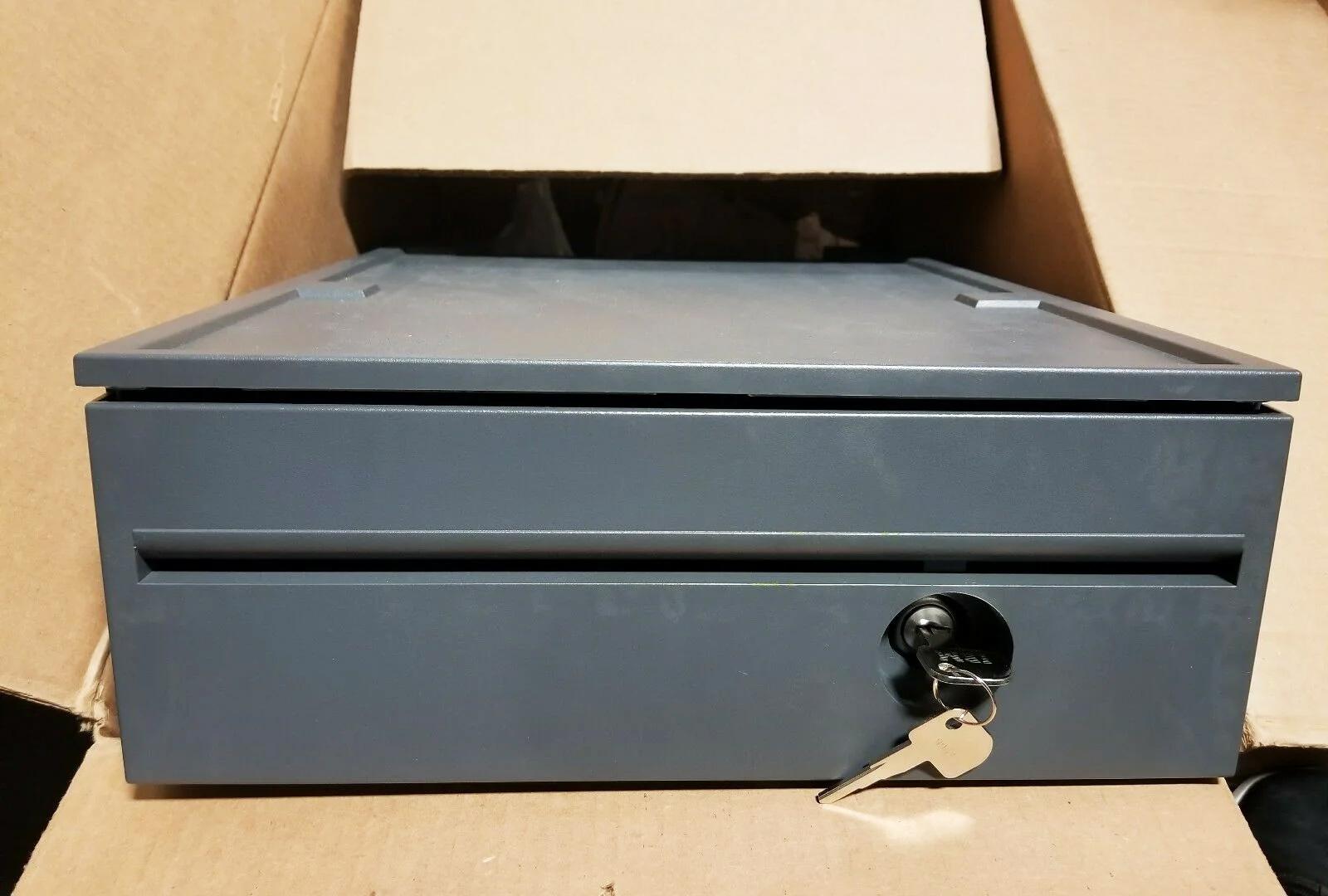
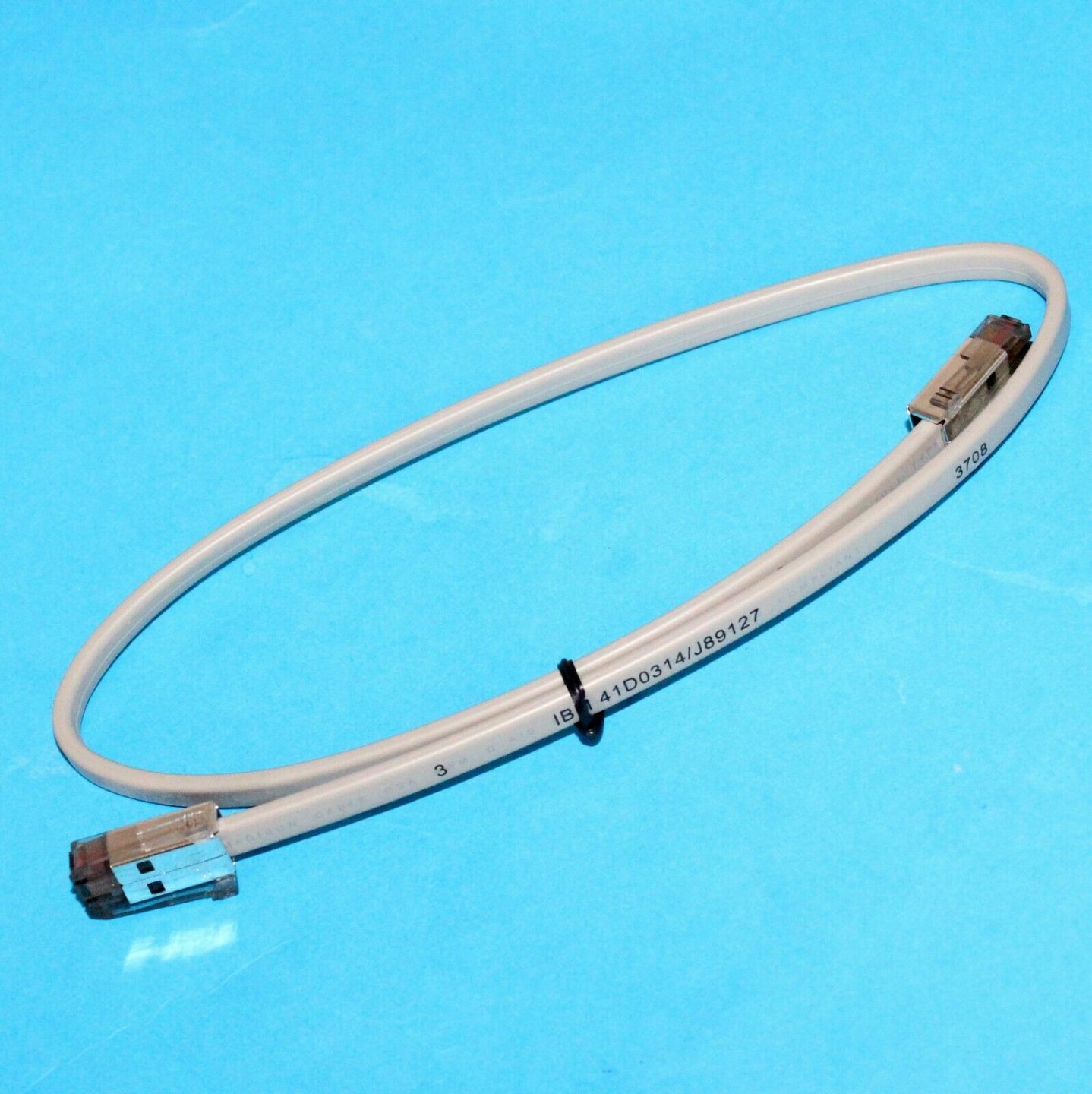
Browse drawers and cables in our cash drawer parts category, printers in POS printers, and leads in cables & connectors. If the drawer clicks but stays shut, work through our cash-drawer-not-opening guide; to choose a new drawer, the cash drawer buying guide. Tell us your printer brand and drawer voltage and we’ll match the right cable or trigger.
Questions fréquentes
Comment un tiroir-caisse se connecte-t-il à un POS ?
Quelle différence entre RJ11 et RJ12 pour un tiroir-caisse ?
Quelle tension un tiroir-caisse utilise-t-il pour s'ouvrir ?
Quelles broches font quoi dans le câble RJ11/RJ12 du tiroir ?
Puis-je ouvrir un tiroir-caisse sans imprimante de tickets ?
Mon tiroir ne s'ouvre pas — câblage ou tiroir ?
Sources & lectures complémentaires
- Cash Drawer Cables & Connectivity Guide — Star Micronics
- About Cash Drawer Interfaces — RJ11, RJ12 — Cashdrawers.ie
- Cash Drawer Setup and Guidance — Acode
- RJ11/RJ12 Replacement Cable for Cash Drawer — Volcora
Guides associés
Ventilateur POS bruyant ou défaillant ? Diagnostiquer le roulement, le nettoyer et choisir un remplacement
Un ventilateur POS qui grince ou siffle, c'est généralement de la poussière ou un roulement usé — ignoré, cela mène à la surchauffe et aux arrêts. Voici comment trouver le ventilateur bruyant, décider nettoyer-ou-remplacer, et choisir le bon.
Lire le guide →Ticket pâle, foncé, partiel ou strié ? Dépannage de la qualité d'impression thermique (commencez par l'autotest)
Des tickets pâles, striés ou unilatéraux remontent presque toujours à une tête sale, au mauvais papier ou à un réglage de densité — pas à une imprimante morte. Un autotest dit si la solution est logicielle ou matérielle.
Lire le guide →Panne de carte mère POS : pas d'alimentation, pas de POST, condensateurs gonflés — diagnostiquer avant de remplacer
Avant de condamner une carte mère POS, prouvez que c'est la carte et non l'alimentation, la RAM ou une pile bouton morte. Une inspection visuelle de deux minutes plus les bips POST le dit généralement — voici la méthode.
Lire le guide →Catégories associées
Pièces en vedette


Besoin des pièces mentionnées dans ce guide ?
Pièces OEM d'origine et alternatives testées en usine pour les systèmes IBM, Toshiba, NCR, Diebold, Wincor et Hyosung — avec expédition mondiale.


