
ลิ้นชักเก็บเงินไม่เปิด? คู่มือฉบับสมบูรณ์เรื่องการแก้ปัญหา การเดินสาย และแรงดันไฟ (RJ11/RJ12)
ทำไมลิ้นชักเก็บเงิน POS ถึงไม่เด้งออก — ตั้งแต่เครื่องพิมพ์แจ้งกระดาษหมดไปจนถึงโซลินอยด์แรงดันผิด ครอบคลุมพินพอร์ต DK RJ11/RJ12, 12V เทียบ 24V, การวัดโซลินอยด์ด้วยมัลติมิเตอร์, การปลดล็อกด้วยมือ และการเลือกลิ้นชักที่เข้ากันได้
คัดกรองใน 60 วินาที
A cash drawer that won’t pop feels like a hardware failure, but it almost never is. In the field, the overwhelming majority of dead-drawer calls trace back to three things: the receipt printer is in an error state (usually out of paper), the RJ11/RJ12 cable has worked loose, or someone connected a drawer whose voltage doesn’t match the printer’s port. Run this quick triage before opening anything:
| Check | What you're confirming | |
|---|---|---|
| 1. Is the printer printing? | A printer out of paper or in error won't send the kick pulse | — |
| 2. Reseat the RJ cable both ends | A half-seated DK cable is the #1 intermittent cause | — |
| 3. Voltage match (12V vs 24V) | Wrong voltage = drawer won't fire, or solenoid slowly cooks | — |
| 4. Software sends the kick? | Driver/POS must issue the drawer-kick command on the right event | — |
| 5. Mechanical jam or lock | Coins under the till, or the key-lock is simply turned off | — |
ลิ้นชักเก็บเงินเปิดได้อย่างไรจริง ๆ
Understanding the open cycle tells you exactly where to look. There are two ways a drawer is wired, and they fail differently:
- Printer-driven (the common setup). The drawer plugs into the receipt printer’s DK (drawer-kick) port with an RJ11/RJ12 cable. When the POS tells the printer to open the drawer, the printer sends a short voltage pulse down the cable that energises the drawer’s solenoid. The solenoid throws a latch, and a spring shoots the till open.
- Directly connected. Some drawers connect to the POS via USB or serial instead of through the printer. Here the kick command goes straight from the computer, so a printer error won’t affect the drawer — but a driver problem will.
พินพอร์ต DK RJ11/RJ12 และ 12V เทียบ 24V
POS cash drawers use a 6-pin RJ12 (6P6C) connector — it looks like a fat telephone plug — into the printer’s DK port. The widely used Epson-standard pinout is below. Knowing it lets you confirm a cable with a multimeter and understand why one printer can drive two drawers.
| Function | Notes | |
|---|---|---|
| Pin 1 | Frame ground | — |
| Pin 2 | Drawer-kick drive signal 1 (drawer #1) | — |
| Pin 3 | Drawer open/closed sensor | — |
| Pin 4 | Drive voltage (+24V or +12V) | — |
| Pin 5 | Drawer-kick drive signal 2 (drawer #2) | — |
| Pin 6 | Signal ground | — |
A few drawers use a 4-pin RJ11 or a vendor-specific pinout (notably some Star and APG variants). If a known-good Epson-pinout cable doesn’t fire the drawer, suspect a pinout mismatch before condemning the solenoid — the wrong cable is far cheaper to fix than the wrong diagnosis.
วินิจฉัยทีละขั้น
Work top to bottom. Each step rules out a whole class of cause, so you isolate the fault without guesswork or wasted parts.
- 1
Confirm the printer is healthy
Reload paper, clear any error light, and print a test receipt. A printer that can’t print won’t kick the drawer. This alone resolves a large share of calls. - 2
Reseat the RJ cable at both ends
Unplug and firmly re-click the cable at the printer’s DK port and at the drawer. Listen for the click. A cable yanked taut every time the drawer opens works loose over time — secure a slack loop under the counter.Caution: Plug into the printer's DK port — not a LAN or phone port. They look similar and an RJ12 fits an RJ45 socket loosely. - 3
Fire a no-sale / test kick
Trigger a no-sale or the printer’s self-test drawer kick. If it opens, the hardware is fine and the fault is in how your POS software issues the kick command — move to step 4. If nothing happens, continue to step 5. - 4
Check the software/driver mapping
Confirm the POS or printer driver is set to send the drawer-kick command (the ESC/POSESC ppulse) on cash payment or no-sale, and to the correct drawer pin (pin 2 vs pin 5 for dual drawers). - 5
Test the solenoid with a multimeter
Unplug the drawer and measure resistance across the solenoid coil. A healthy coil reads a low non-zero value (a few to a few tens of ohms). 0 Ω means shorted; OL / infinite means open — both mean replace the solenoid. - 6
Rule out a mechanical jam
If the solenoid is good, open the till with the key and check for coins, notes or debris fouling the rails or latch. Clean it out, confirm the key-lock is in the operating position, and test again.
การติดขัดเชิงกล กุญแจ และการปลดด้วยมือ
Not every stuck drawer is electrical. When the kick fires but the till doesn’t slide — or you just need it open now — work the mechanical side:
| Symptom | Cause & fix | |
|---|---|---|
| Solenoid clicks, till doesn't move | Jam or weak spring — clear debris under the till; replace spring if slack | — |
| Drawer won't open by key either | Coins jammed in the rail or a bent slide — open carefully, clean, realign | — |
| Opens but won't latch shut | Worn latch or catch — replace the latch assembly | — |
| No response at all, key works | Electrical fault upstream — return to the diagnosis steps | — |
| Locked and no key | Use the underside manual-release lever/slot; order a replacement lock + keys | — |
เลือกลิ้นชัก สาย และโซลินอยด์ที่เข้ากันได้
When you do need a replacement drawer, cable, lock or solenoid, three specs decide compatibility. Get these right and the new part is a plug-and-play swap:
| Spec | How to choose | |
|---|---|---|
| Interface | Printer-driven (RJ11/RJ12) for most setups; USB/serial if connecting direct to the POS | — |
| Solenoid voltage | Match the printer DK port — 24V for most Epson/Star, 12V for some older systems | — |
| Cable pinout | Epson-standard 6P6C suits most; confirm Star/APG variants separately | — |
| Footprint & media slots | Bill/coin tray layout and till width to fit your counter and currency | — |
| Lock & keys | Keyed-alike across lanes if staff share keys; order spare keys upfront | — |
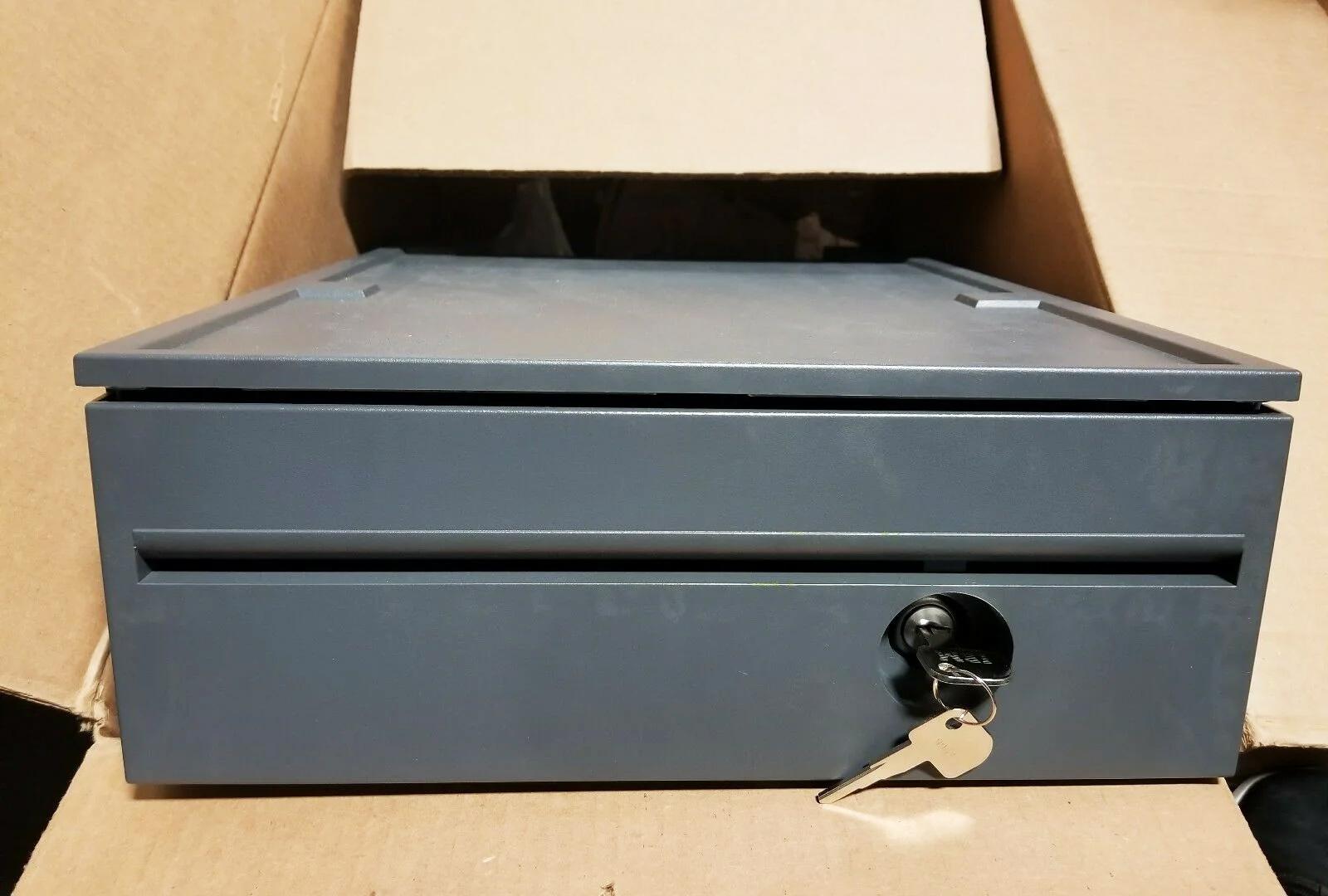
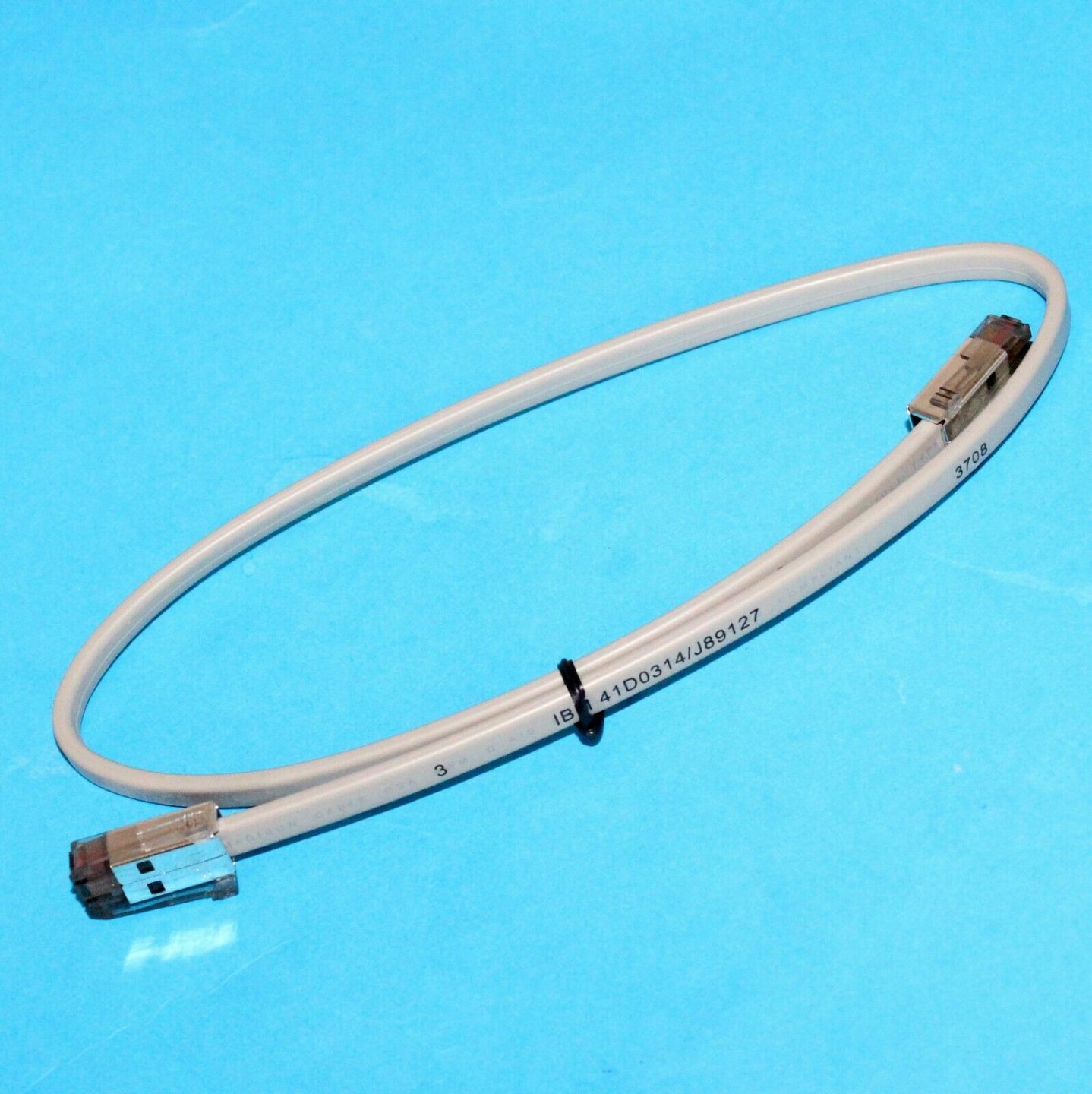
Browse compatible drawers, solenoids, locks and springs in our cash drawer & parts category, and matching DK cables in cables & connectors. If the root cause turns out to be the printer’s DK port rather than the drawer, our receipt printer troubleshooting guide covers diagnosing the printer side. Send us your printer and drawer model numbers and we’ll confirm the right cable and voltage before you buy.
คำถามที่พบบ่อย
ลิ้นชักเลิกเปิดทั้งที่ไม่ได้เปลี่ยนอะไร — เริ่มตรงไหนดี?
ลิ้นชักเป็น 12V หรือ 24V สำคัญไหม?
พินของสาย RJ11/RJ12 ลิ้นชักเป็นอย่างไร?
ทดสอบว่าโซลินอยด์ไหม้อย่างไร?
ลิ้นชักเปิดจาก POS แต่ไม่เปิดตอนที่ควร — ซอฟต์แวร์เป็นสาเหตุได้ไหม?
ลิ้นชักเปิดด้วยไฟฟ้าไม่ได้ — เปิดตอนนี้อย่างไร?
แหล่งข้อมูลและการอ่านเพิ่มเติม
- Cash Drawer Won't Open? Top POS Problems & Fixes — TCANG
- Cash Drawer Cannot Open Automatically — Causes and Fixes — Sunany
- Cash Drawer Setup and Guidance (RJ-cable and voltage notes) — Acode
- Cash Drawer Troubleshooting (physical & internal) — Toast
- TM-T88VI User's Manual (drawer-kick / DK connector specification) — Epson
คู่มือที่เกี่ยวข้อง
การเดินสายและเชื่อมต่อลิ้นชักเก็บเงิน: drawer-kick RJ11/RJ12, ขับด้วยเครื่องพิมพ์ vs USB, และพัลส์ 12–24V
ลิ้นชักเก็บเงิน POS ไม่ได้เสียบเข้าเครื่องแคชเชียร์ — แต่ถูกเปิดด้วยพัลส์ 12–24V จากเครื่องพิมพ์ใบเสร็จผ่านสาย RJ11/RJ12 อินเทอร์เฟซ พิน และแรงดันถูก ก็ใช้ได้
อ่านคู่มือ →พัดลม POS เสียงดังหรือใกล้เสีย? วินิจฉัยตลับลูกปืน ทำความสะอาด และจับคู่ตัวเปลี่ยน
พัดลม POS ที่ครืดคราดหรือหวีดมักเป็นฝุ่นหรือตลับลูกปืนสึก — ปล่อยไว้นำไปสู่ความร้อนเกินและดับ นี่คือวิธีหาพัดลมที่ดัง ตัดสินใจทำความสะอาดหรือเปลี่ยน และเลือกตัวที่ถูก
อ่านคู่มือ →ใบเสร็จพิมพ์จาง เข้ม ไม่ครบ หรือมีเส้น? แก้ปัญหาคุณภาพการพิมพ์ความร้อน (เริ่มที่การพิมพ์ทดสอบตัวเอง)
ใบเสร็จที่จาง มีเส้น หรือพิมพ์ด้านเดียว เกือบทุกครั้งมาจากหัวสกปรก กระดาษผิด หรือการตั้งความเข้ม — ไม่ใช่เครื่องพิมพ์ตาย การพิมพ์ทดสอบตัวเองหนึ่งครั้งบอกว่าทางแก้อยู่ที่ซอฟต์แวร์หรือฮาร์ดแวร์
อ่านคู่มือ →หมวดหมู่ที่เกี่ยวข้อง
อะไหล่แนะนำ


ต้องการอะไหล่ที่กล่าวถึงในคู่มือนี้หรือไม่?
อะไหล่ OEM ของแท้และอะไหล่ทดแทนคุณภาพระดับโรงงานสำหรับระบบ IBM, Toshiba, NCR, Diebold, Wincor และ Hyosung — จัดส่งทั่วโลก


