
درج النقود لا يفتح؟ الدليل الكامل لتشخيص الأعطال والتوصيل والجهد (RJ11/RJ12)
لماذا لا يفتح درج النقود في نقطة البيع — من طابعة في حالة نفاد الورق إلى ملف لولبي بجهد خاطئ. يشمل توزيع أطراف منفذ DK من نوع RJ11/RJ12، 12 فولت مقابل 24 فولت، اختبار الملف اللولبي بالملتيميتر، الفتح اليدوي واختيار درج متوافق.
الفرز في 60 ثانية
A cash drawer that won’t pop feels like a hardware failure, but it almost never is. In the field, the overwhelming majority of dead-drawer calls trace back to three things: the receipt printer is in an error state (usually out of paper), the RJ11/RJ12 cable has worked loose, or someone connected a drawer whose voltage doesn’t match the printer’s port. Run this quick triage before opening anything:
| Check | What you're confirming | |
|---|---|---|
| 1. Is the printer printing? | A printer out of paper or in error won't send the kick pulse | — |
| 2. Reseat the RJ cable both ends | A half-seated DK cable is the #1 intermittent cause | — |
| 3. Voltage match (12V vs 24V) | Wrong voltage = drawer won't fire, or solenoid slowly cooks | — |
| 4. Software sends the kick? | Driver/POS must issue the drawer-kick command on the right event | — |
| 5. Mechanical jam or lock | Coins under the till, or the key-lock is simply turned off | — |
كيف يفتح درج النقود فعليًا
Understanding the open cycle tells you exactly where to look. There are two ways a drawer is wired, and they fail differently:
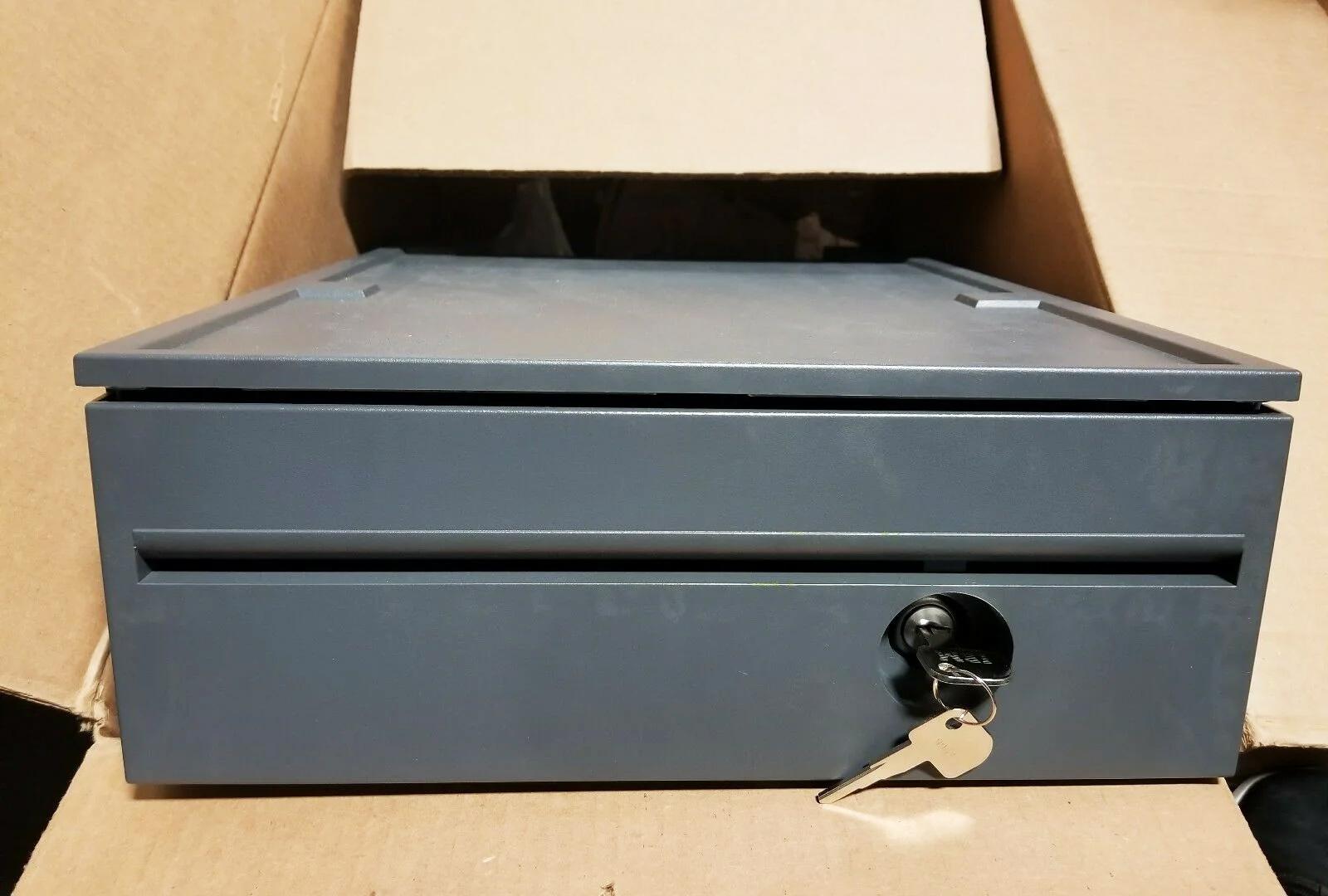
- Printer-driven (the common setup). The drawer plugs into the receipt printer’s DK (drawer-kick) port with an RJ11/RJ12 cable. When the POS tells the printer to open the drawer, the printer sends a short voltage pulse down the cable that energises the drawer’s solenoid. The solenoid throws a latch, and a spring shoots the till open.
- Directly connected. Some drawers connect to the POS via USB or serial instead of through the printer. Here the kick command goes straight from the computer, so a printer error won’t affect the drawer — but a driver problem will.
توزيع أطراف منفذ DK من RJ11/RJ12 و12 فولت مقابل 24 فولت
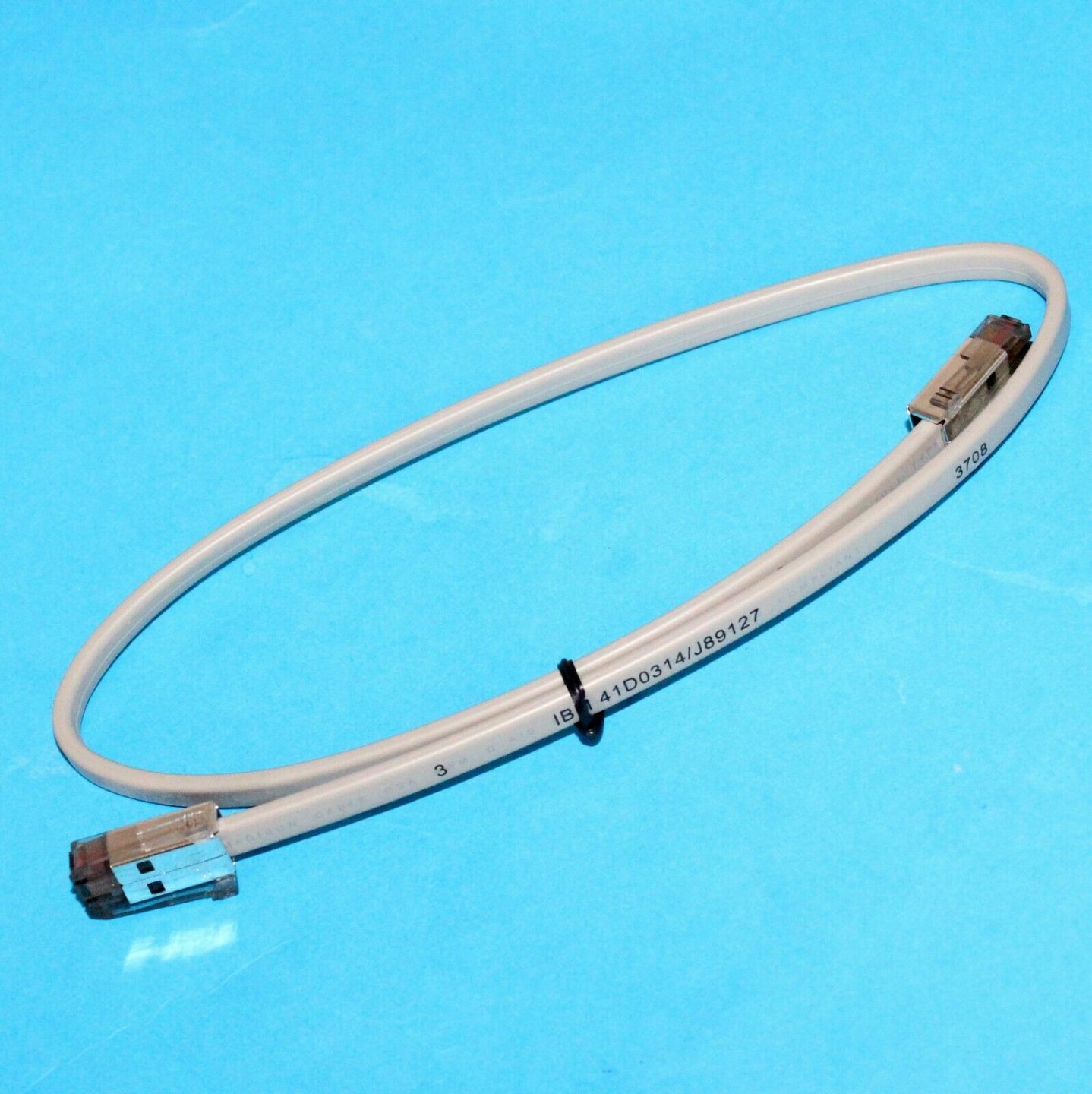
POS cash drawers use a 6-pin RJ12 (6P6C) connector — it looks like a fat telephone plug — into the printer’s DK port. The widely used Epson-standard pinout is below. Knowing it lets you confirm a cable with a multimeter and understand why one printer can drive two drawers.
| Function | Notes | |
|---|---|---|
| Pin 1 | Frame ground | — |
| Pin 2 | Drawer-kick drive signal 1 (drawer #1) | — |
| Pin 3 | Drawer open/closed sensor | — |
| Pin 4 | Drive voltage (+24V or +12V) | — |
| Pin 5 | Drawer-kick drive signal 2 (drawer #2) | — |
| Pin 6 | Signal ground | — |
A few drawers use a 4-pin RJ11 or a vendor-specific pinout (notably some Star and APG variants). If a known-good Epson-pinout cable doesn’t fire the drawer, suspect a pinout mismatch before condemning the solenoid — the wrong cable is far cheaper to fix than the wrong diagnosis.
التشخيص خطوة بخطوة
Work top to bottom. Each step rules out a whole class of cause, so you isolate the fault without guesswork or wasted parts.
- 1
Confirm the printer is healthy
Reload paper, clear any error light, and print a test receipt. A printer that can’t print won’t kick the drawer. This alone resolves a large share of calls. - 2
Reseat the RJ cable at both ends
Unplug and firmly re-click the cable at the printer’s DK port and at the drawer. Listen for the click. A cable yanked taut every time the drawer opens works loose over time — secure a slack loop under the counter.Caution: Plug into the printer's DK port — not a LAN or phone port. They look similar and an RJ12 fits an RJ45 socket loosely. - 3
Fire a no-sale / test kick
Trigger a no-sale or the printer’s self-test drawer kick. If it opens, the hardware is fine and the fault is in how your POS software issues the kick command — move to step 4. If nothing happens, continue to step 5. - 4
Check the software/driver mapping
Confirm the POS or printer driver is set to send the drawer-kick command (the ESC/POSESC ppulse) on cash payment or no-sale, and to the correct drawer pin (pin 2 vs pin 5 for dual drawers). - 5
Test the solenoid with a multimeter
Unplug the drawer and measure resistance across the solenoid coil. A healthy coil reads a low non-zero value (a few to a few tens of ohms). 0 Ω means shorted; OL / infinite means open — both mean replace the solenoid. - 6
Rule out a mechanical jam
If the solenoid is good, open the till with the key and check for coins, notes or debris fouling the rails or latch. Clean it out, confirm the key-lock is in the operating position, and test again.
الانحشار الميكانيكي والأقفال والفتح اليدوي
Not every stuck drawer is electrical. When the kick fires but the till doesn’t slide — or you just need it open now — work the mechanical side:
| Symptom | Cause & fix | |
|---|---|---|
| Solenoid clicks, till doesn't move | Jam or weak spring — clear debris under the till; replace spring if slack | — |
| Drawer won't open by key either | Coins jammed in the rail or a bent slide — open carefully, clean, realign | — |
| Opens but won't latch shut | Worn latch or catch — replace the latch assembly | — |
| No response at all, key works | Electrical fault upstream — return to the diagnosis steps | — |
| Locked and no key | Use the underside manual-release lever/slot; order a replacement lock + keys | — |
اختيار درج وكابل وملف لولبي متوافق
When you do need a replacement drawer, cable, lock or solenoid, three specs decide compatibility. Get these right and the new part is a plug-and-play swap:
| Spec | How to choose | |
|---|---|---|
| Interface | Printer-driven (RJ11/RJ12) for most setups; USB/serial if connecting direct to the POS | — |
| Solenoid voltage | Match the printer DK port — 24V for most Epson/Star, 12V for some older systems | — |
| Cable pinout | Epson-standard 6P6C suits most; confirm Star/APG variants separately | — |
| Footprint & media slots | Bill/coin tray layout and till width to fit your counter and currency | — |
| Lock & keys | Keyed-alike across lanes if staff share keys; order spare keys upfront | — |
Browse compatible drawers, solenoids, locks and springs in our cash drawer & parts category, and matching DK cables in cables & connectors. If the root cause turns out to be the printer’s DK port rather than the drawer, our receipt printer troubleshooting guide covers diagnosing the printer side. Send us your printer and drawer model numbers and we’ll confirm the right cable and voltage before you buy.
الأسئلة الشائعة
توقّف درجي عن الفتح دون أن أغيّر شيئًا — من أين أبدأ؟
هل يهم أن يكون درجي 12 فولت أم 24 فولت؟
ما توزيع أطراف كابل الدرج RJ11/RJ12؟
كيف أختبر إن كان الملف اللولبي محترقًا؟
يفتح الدرج من نقطة البيع لكن ليس حين أتوقّع — هل البرنامج هو السبب؟
درجي لا يفتح كهربائيًا — كيف أفتحه الآن؟
المصادر والمراجع الإضافية
- Cash Drawer Won't Open? Top POS Problems & Fixes — TCANG
- Cash Drawer Cannot Open Automatically — Causes and Fixes — Sunany
- Cash Drawer Setup and Guidance (RJ-cable and voltage notes) — Acode
- Cash Drawer Troubleshooting (physical & internal) — Toast
- TM-T88VI User's Manual (drawer-kick / DK connector specification) — Epson
أدلة ذات صلة
توصيل وأسلاك درج النقود: drawer-kick بـ RJ11/RJ12، مُشغَّل بالطابعة مقابل USB، ونبضة 12–24V
درج نقود POS لا يُوصَل بالكاشير — بل تفتحه نبضة 12–24V من طابعة الإيصالات عبر كابل RJ11/RJ12. الواجهة والدبابيس والجهد الصحيحة، ويعمل.
اقرأ الدليل →مروحة تبريد POS صاخبة أو معطوبة؟ شخّص المحمل، نظّفه، وطابق بديلًا
مروحة POS التي تطحن أو تصفر غالبًا غبار أو محمل بالٍ — وإهمالها يؤدّي إلى ارتفاع الحرارة والإغلاق. إليك كيف تجد المروحة الصاخبة، وتقرّر تنظيف-أم-استبدال، وتختار الصحيحة.
اقرأ الدليل →الإيصال يطبع باهتًا أو داكنًا أو ناقصًا أو مخطّطًا؟ استكشاف جودة الطباعة الحرارية (ابدأ بالاختبار الذاتي)
الإيصالات الباهتة أو المخطّطة أو من جانب واحد تعود غالبًا إلى رأس متّسخ أو ورق خاطئ أو إعداد كثافة — لا إلى طابعة معطّلة. اختبار ذاتي واحد يقول إن كان الحل برمجيًا أم عتاديًا.
اقرأ الدليل →فئات ذات صلة
قطع غيار مميزة


هل تحتاج إلى القطع المذكورة في هذا الدليل؟
قطع OEM أصلية وبدائل مختبرة في المصنع لأنظمة IBM و Toshiba و NCR و Diebold و Wincor و Hyosung — مع شحن عالمي.


