
Kassenschublade verkabeln & anschließen: RJ11/RJ12 Drawer-Kick, druckergesteuert vs USB, und der 12–24V-Impuls
Ein Verkabelungsleitfaden zum Anschließen einer POS-Kassenschublade — was die RJ11/RJ12-Drawer-Kick-(DKD-)Schnittstelle ist, die Solenoid- und Sensorpins, druckergesteuerte vs eigenständige USB-Trigger, der 12–24V-Kick-Impuls, und wie man Kabel und Trigger zum Drucker passend wählt.
Die kurze Antwort
The surprise for most people setting up a till: the cash drawer doesn’t plug into the computer at all. It plugs into the receipt printer, which pops it open with a short 12–24V pulse down an RJ11/RJ12 cable every time a receipt prints. Get three things right — interface, voltage and pinout — and it just works:
| Get this right | Why | |
|---|---|---|
| RJ11/RJ12 into the printer's DK port | The drawer is printer-driven, not PC-driven | — |
| Use a 6-pin RJ12 cable | 5+ pins needed for kick + open/closed sensing | — |
| Match solenoid voltage (12V vs 24V) | Mismatch = won't kick, or stresses the solenoid | — |
| Match the printer's pinout (Epson/Star…) | A phone cable is wired differently and can misfire | — |
Die RJ11/RJ12-Drawer-Kick-Schnittstelle
The connection standard goes by several names — drawer kick, DK, DKD, or the “Epson/Star/Citizen interface” — but it’s one idea: an RJ11/RJ12 cable carrying a kick pulse and a status sensor between printer and drawer.
| Connector | Contacts | Use | |
|---|---|---|---|
| RJ11 (true) | 4 | Too few for full sensing on most drawers | — |
| RJ12 | 6 | Standard — kick pins + open/closed sensor | — |
Druckergesteuert vs eigenständiges USB
There are two ways to drive the kick. The drawer wiring is identical — only what sends the pulse differs:
| Printer-driven | Standalone USB trigger | ||
|---|---|---|---|
| What fires it | The receipt printer's DK port | A small USB trigger/controller box | — |
| Needs a receipt printer? | Yes | No | — |
| Connects to POS via | The printer | USB, directly | — |
| Best for | Standard till with a printer | No printer, or POS-controlled 'no sale' | — |
Spannung, Pins und der Kick-Impuls
The kick is a brief, punchy pulse — and matching its voltage is the part people most often get wrong:
| Spec | Typical value | |
|---|---|---|
| Solenoid voltage | 12V or 24V DC — match drawer to printer port | — |
| Pulse duration | Very short — under ~100 ms | — |
| Current | Around 1A during the pulse | — |
| Solenoid pins (6-pin) | A pin pair (e.g. 2 & 4, or 4 & 5) | — |
| Sensor pins | Another pair (commonly 3 & 6) — open/closed | — |
Wenn die Schublade nicht aufspringt
If the drawer won’t open, split the problem into electrical (wiring/signal) and mechanical (the drawer itself):
- 1
Check the cable and port
Confirm an RJ11/RJ12 cable runs into the printer’s drawer-kick (DK) port — not a phone, network or serial jack — and is seated at both ends. - 2
Check the printer fires the kick
Make sure the printer/POS is set to send the kick on print (or test the “open drawer” command). No pulse = no open, regardless of the drawer. - 3
Confirm voltage match
Verify the drawer’s solenoid voltage matches the printer’s port (12V vs 24V). A mismatch can mean a weak click or no kick at all. - 4
Clicks but won't open? Go mechanical
If the solenoid clicks with good wiring but the drawer stays shut, the fault is mechanical — jam, bent frame or failed solenoid. See the cash-drawer-not-opening guide.
Ein Kabel oder einen Trigger treffen
Most connection problems are solved with the right cable or a trigger — match them to your gear:
| Part | Match on | |
|---|---|---|
| RJ11/RJ12 drawer cable | 6-pin RJ12, wired for your printer brand's pinout | — |
| USB drawer trigger | POS connection (USB) + RJ11/RJ12 to the drawer | — |
| Replacement solenoid | Correct voltage (12V/24V) for your printer port | — |
Browse drawers and cables in our cash drawer parts category, printers in POS printers, and leads in cables & connectors. If the drawer clicks but stays shut, work through our cash-drawer-not-opening guide; to choose a new drawer, the cash drawer buying guide. Tell us your printer brand and drawer voltage and we’ll match the right cable or trigger.
Häufig gestellte Fragen
Wie schließt man eine Kassenschublade an ein POS an?
Was ist der Unterschied zwischen RJ11 und RJ12 für eine Kassenschublade?
Welche Spannung nutzt eine Kassenschublade zum Öffnen?
Welche Pins machen was im RJ11/RJ12-Schubladenkabel?
Kann ich eine Kassenschublade ohne Belegdrucker öffnen?
Meine Schublade öffnet nicht — Verkabelung oder Schublade?
Quellen & weiterführende Literatur
- Cash Drawer Cables & Connectivity Guide — Star Micronics
- About Cash Drawer Interfaces — RJ11, RJ12 — Cashdrawers.ie
- Cash Drawer Setup and Guidance — Acode
- RJ11/RJ12 Replacement Cable for Cash Drawer — Volcora
Verwandte Anleitungen
Lauter oder ausfallender POS-Lüfter? Lager diagnostizieren, reinigen und einen Ersatz treffen
Ein schleifender oder pfeifender POS-Lüfter ist meist Staub oder ein verschlissenes Lager — ignoriert führt es zu Überhitzung und Abschaltungen. So finden Sie den lauten Lüfter, entscheiden reinigen-oder-tauschen und treffen den richtigen.
Anleitung lesen →Beleg druckt blass, dunkel, unvollständig oder streifig? Thermo-Druckqualität beheben (Beginnen Sie mit dem Selbsttest)
Blasse, streifige oder einseitige Belege gehen fast immer auf einen schmutzigen Kopf, falsches Papier oder eine Dichteeinstellung zurück — nicht auf einen toten Drucker. Ein Selbsttest-Druck zeigt, ob die Lösung Software oder Hardware ist.
Anleitung lesen →POS-Mainboard-Ausfall: Kein Strom, kein POST, geblähte Kondensatoren — diagnostizieren vor dem Tausch
Bevor Sie ein POS-Mainboard verurteilen, beweisen Sie, dass es das Board ist und nicht Netzteil, RAM oder eine leere Knopfzelle. Eine Zwei-Minuten-Sichtprüfung plus die POST-Beeps sagt es meist — hier die Methode.
Anleitung lesen →Verwandte Kategorien
Empfohlene Ersatzteile
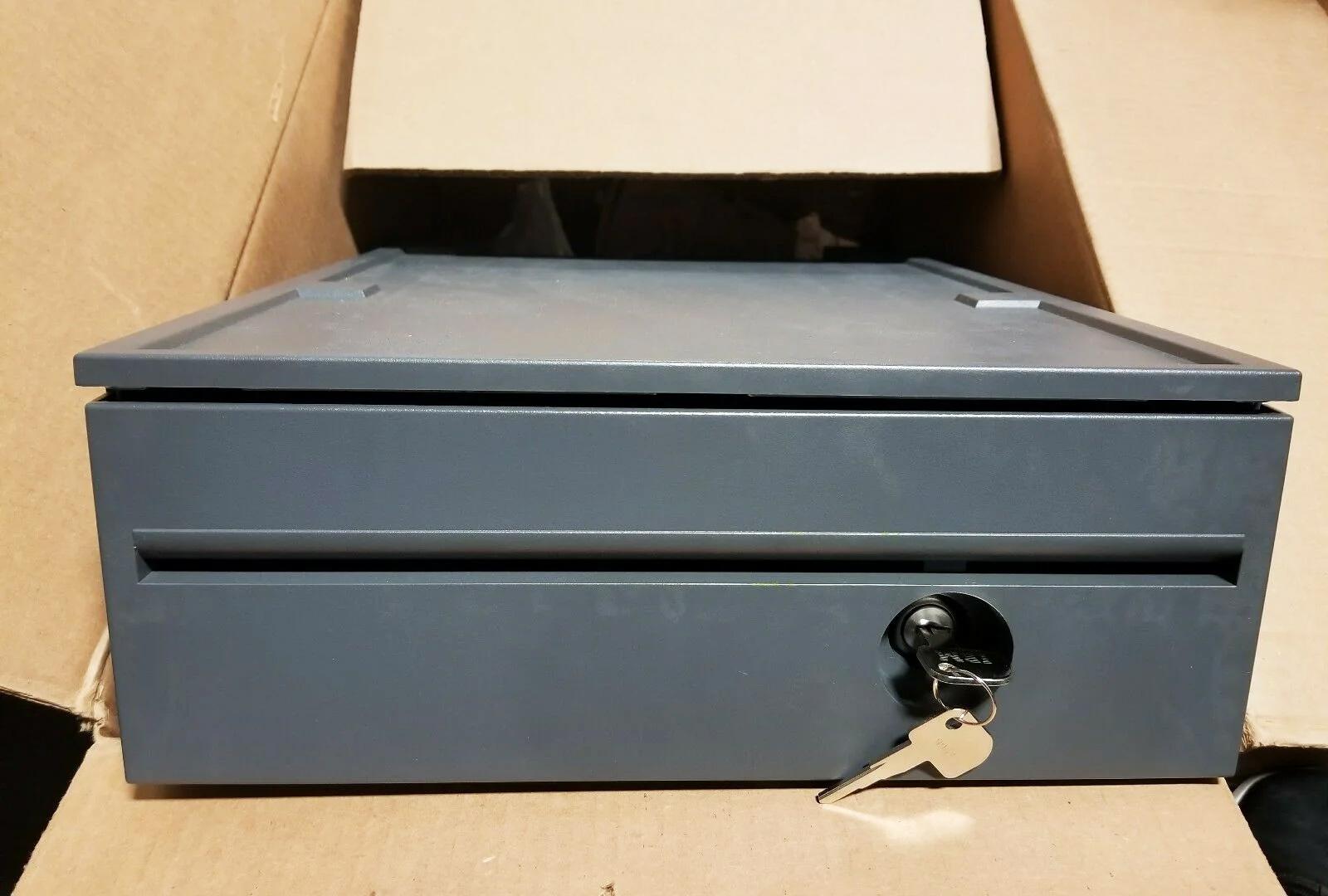


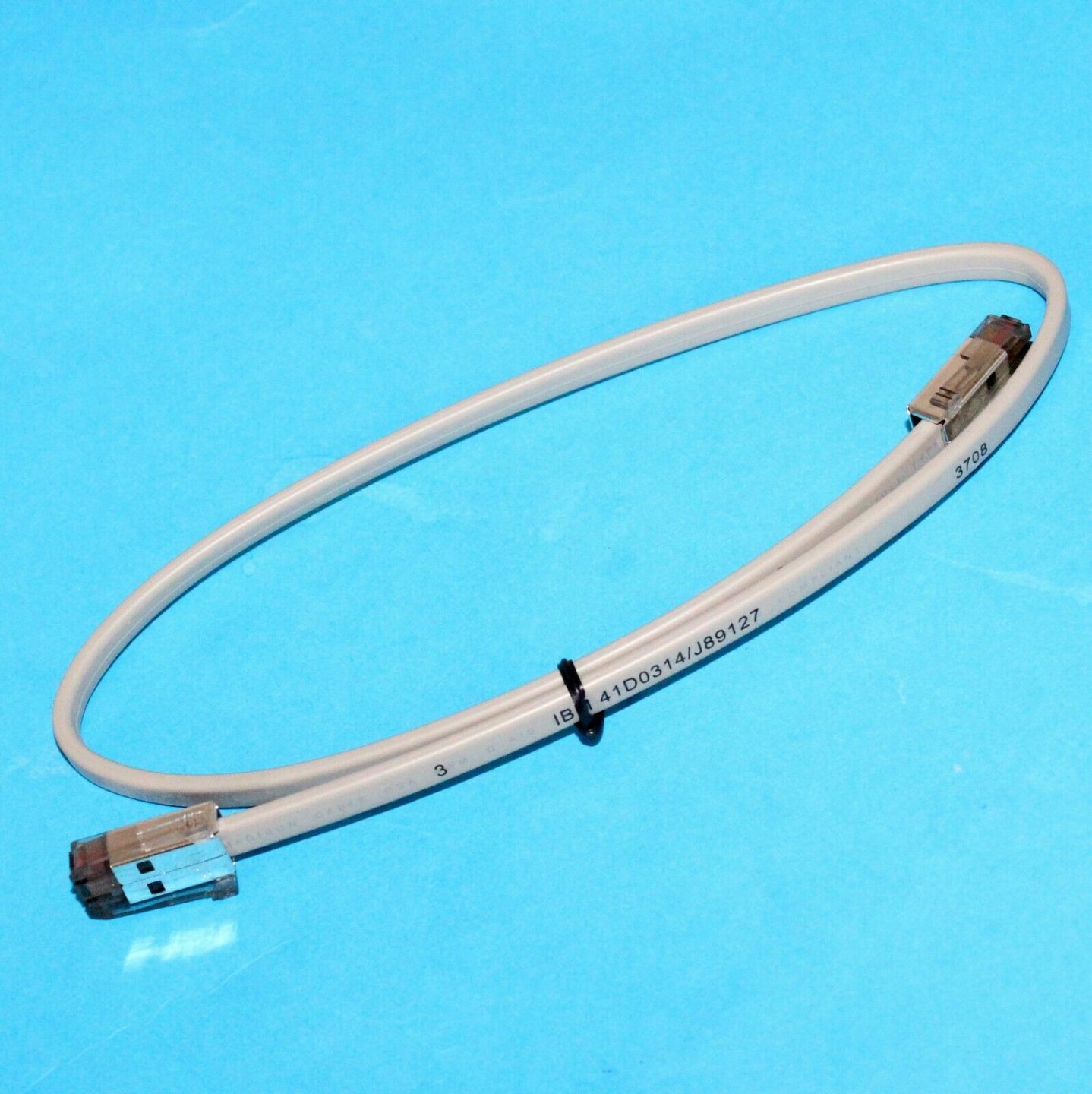
Benötigen Sie die in dieser Anleitung erwähnten Teile?
Originale OEM- und werksgeprüfte Aftermarket-Teile für IBM, Toshiba, NCR, Diebold, Wincor und Hyosung Systeme — mit weltweitem Versand.


