
¿Ventilador POS ruidoso o fallando? Diagnostica el rodamiento, límpialo y elige un reemplazo
Una guía de reparación de ventiladores POS ruidosos y fallando — localizar el ventilador culpable, leer el ruido (silbido, rechinido, traqueteo) hasta la causa, los tipos de rodamiento de ventilador y sus vidas, limpiar el polvo, y elegir un reemplazo por tamaño, conector, flujo de aire y ruido.
El triaje rápido
A POS fan that suddenly whines, grinds or rattles is telling you one of two things: it’s clogged with dust, or its bearing is worn. The first is a cleaning job; the second needs a new fan. Either way, don’t ignore it — a struggling fan leads to overheating, throttling and shutdowns. Triage in this order:
| Do this | What it tells you | |
|---|---|---|
| 1. Locate the noisy fan (cardboard tube) | Isolates CPU vs case vs PSU fan | — |
| 2. Read the noise type | Grind/rattle → dust; steady whine → bearing | — |
| 3. Power off and clean with compressed air | Fixes most dust-related noise | — |
| 4. Noise returns / never cleared? | Worn bearing — replace the fan | — |
| 5. Match size, connector, airflow | So the replacement actually fits and cools | — |
Hallar el ventilador ruidoso y leer el ruido
First, find which fan, then let the sound tell you the cause:
| Noise | Likely cause | First action | |
|---|---|---|---|
| Grinding / rattling | Dust, debris, a cable on the blades | Clean; check for cable contact | — |
| Whine / whirr (worsening with age) | Worn bearing (esp. sleeve, horizontal) | Plan a replacement | — |
| Rhythmic tick / click | Cable or sticker catching a blade | Reroute the cable; clear the obstruction | — |
| Loud, fast, then hot | Fan struggling / failing | Clean, then replace if it persists | — |
Tipos de rodamiento y vida útil
The bearing is what determines how long a fan lasts and how it ages — worth knowing both to diagnose the noise and to choose a durable replacement:
| Bearing | Typical life | Noise / notes | |
|---|---|---|---|
| Sleeve | Shortest | Quiet when new; whines with age, worse mounted horizontally | — |
| Ball | ~60k–75k hrs continuous | Long life; slightly louder | — |
| Fluid dynamic (FDB) | ~100k hrs and up | Longest life; very quiet (no metal-on-metal) | — |
Limpiar — y cuándo no lo arregla
If the noise is dust, cleaning often fixes it for free. Do it safely:
- 1
Power down and open up
Switch off and unplug the terminal, then open or access the fan. Never clean a fan with the unit live. - 2
Blow out the dust
Use compressed air to clear dust from the blades and housing. Hold the blade still with a finger or swab so it doesn’t over-spin and generate voltage.Caution: Don't let the fan free-spin fast under compressed air — it can damage the bearing or motor. - 3
Re-test and decide
Power up and listen. Quiet now? Dust was the cause. Still whining or grinding? The bearing is worn — move to replacement.
A sleeve-bearing fan can sometimes be quietened a while with cleaning and light lubrication, but a worn bearing always comes back. When the noise returns, replace the fan rather than re-cleaning it indefinitely.
Elegir un ventilador de reemplazo
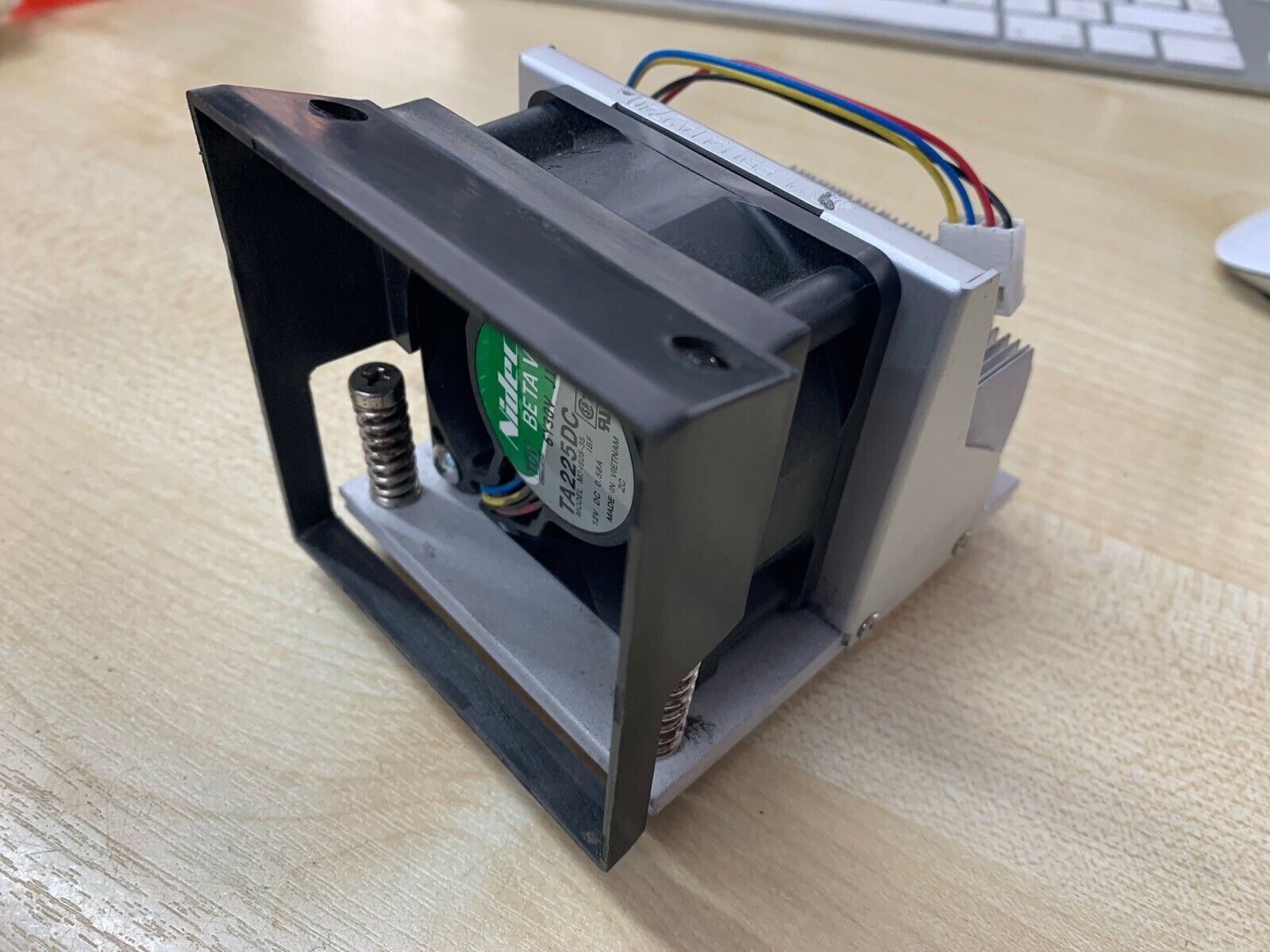
When it’s time for a new fan, match four specs against the old one — getting size or connector wrong is the most common mistake:
| Spec | Match on | |
|---|---|---|
| Size | Frame size & thickness (e.g. 40 / 60 / 80 / 120 mm) | — |
| Connector & control | 2-/3-pin voltage or 4-pin PWM — to the board header | — |
| Airflow direction | Intake or exhaust — which way it blows | — |
| Airflow & noise | CFM for cooling, dBA for quietness | — |
Elegir el ventilador correcto
Match the replacement to your terminal and you’re done:
| Need | Choose | |
|---|---|---|
| Always-on terminal | Ball or FDB bearing, correct CFM | — |
| Tight/compact chassis | Exact size & thickness; quiet (low dBA) | — |
| Board uses PWM control | 4-pin PWM fan matched to the header | — |
| Simple voltage control | 2-/3-pin fan at the right voltage | — |
Browse fans and heatsinks in our cooling parts category, related components in terminal repair parts, and boards in mainboards. If the terminal is already overheating or shutting down, work through our overheating & cooling guide; if it won’t power on at all, the won’t-boot guide. Send us the old fan’s size and connector and we’ll match a long-life replacement.
Preguntas frecuentes
¿Por qué mi ventilador POS está de repente ruidoso?
¿Cómo hallo qué ventilador hace el ruido?
¿Qué me dice el tipo de ruido?
¿Cuáles son los tipos de rodamiento y cuál dura más?
¿Puedo solo limpiar un ventilador ruidoso en vez de reemplazarlo?
¿Cómo elijo un ventilador POS de reemplazo?
Fuentes y lecturas complementarias
- The Basics of Case Fan Bearings — Which Bearing Is Best? — GamersNexus
- Understanding Fan Bearings for Cooling Systems — AC DC EC Fan
- Fixing Noisy Case and CPU Cooling Fans in Your PC — IT Fix
- Fan Bearing Types and Their Effects on Noise — Overclock.net
Guías relacionadas
Cableado y conexión del cajón de dinero: drawer-kick RJ11/RJ12, accionado por impresora vs USB, y el pulso de 12–24V
Un cajón de dinero POS no se enchufa a la caja — lo abre un pulso de 12–24V de la impresora de recibos por un cable RJ11/RJ12. Interfaz, pines y voltaje correctos, y funciona.
Leer guía →¿El recibo imprime tenue, oscuro, parcial o con rayas? Solución de calidad de impresión térmica (empieza por el autotest)
Recibos tenues, con rayas o de un lado casi siempre se deben a un cabezal sucio, al papel equivocado o a un ajuste de densidad — no a una impresora muerta. Un autotest dice si la solución es software o hardware.
Leer guía →Fallo de placa base POS: sin alimentación, sin POST, condensadores hinchados — diagnostica antes de reemplazar
Antes de condenar una placa base POS, prueba que es la placa y no la fuente, la RAM o una pila de botón muerta. Una inspección visual de dos minutos más los pitidos POST suele decirlo — aquí está el método.
Leer guía →Categorías relacionadas
Repuestos destacados
%20Sparta%20Riser%20Card/120c399634d85265f7a7595a979407ee_c48b4b186f0a2eea2b86d0d5a86c219e_s-l1600.jpg)

¿Necesita las piezas mencionadas en esta guía?
Piezas OEM originales y alternativas probadas en fábrica para sistemas IBM, Toshiba, NCR, Diebold, Wincor y Hyosung — con envío mundial.


