
Écrans & Moniteurs
Écrans tactiles, écrans LCD, afficheurs VFD clients pour terminaux POS
87 produits
POS-grade displays for cashier-facing and customer-facing duty: 15" and 17" touchscreens (resistive 5-wire, projected-capacitive PCAP, and surface-acoustic-wave), 9.7" and 12" rear-mount customer displays, 2x20 character VFD pole displays, and full price-checker LCDs. Inventory covers OEM stock for IBM 4820/4840, Toshiba SureMark, NCR 5965, ELO Touch and Wincor TP06 displays alongside cross-compatible aftermarket panels. POS displays differ from office monitors in three important ways: 24/7 duty rating, anti-glare coating tuned for retail lighting, and POS-friendly mount patterns — every unit we sell is built for the demands of a checkout lane.

ELO TOUCH Display ET3243L-2UAA-0-MT-W-D-NL

New Datalogic Skorpio X3 LED Display

TOSHIBA 6145 2TC POS Printer Flipper motor drive, MIC FRU:3AC00573100

3AC00500600 Toshiba Touch Panel For TCxWave 6140-A3R A30 E30 E3R 6140-14C E4C E145 E45 6140-E30
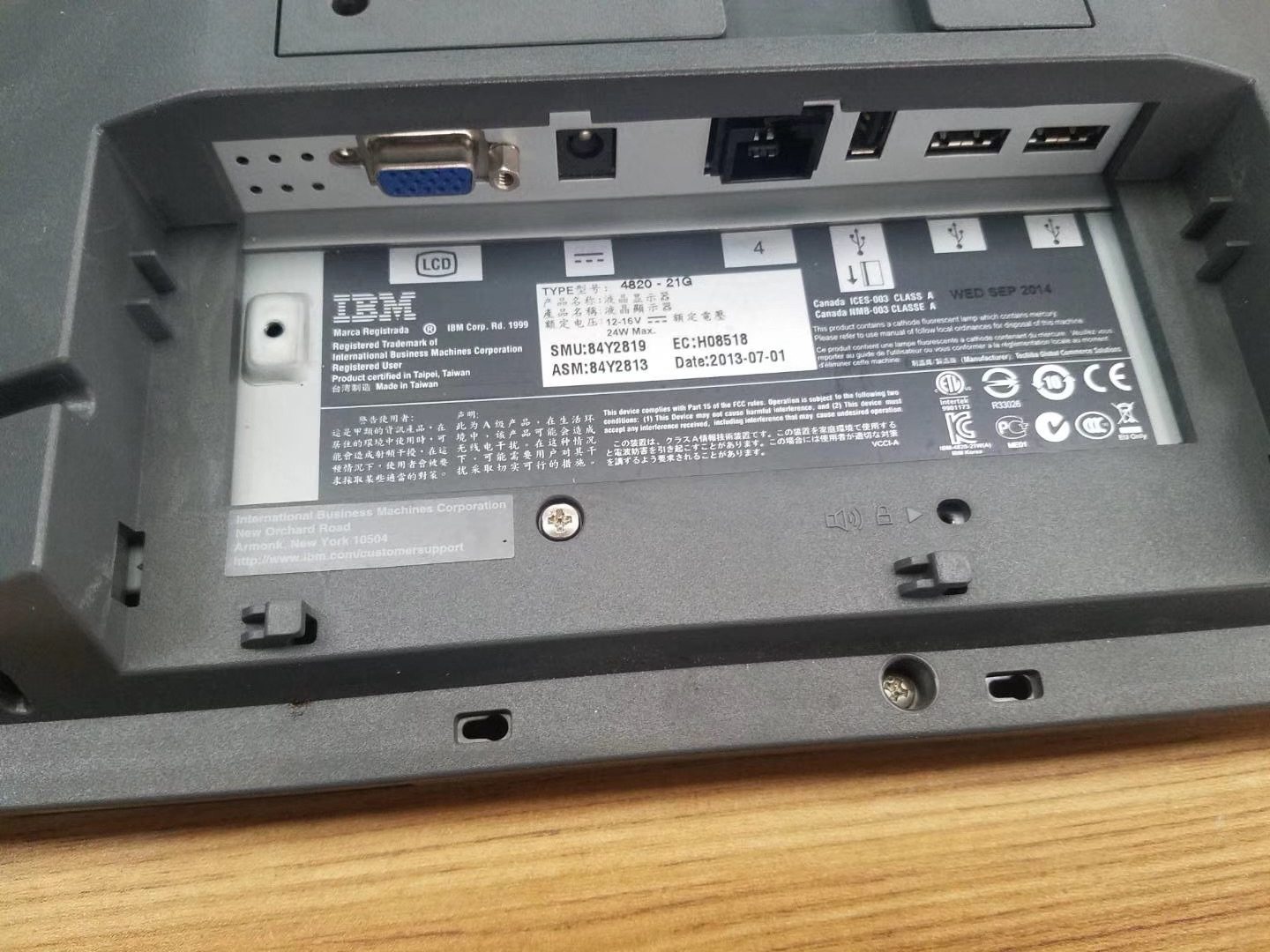
Écran tactile 15 pouces IBM 4820-21G SurePoint
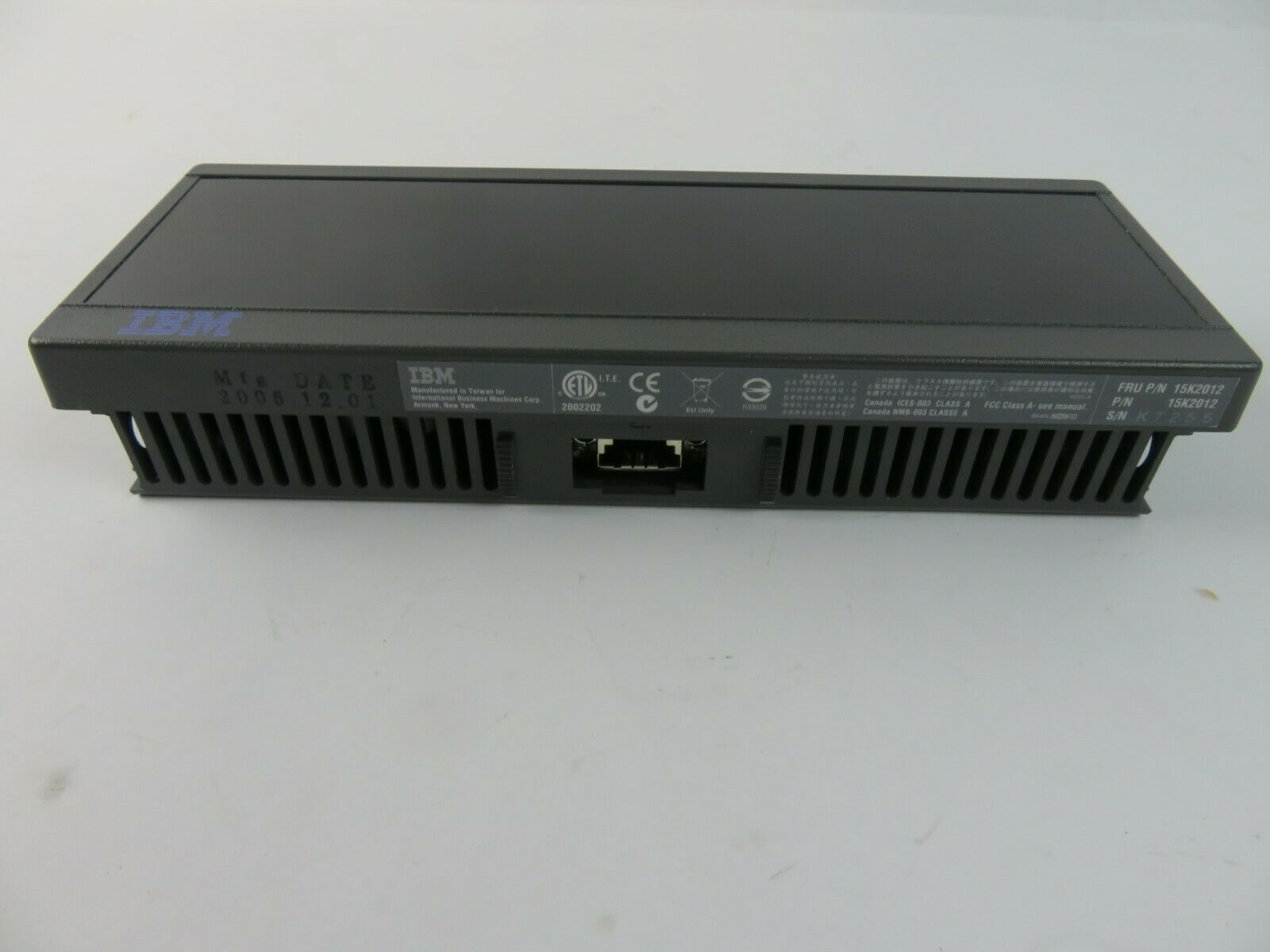
Écran client IBM 4840 SurePOS 500 15K2012
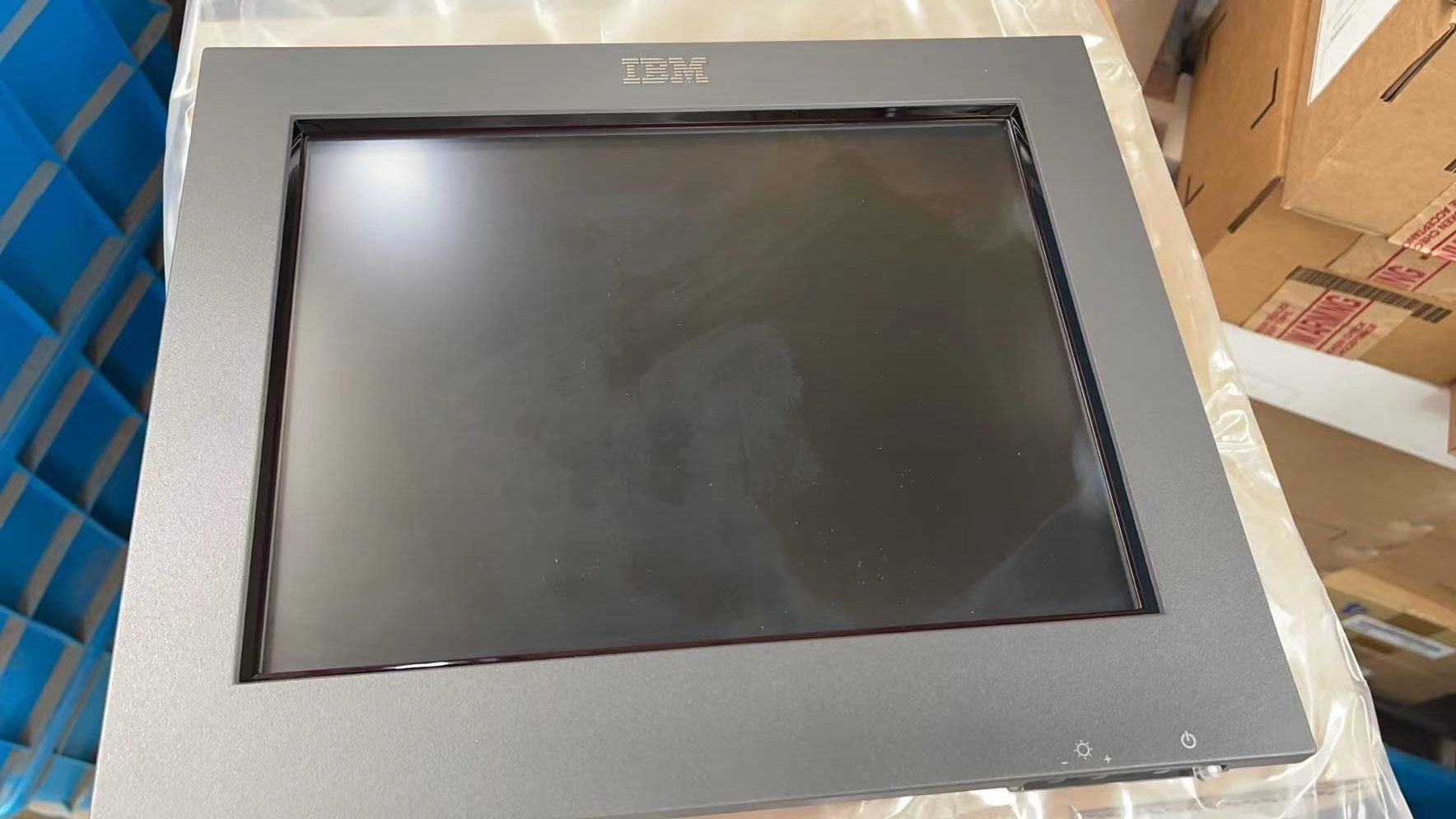
Écran LCD IBM POS 4820-2GD 50Y6694
Nouveau
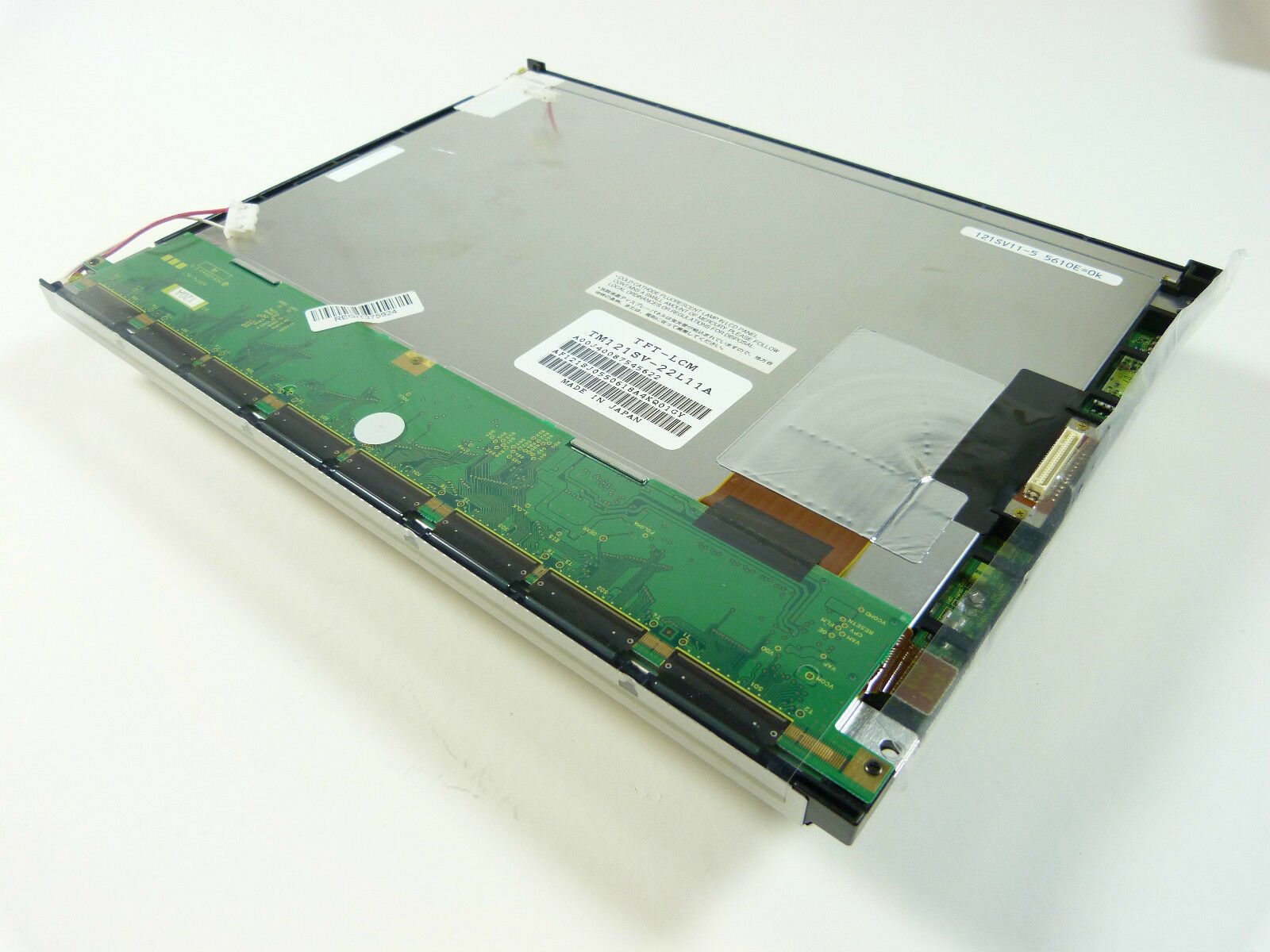
IBM SurePOS 4840 Sanyo Torisan Écran tactile LCD 12″ TM121SV-22L11A
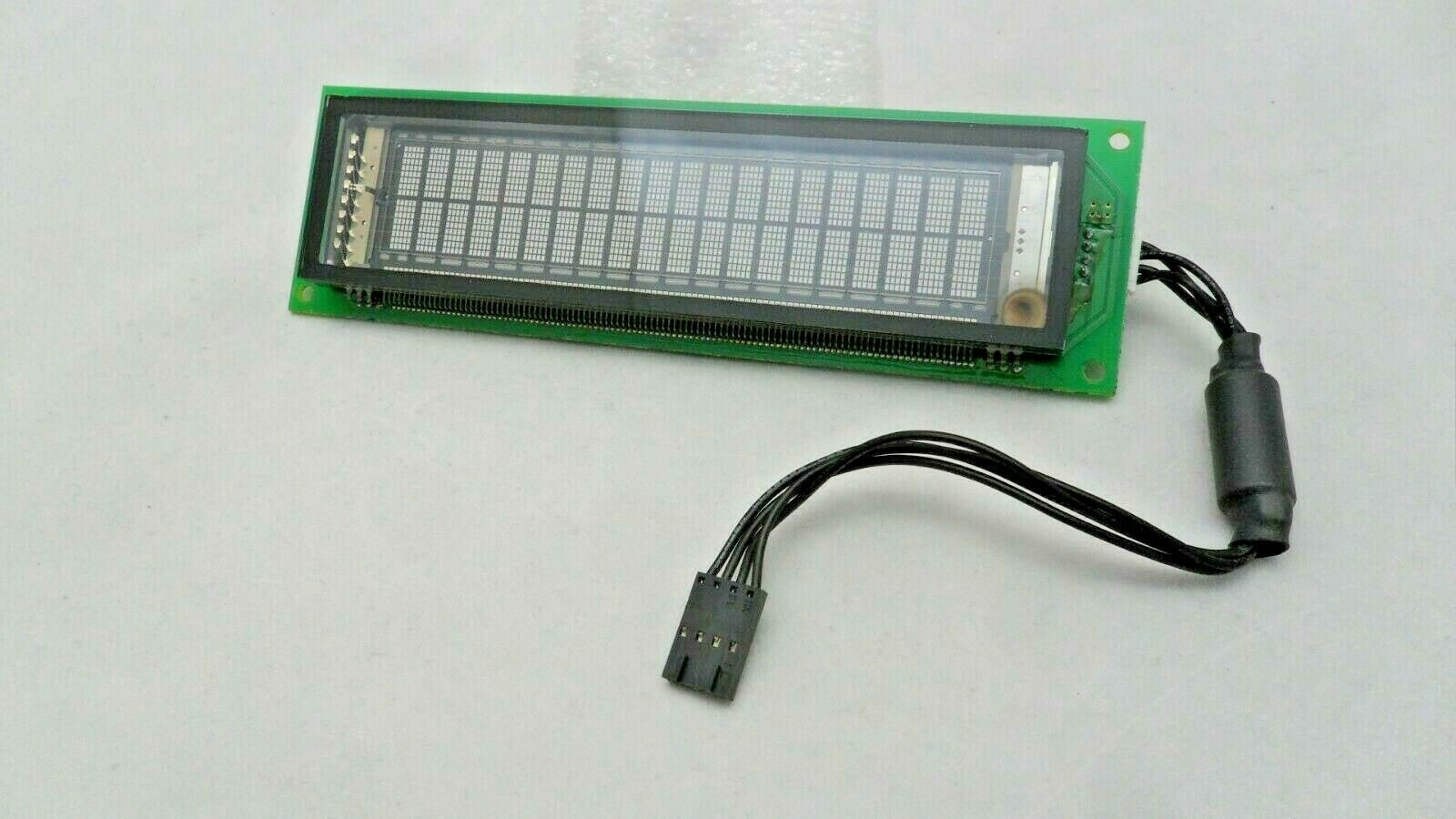
IBM SurePos 500 4852-526 Module d'affichage VFD 54Y2452
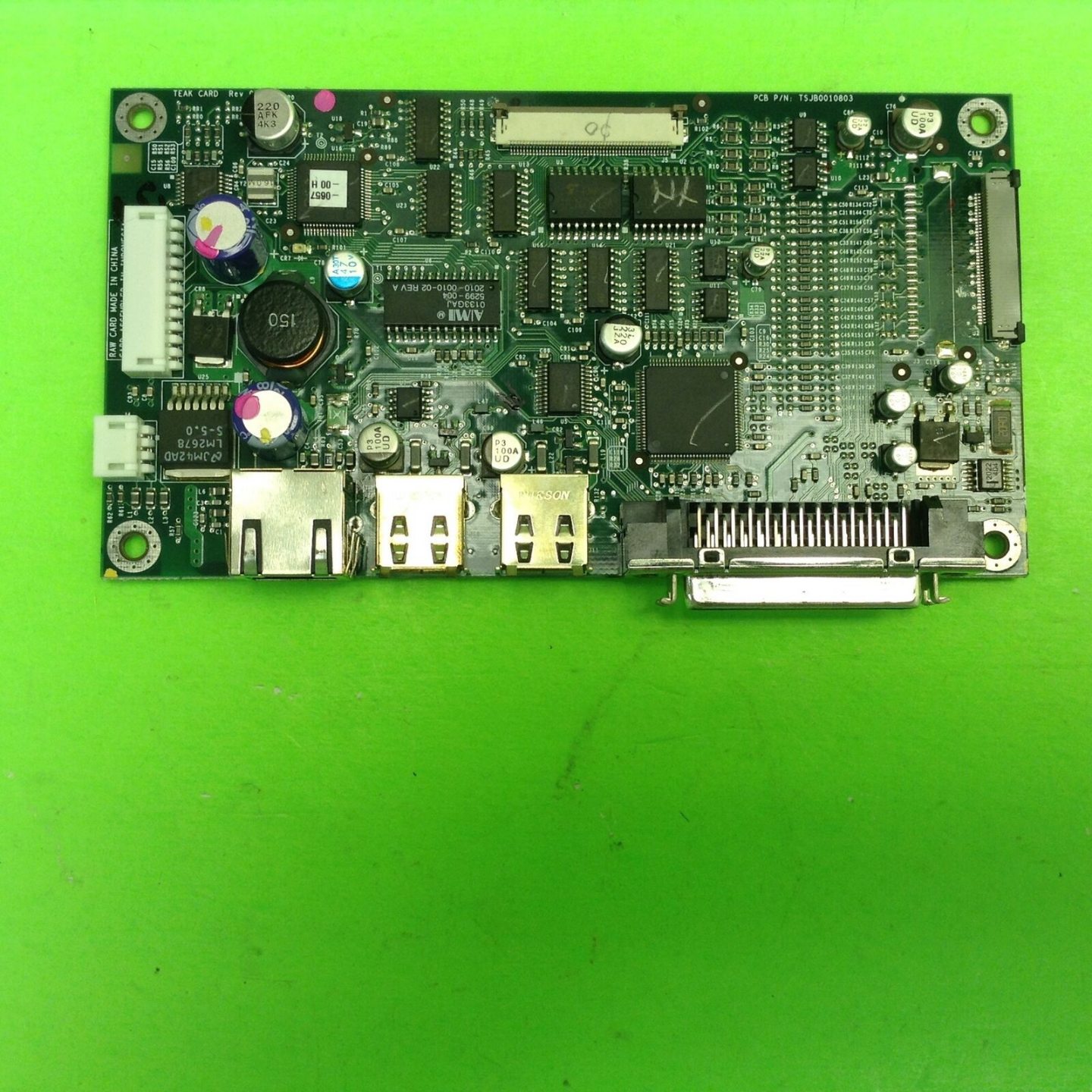
Carte contrôleur d'écran LCD IBM SurePOS 500 4840 POS TSJB0010803 14
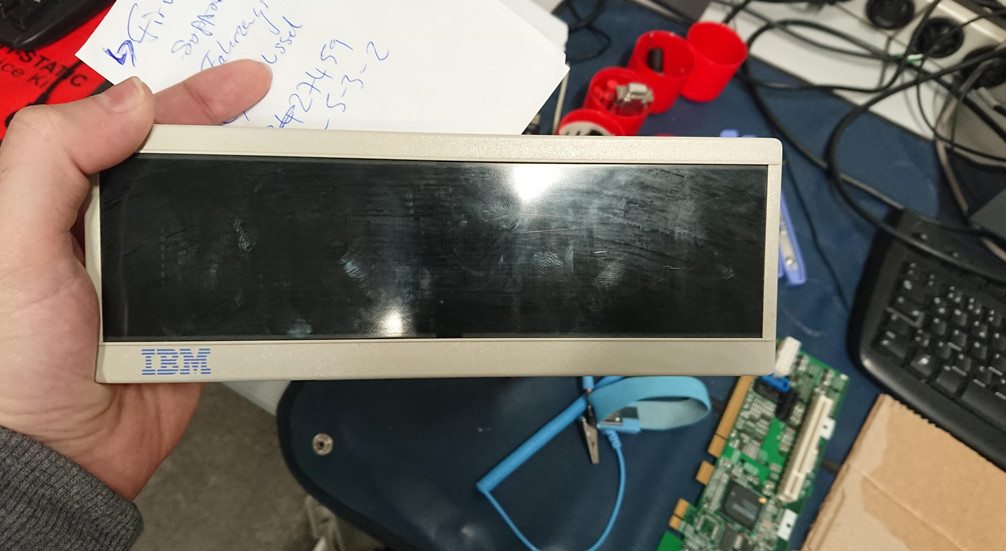
Afficheur client IBM TOSHIBA 40N6803 VFD-II
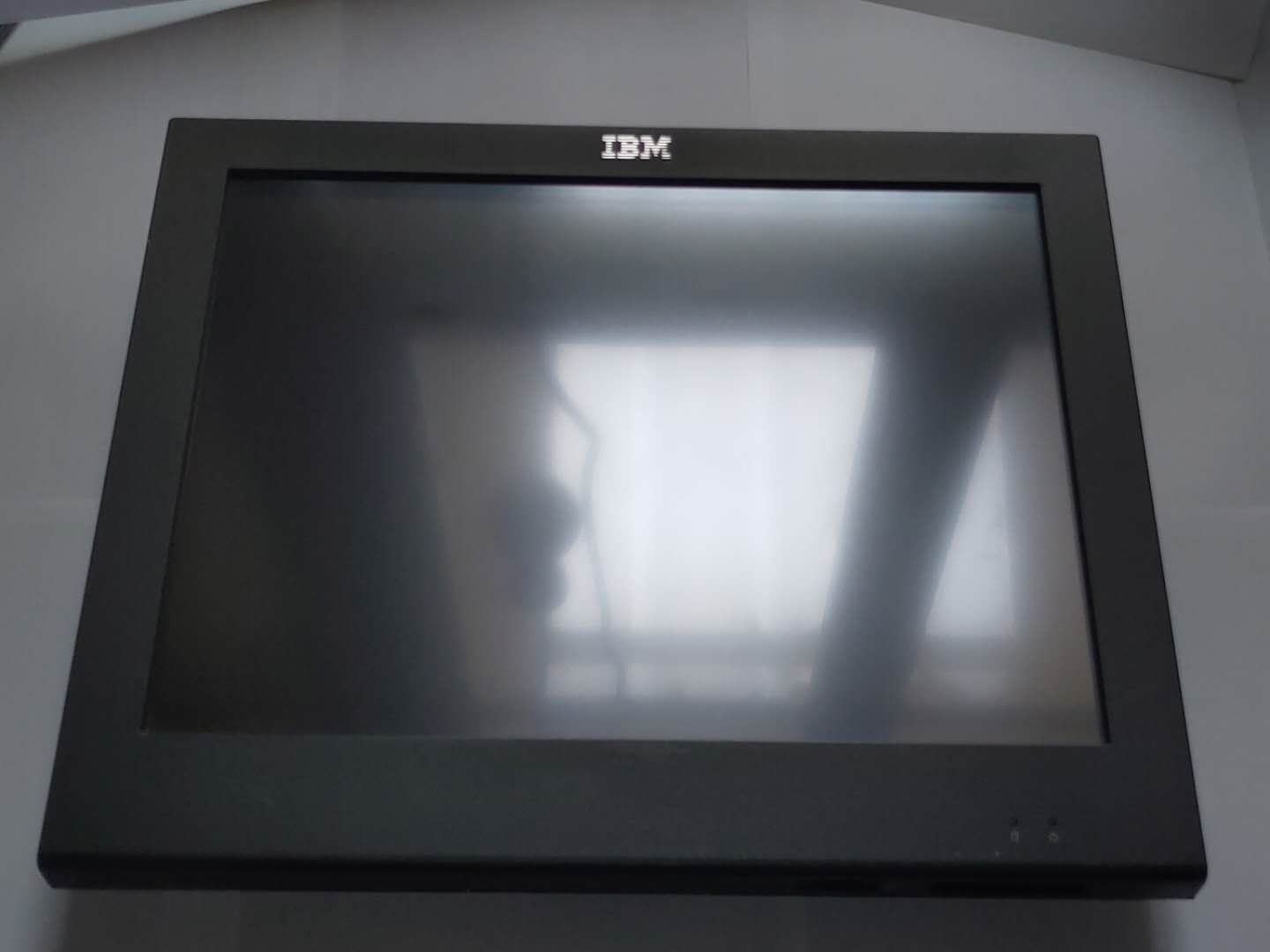
Nouveau
Écran IBM TOSHIBA 4852-526 POS 15 pouces PN54Y2473 FRU54Y2410
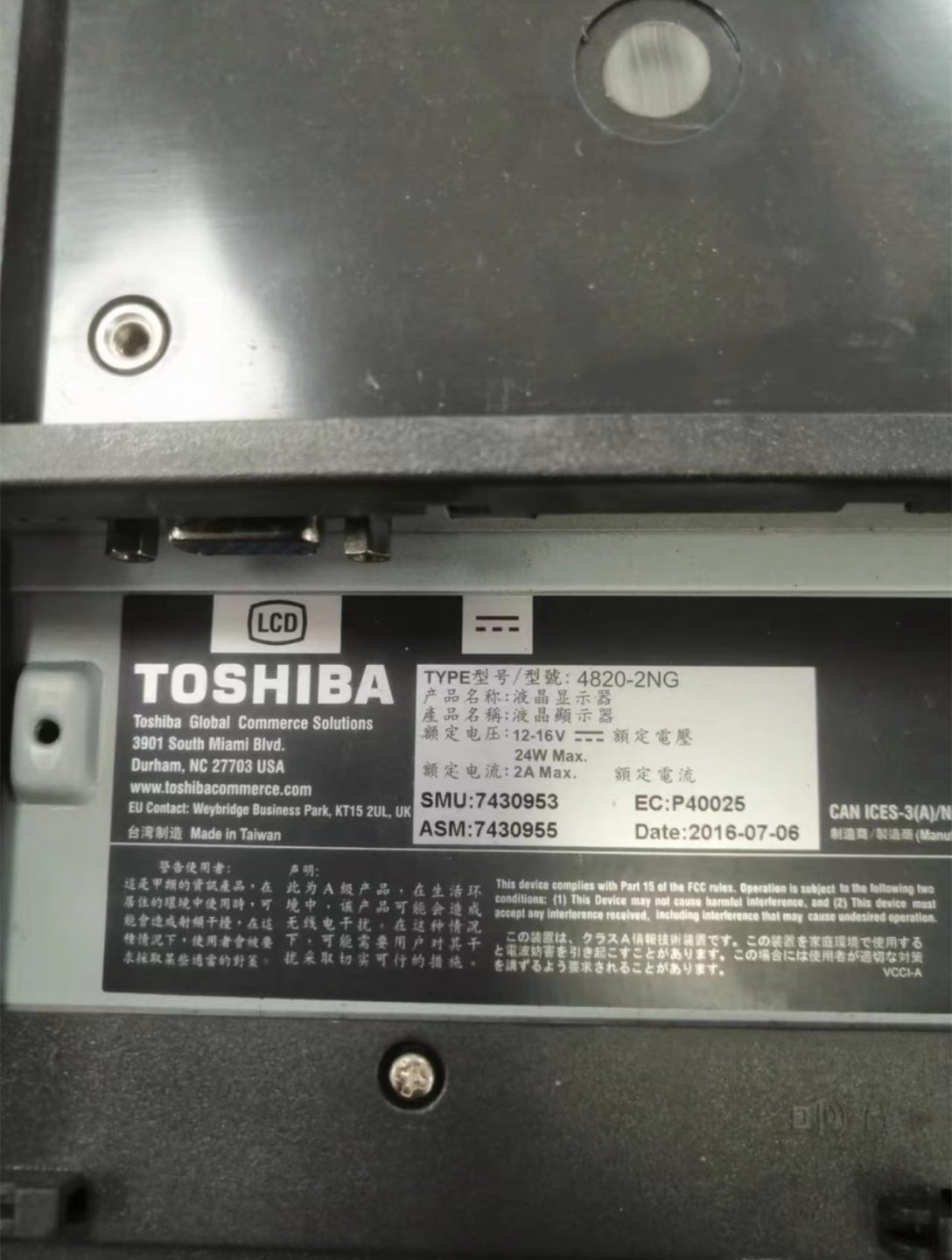
Nouveau
Écran client IBM TOSHIBA 570 E70 2e afficheur 4820-2NG
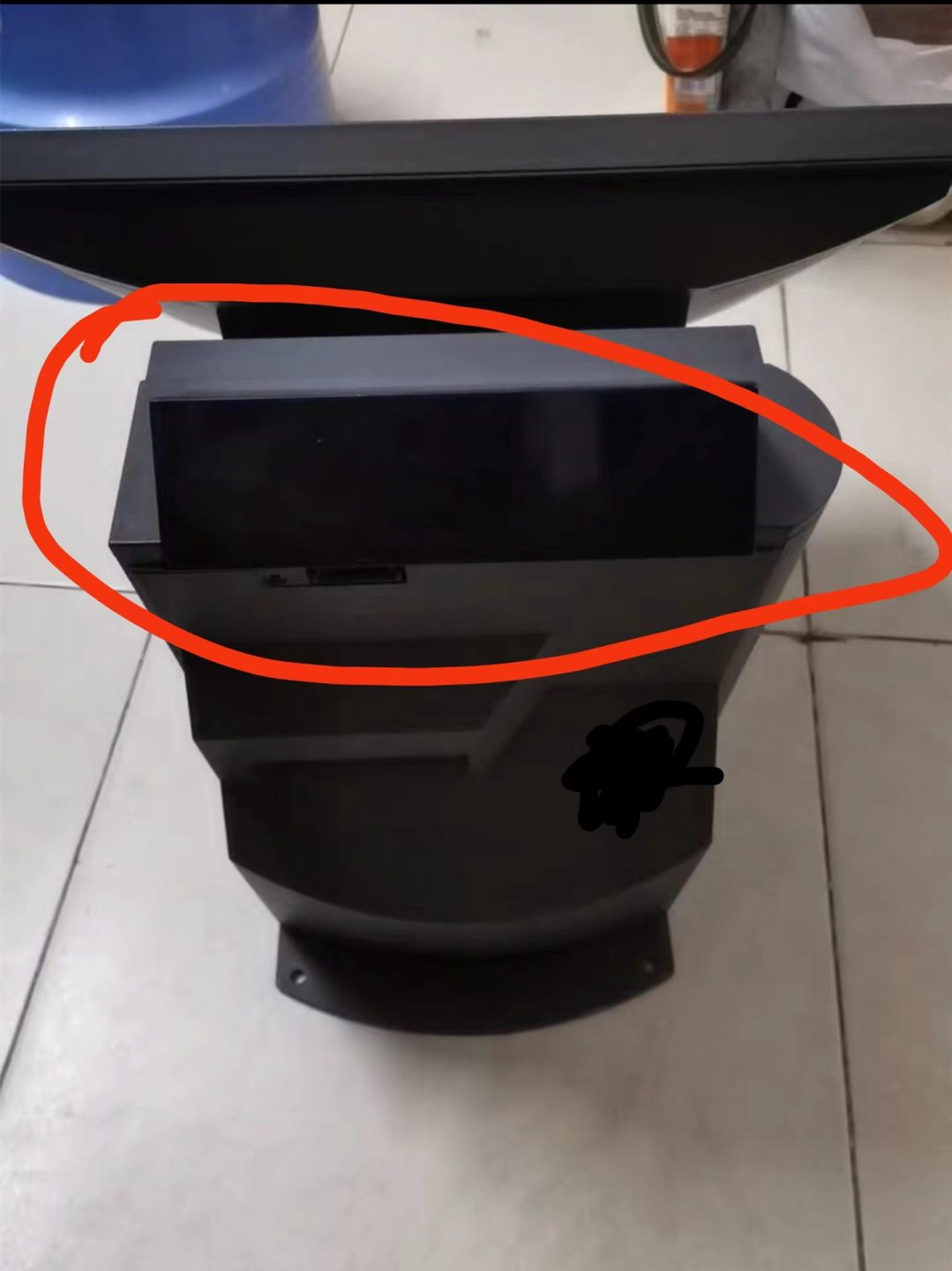
Afficheur client VFD IBM TOSHIBA 570 E70
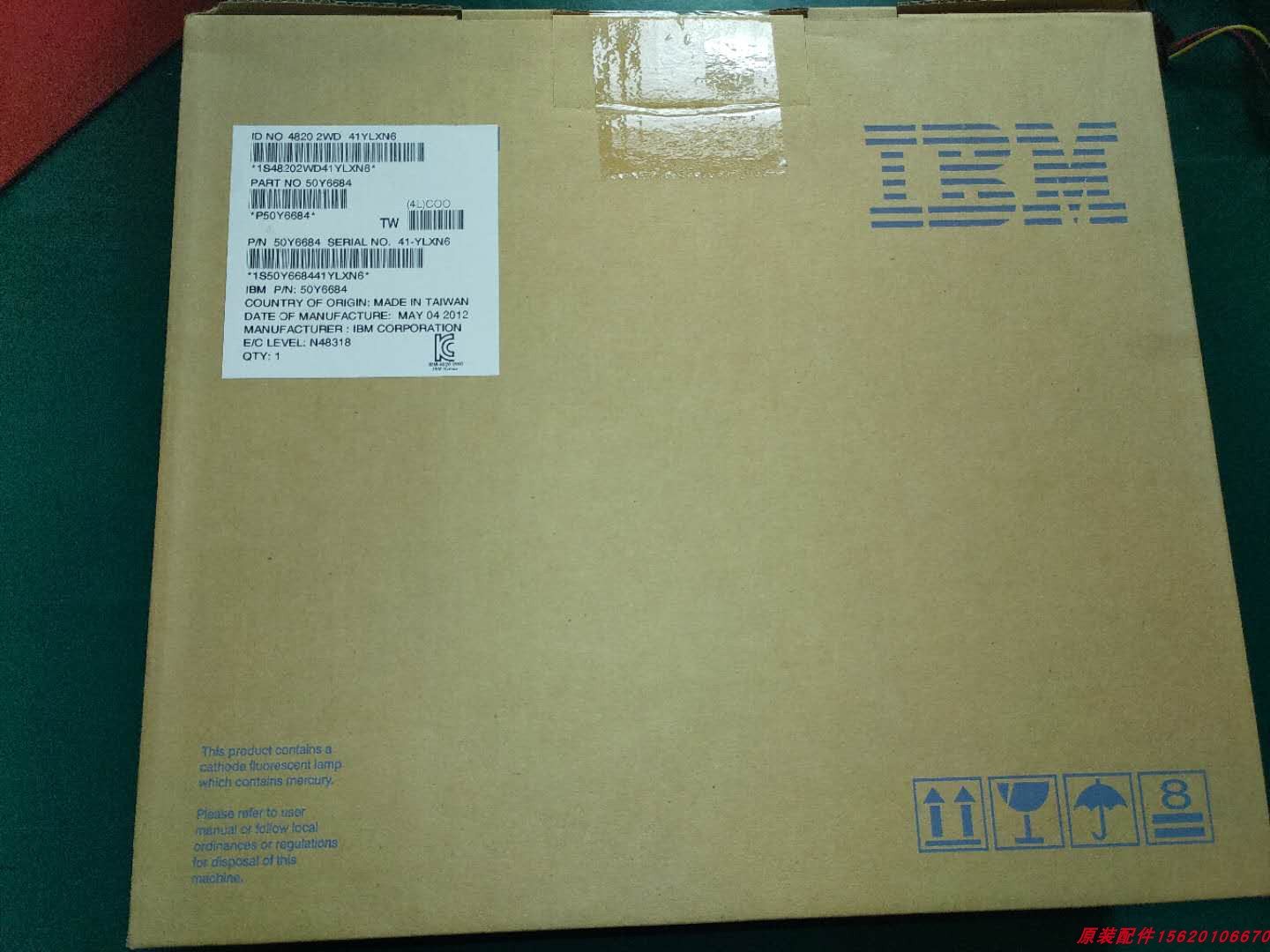
Écran IBM TOSHIBA POS FRU PN50Y6684 4820-2WD 12 pouces
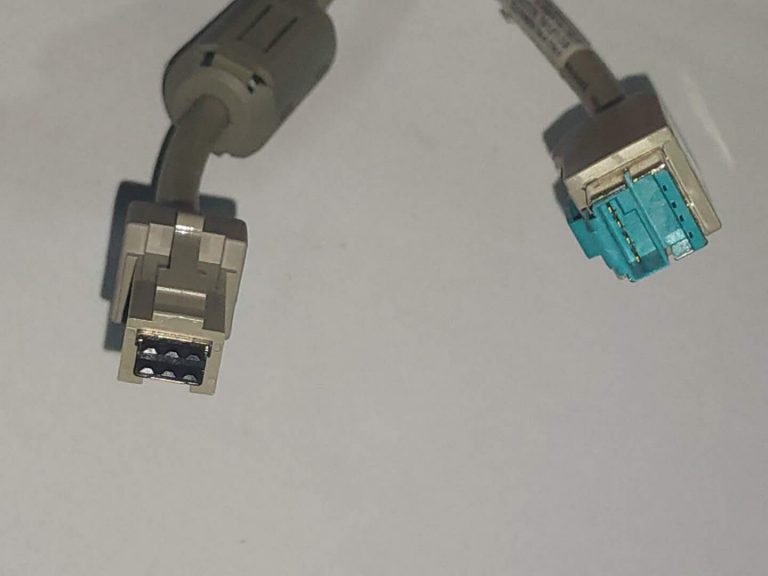
Câble USB d'affichage client IBM TOSHIBA POS PN42M5632 PN42M5670
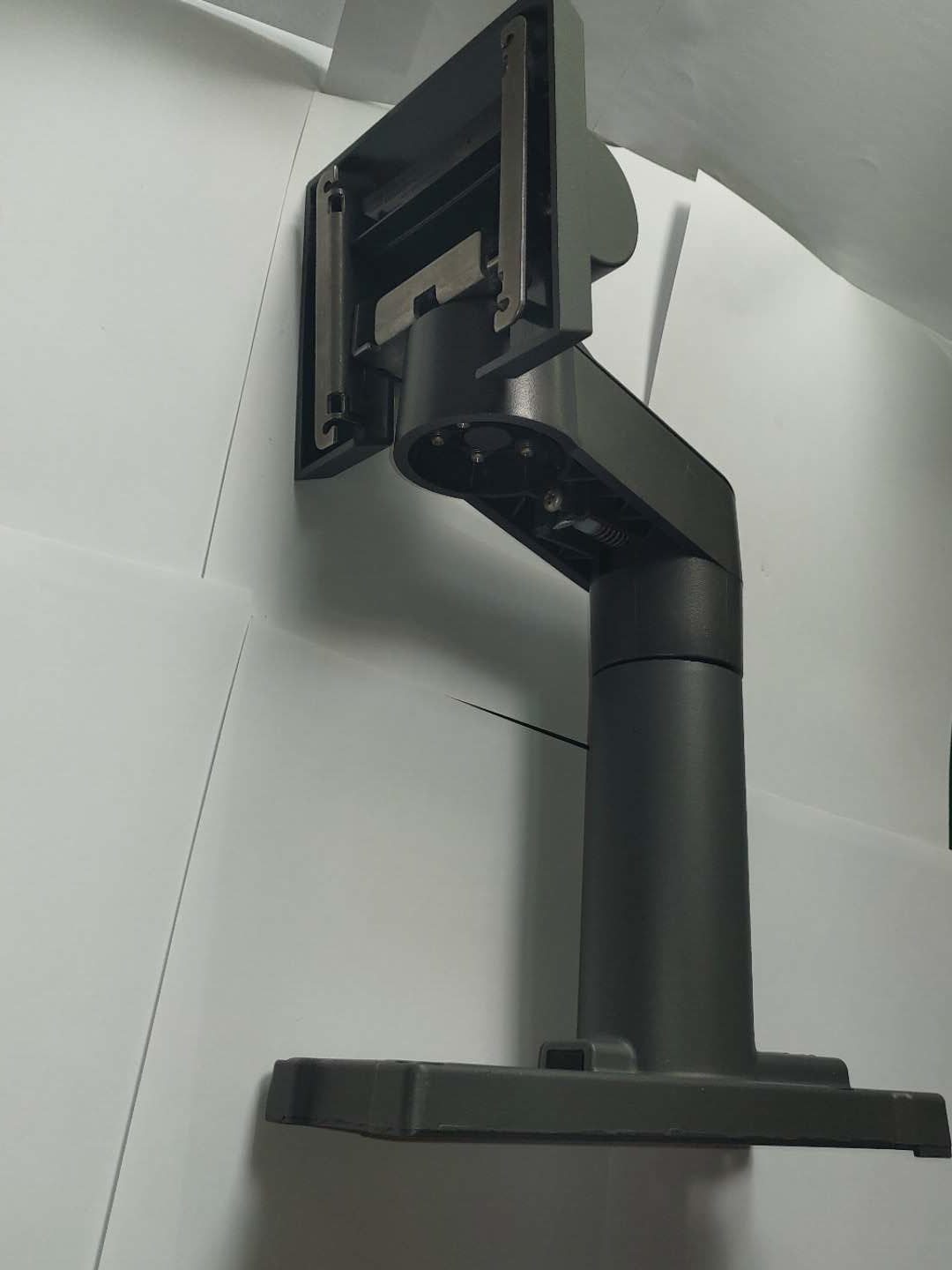
Support de moniteur IBM TOSHIBA 4820 POS PN42P8087 FRU43P8584
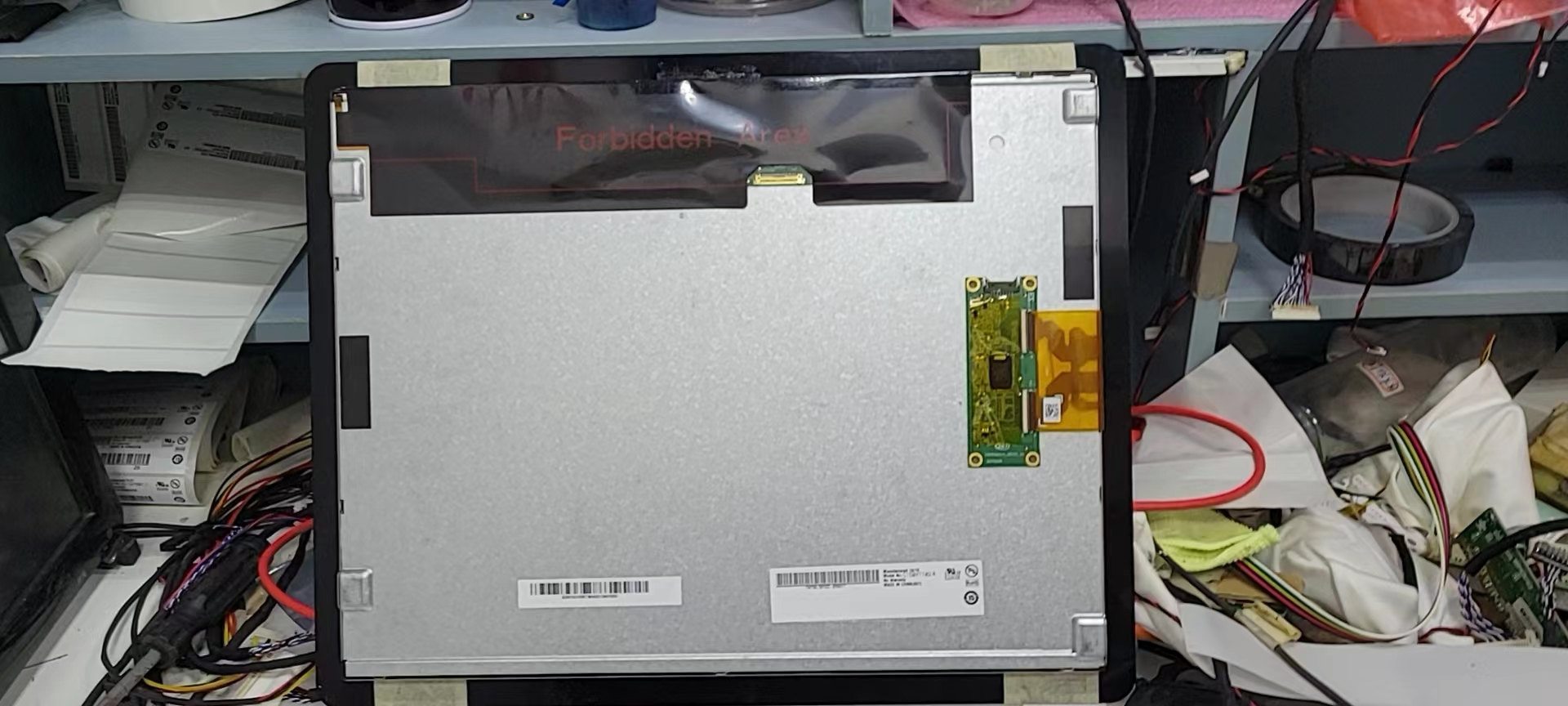
Nouveau
Écran POS original TOSHIBA 6140 avec panneau tactile G150xtt02.0
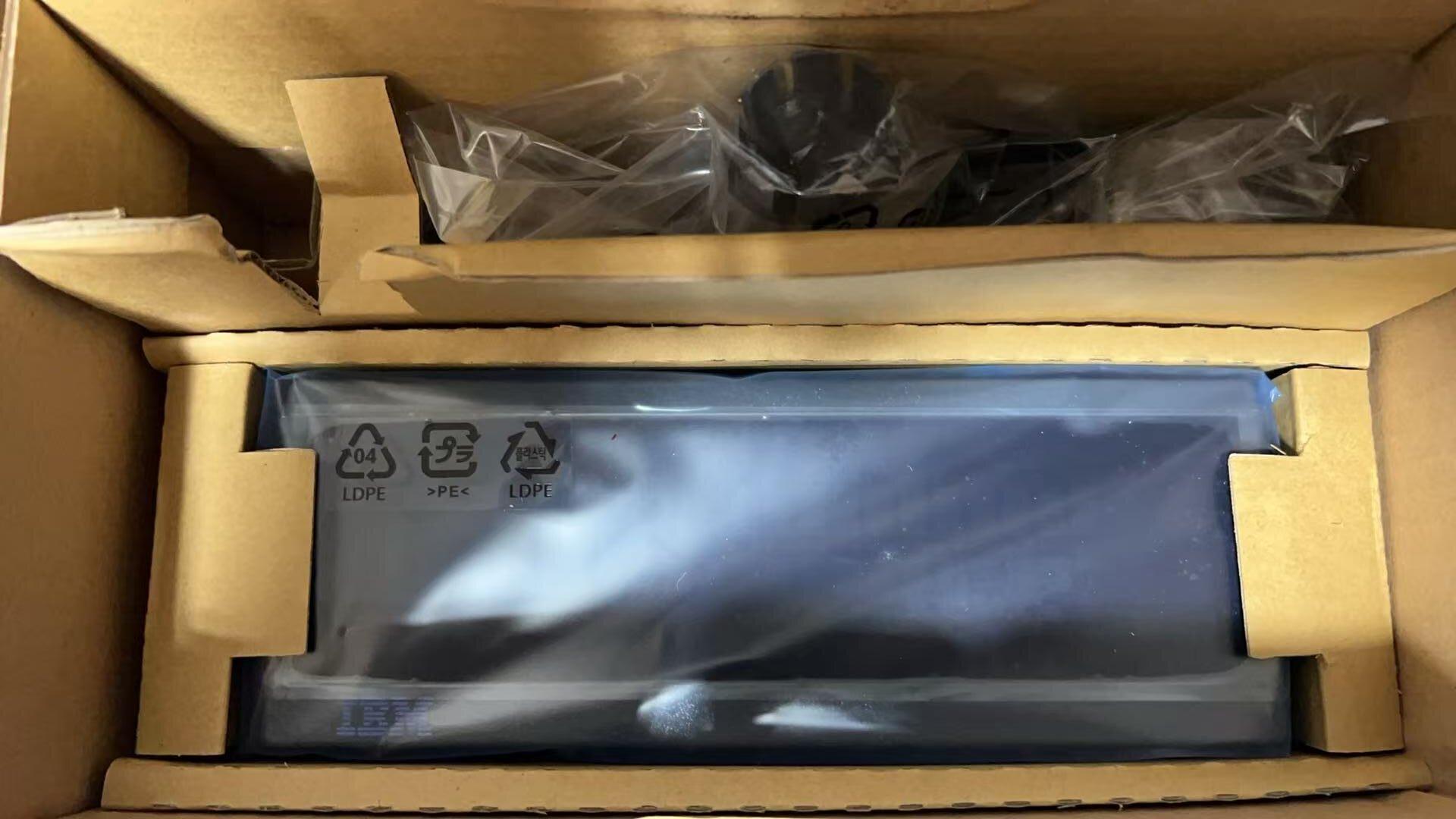
Afficheur VFD IBM POS PN 40N6969
Nouveau
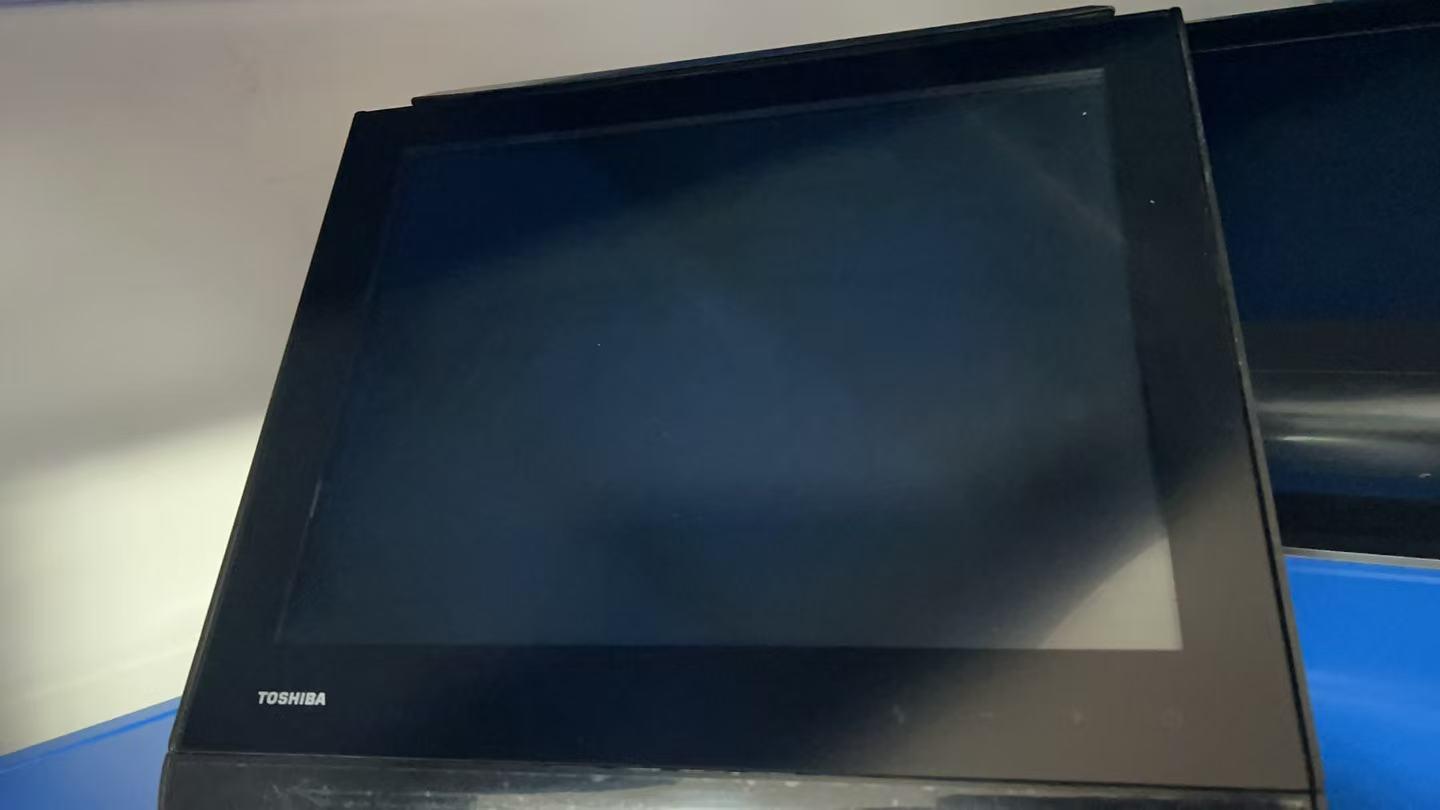
Écran de terminal PDV TOSHIBA 6140 E3R, E45 et 14C
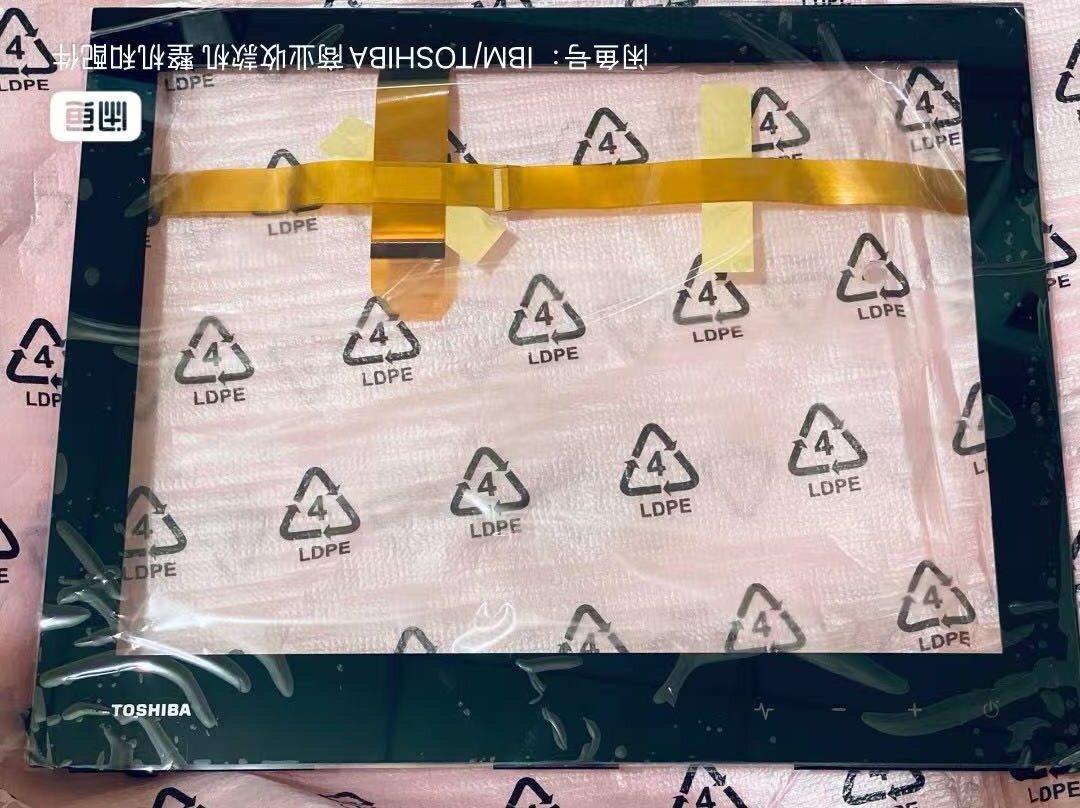
Panneau tactile terminal POS TOSHIBA 6140 E45 et E3R A3R et 14C
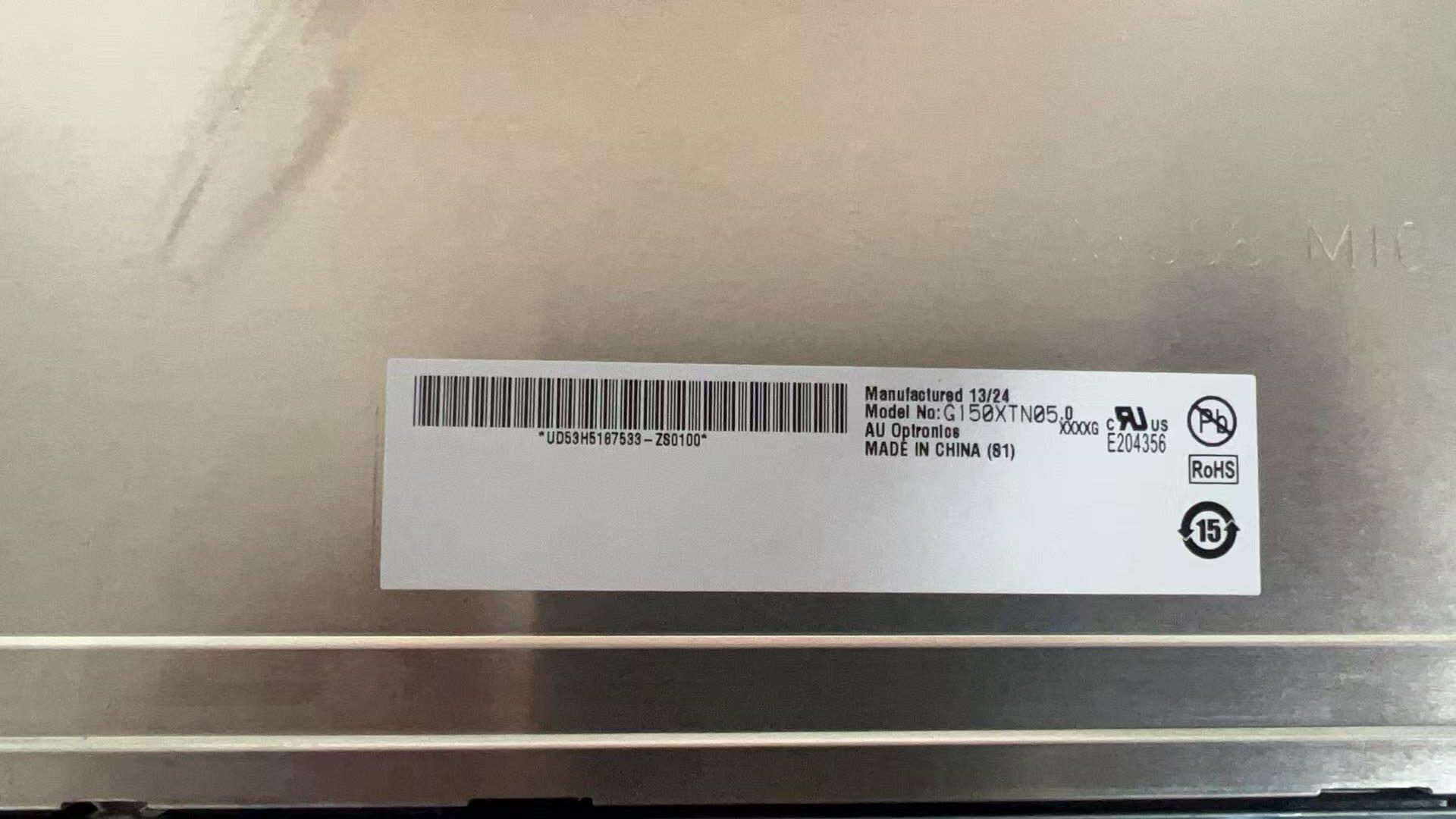
Écran LCD 15 pouces pour terminal POS TOSHIBA 6140 – module G150XTN05
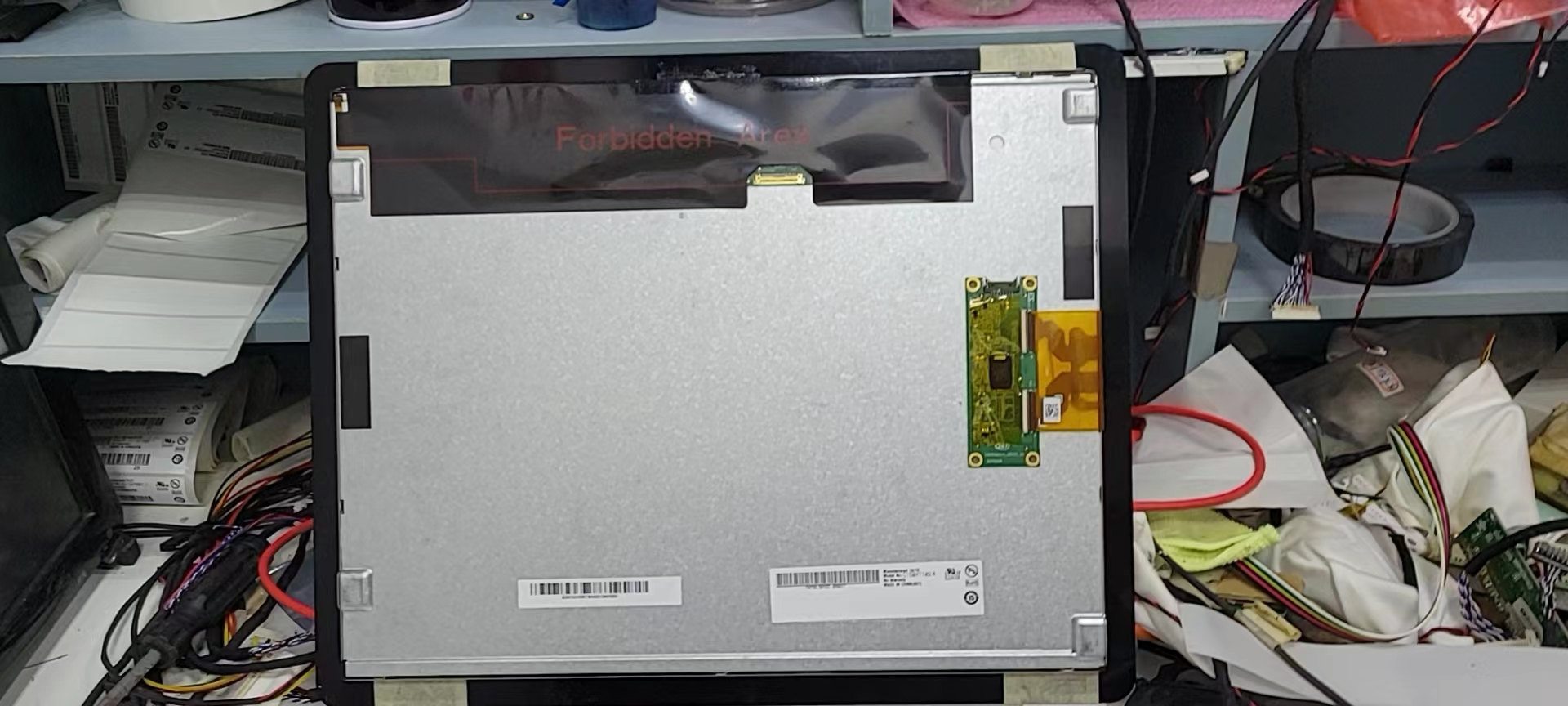
Écran tactile TOSHIBA 6200-E0C avec panneau tactile G150xtt02.0
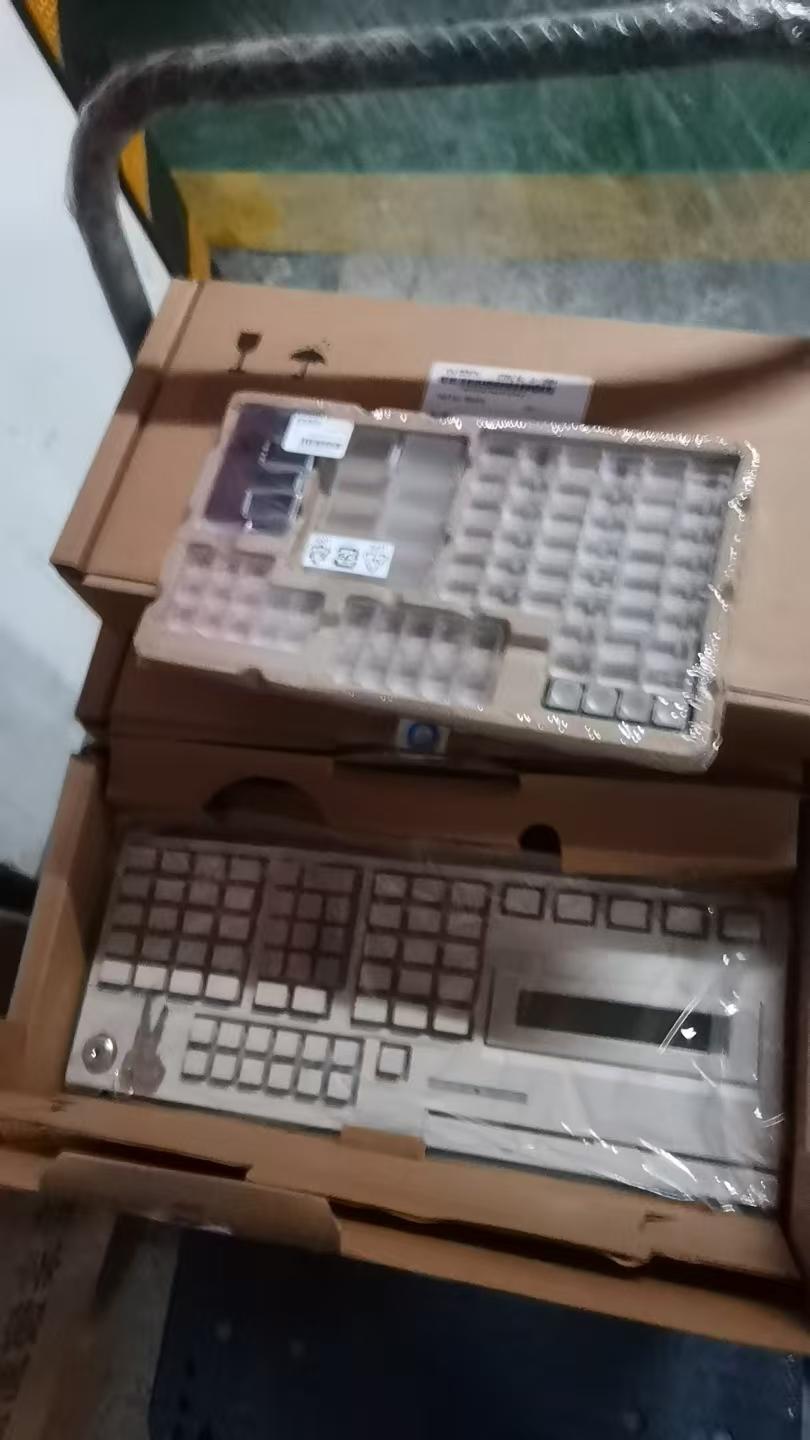
Nouveau
Clavier TOSHIBA 67 touches avec écran LCD, MSR et verrou PN3AA01198400 FRU PN3AC00613100
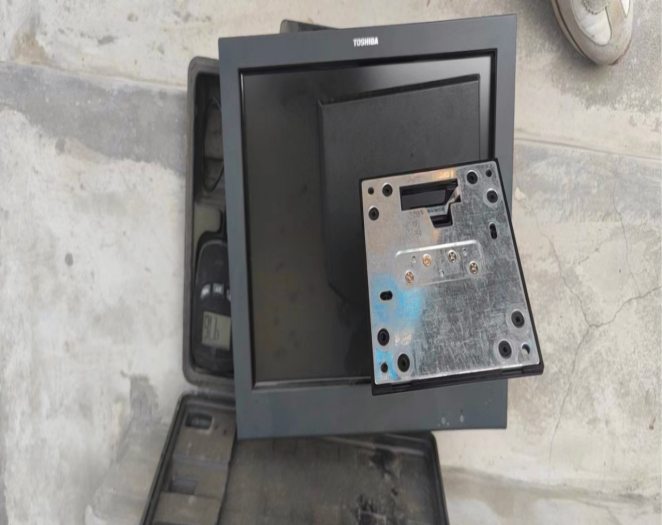
Support d'écran tactile TOSHIBA IBM 4820 5LG SurePoint
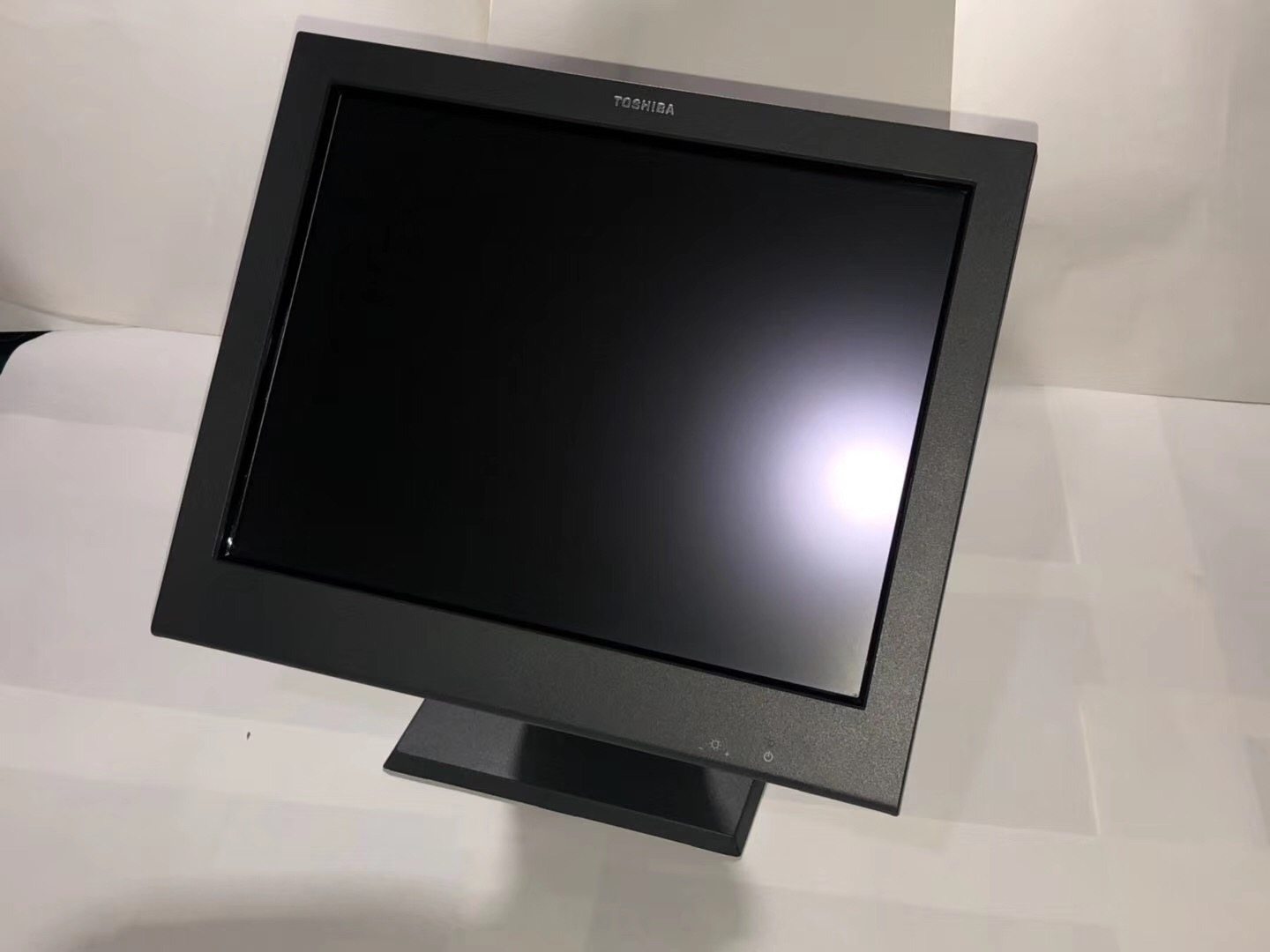
Câble USB d'écran tactile TOSHIBA IBM 4820 5LG SurePoint
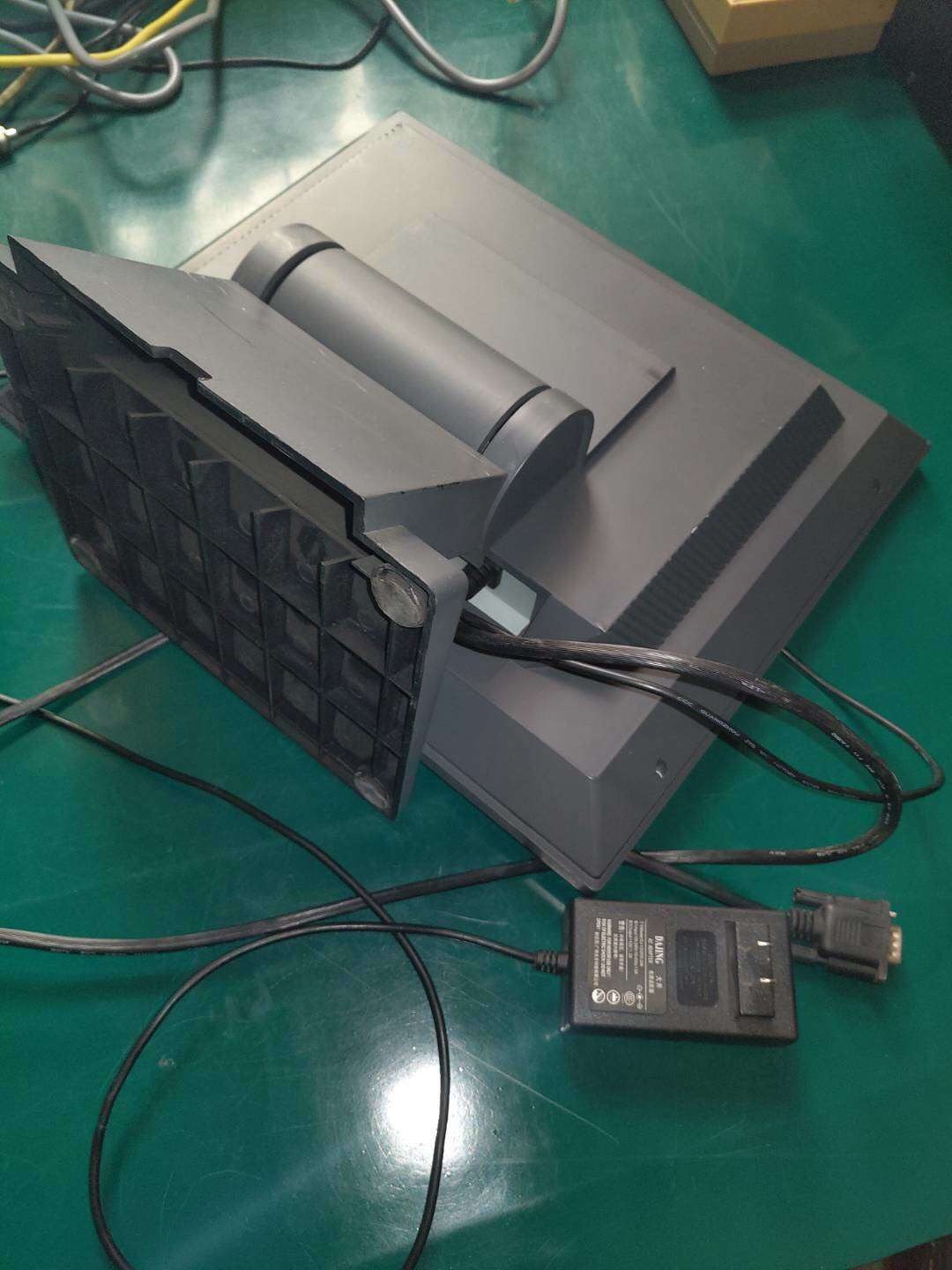
Écran TOSHIBA IBM SurePOS 700
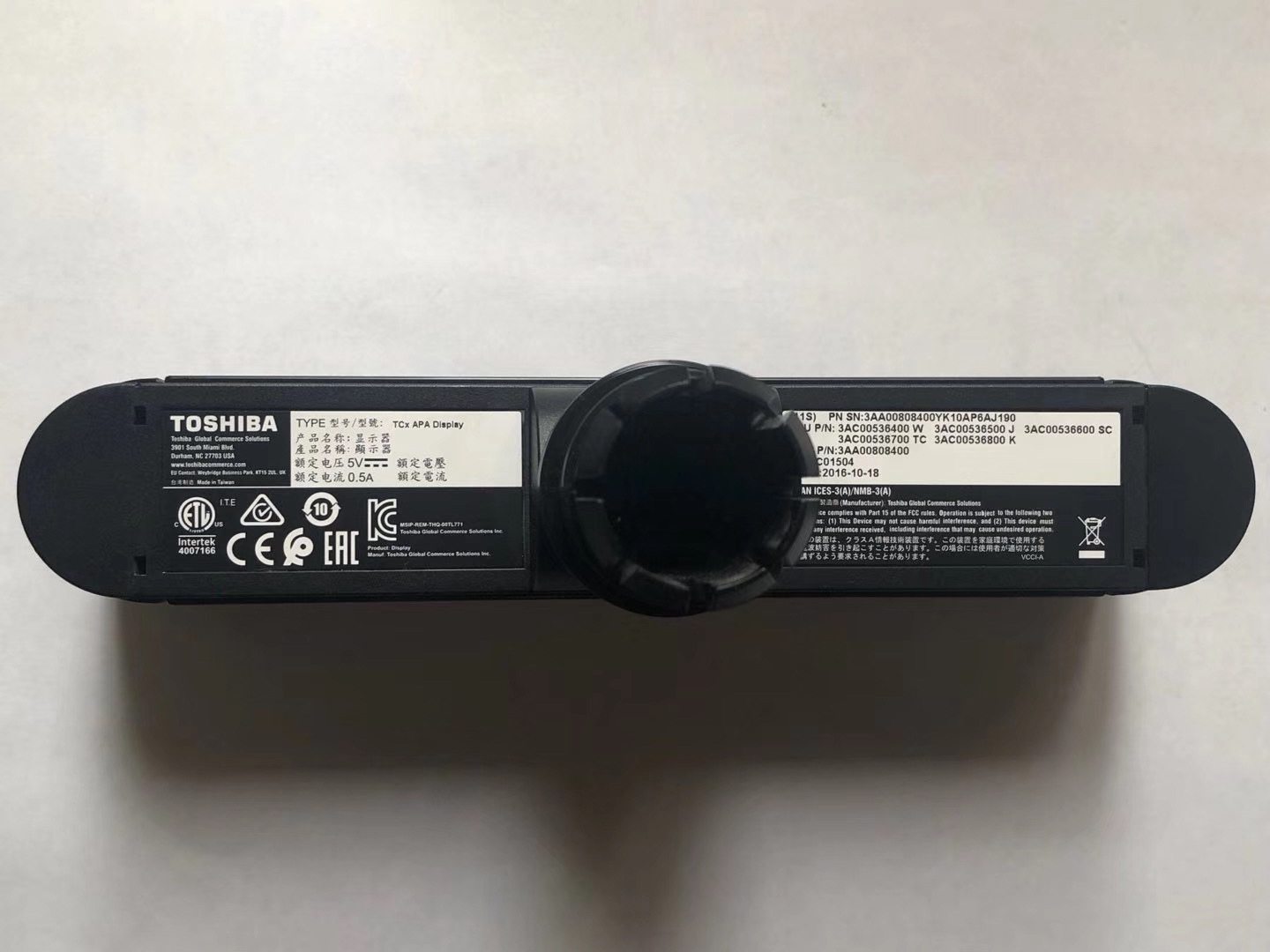
TOSHIBA POS TCx APA Afficheur Client PN3AC00536400
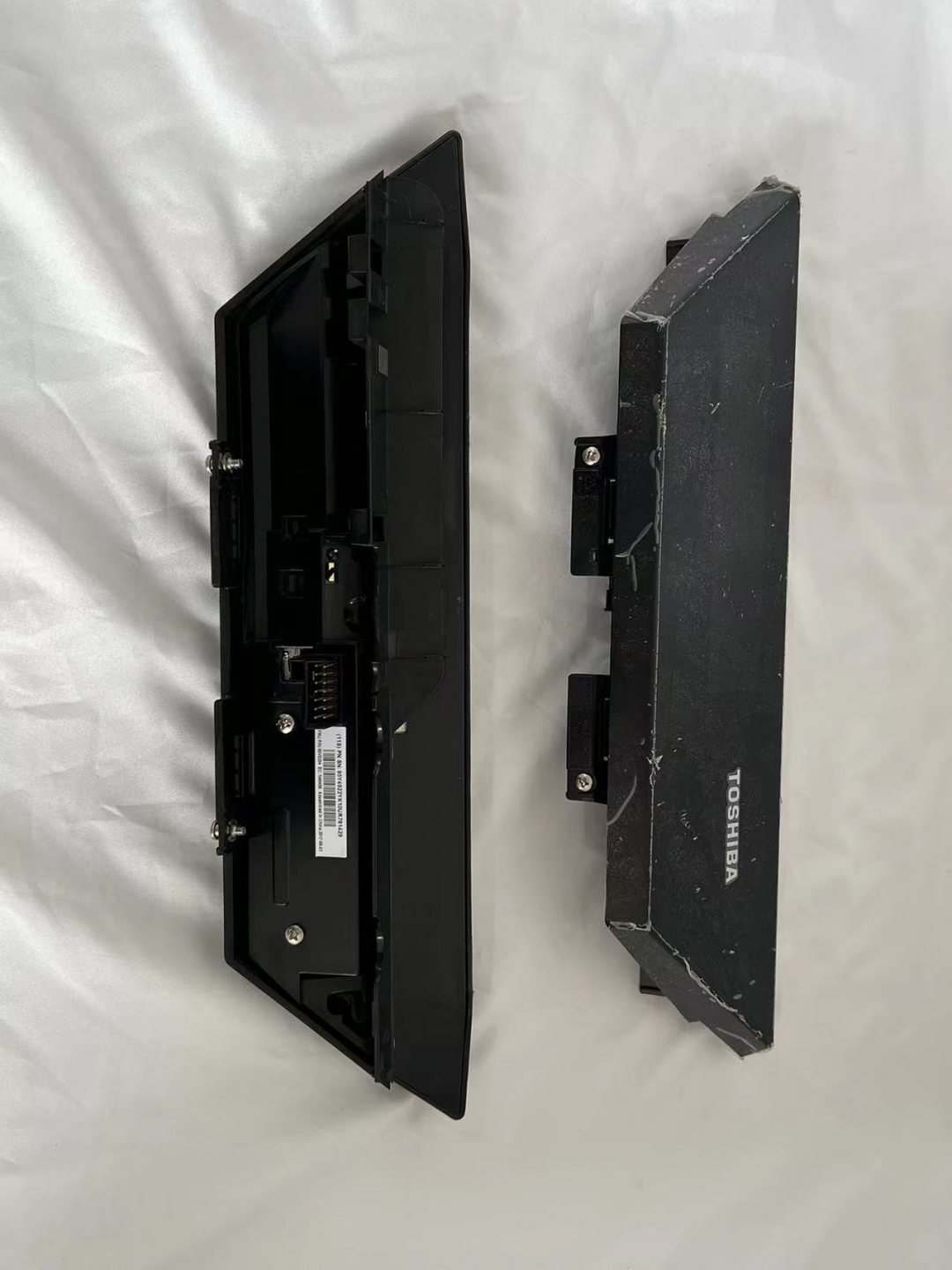
Afficheur VFD POS TOSHIBA TCxWave 6140 PN00V0204
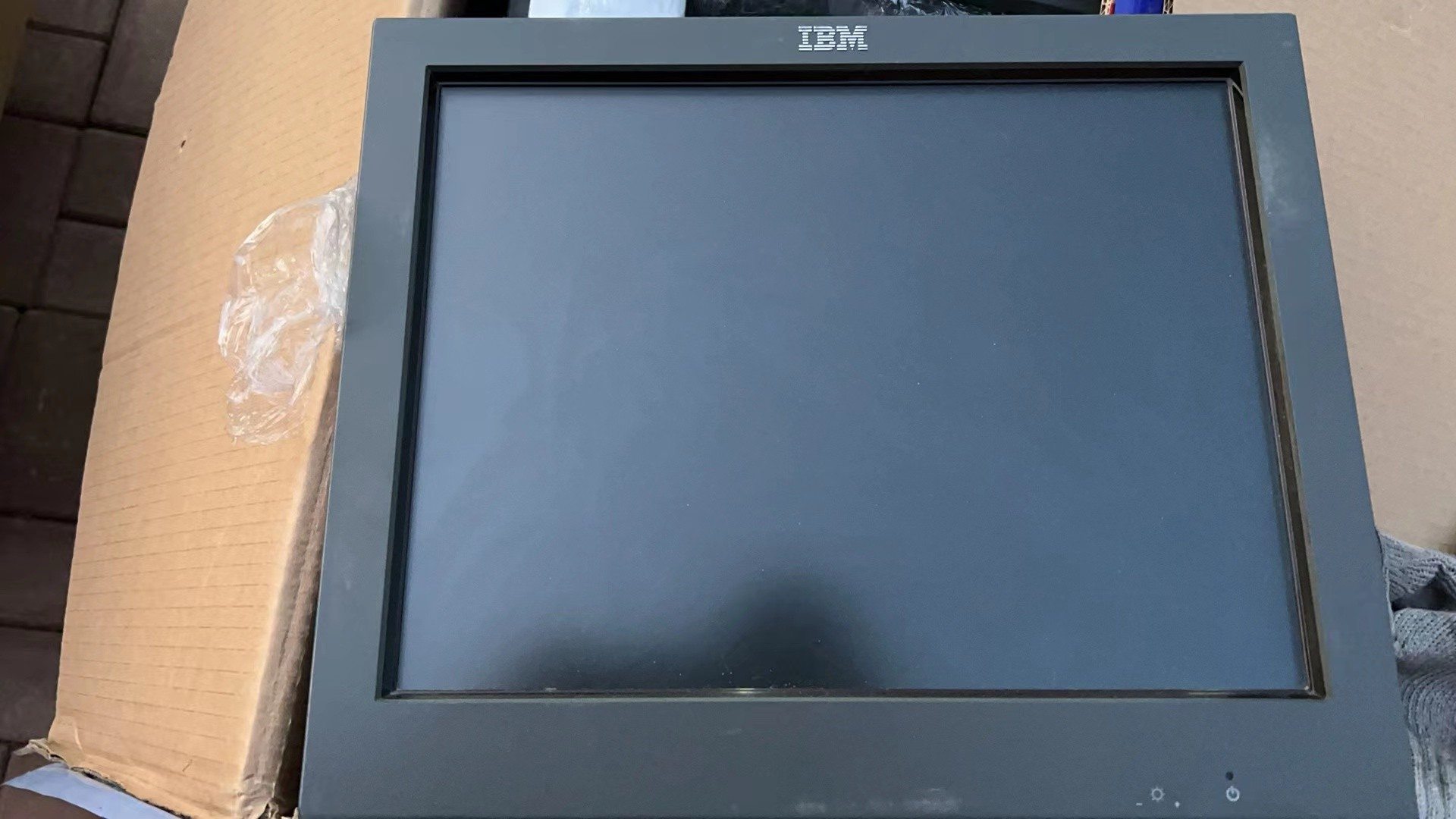
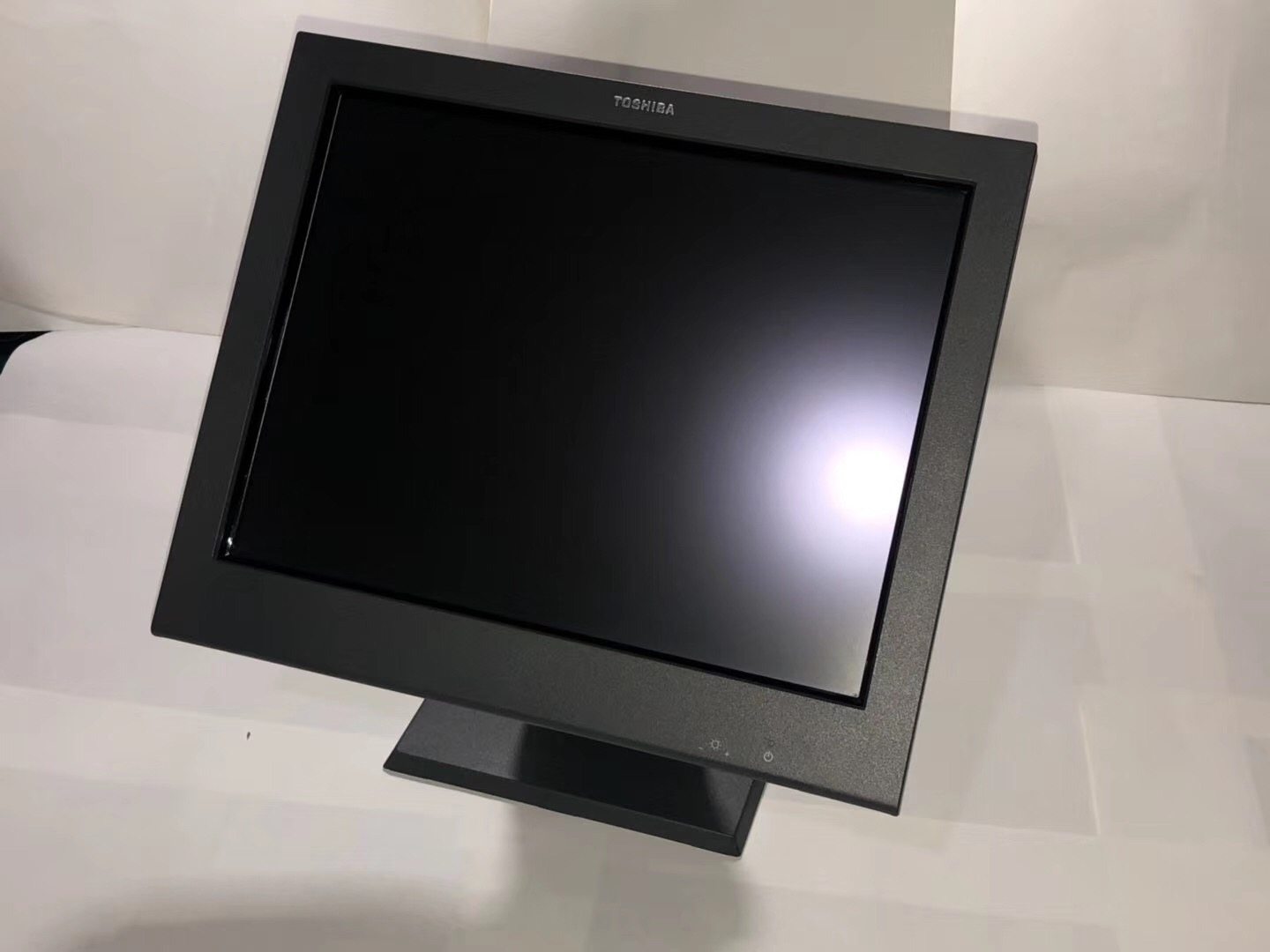
Écran tactile TOSHIBA 15″ 4820-51G SurePoint SurePOS 482051G
Nouveau
Écran LCD tactile Toshiba 4820-5LG 15″
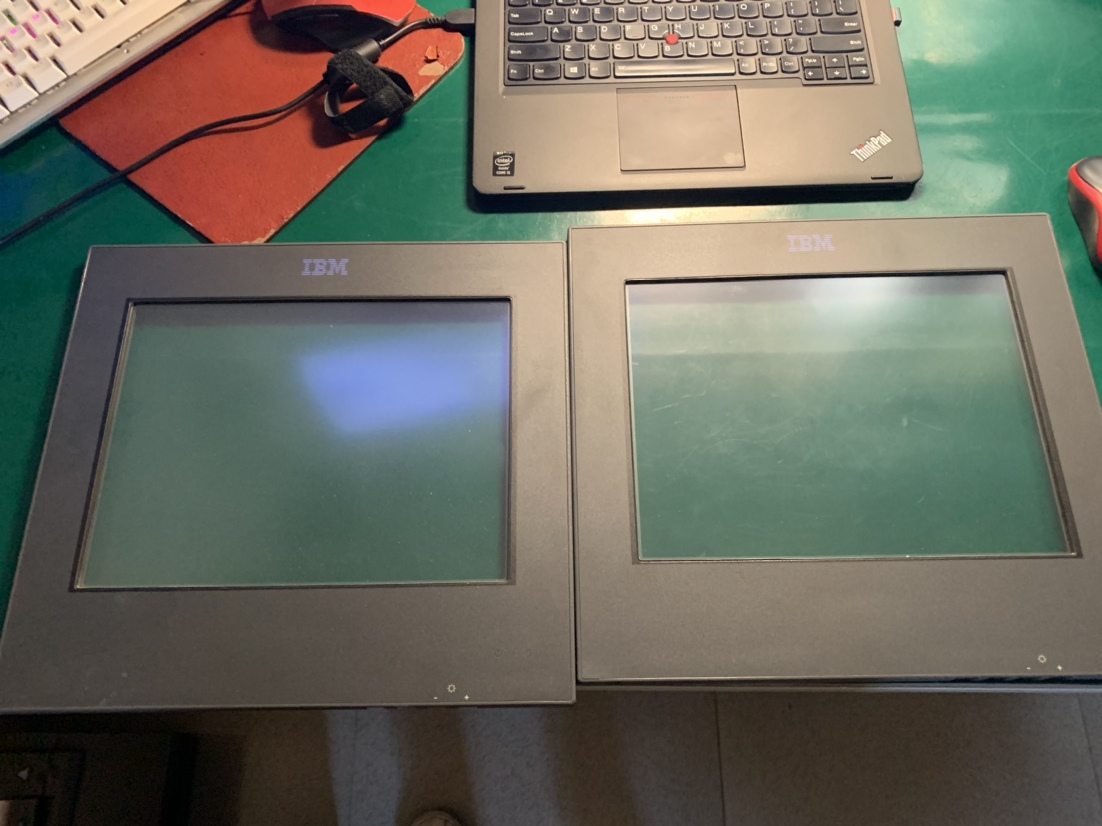
Pièce de remplacement panneau tactile POS Toshiba 4840-532
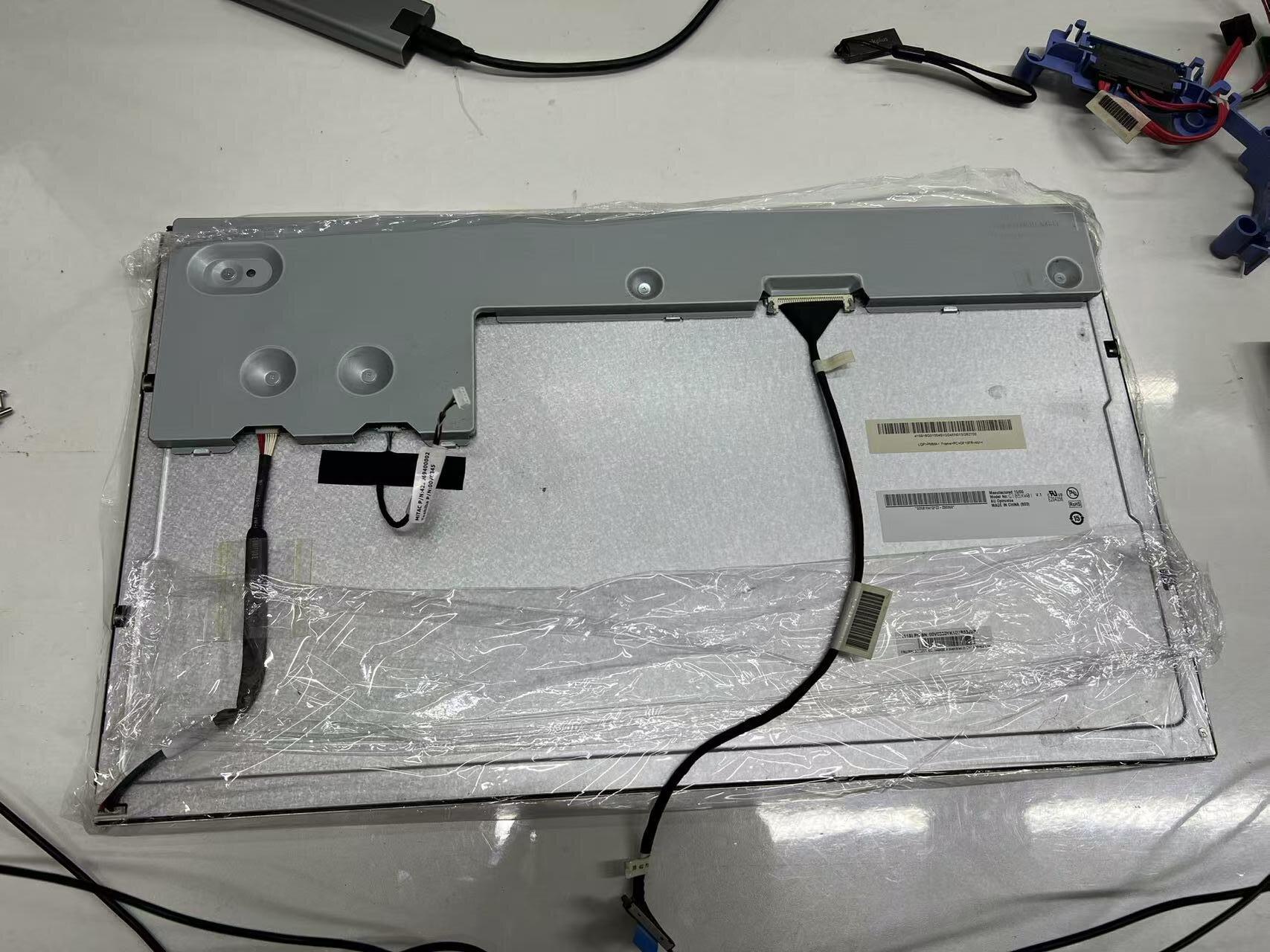
Écran LCD POS 18,5 pouces Toshiba série 6140 – module G185XW01
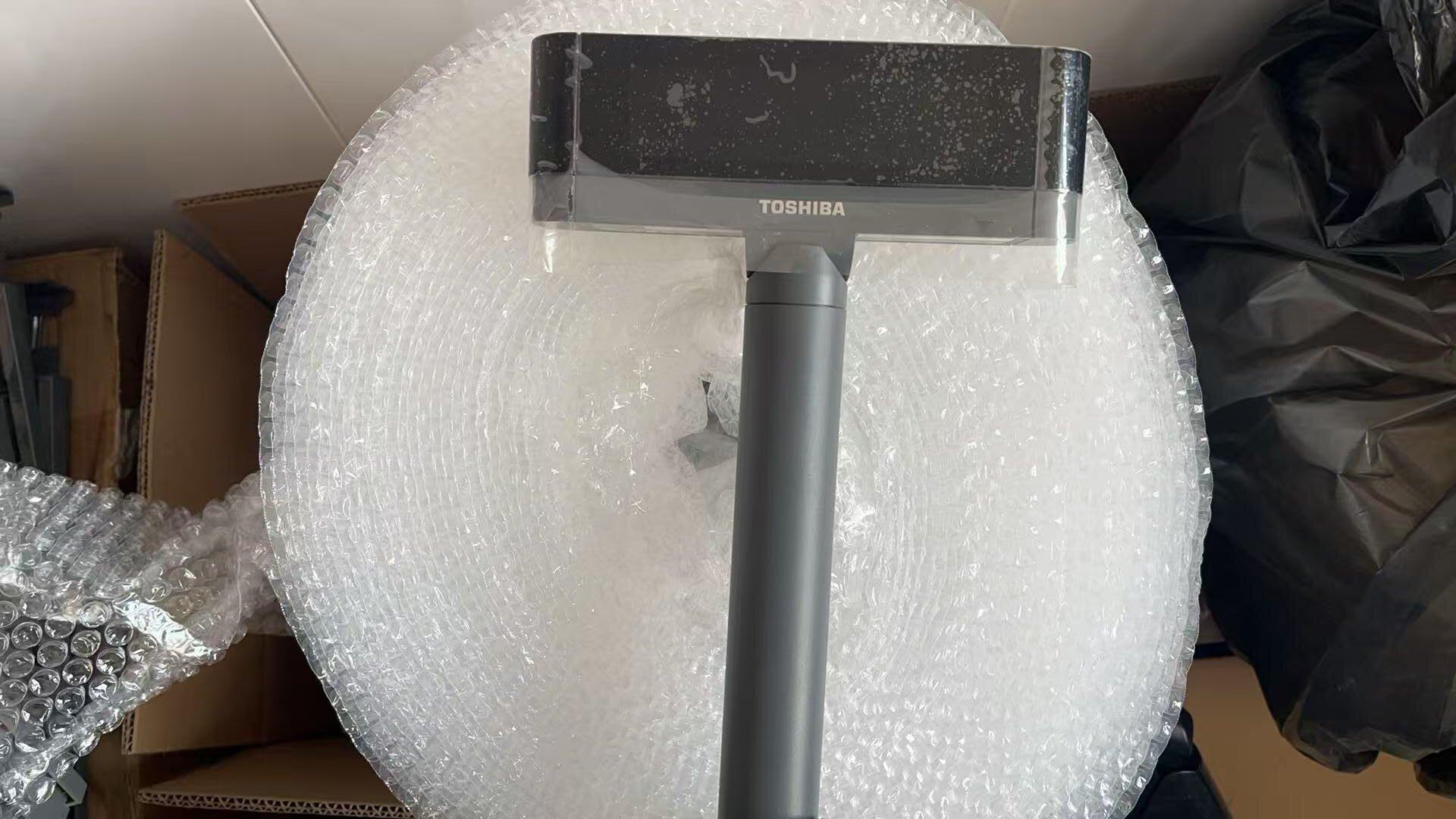
Afficheur Toshiba 6140 TCx Wave simple 2×20 caractères FRU 3AA00808000
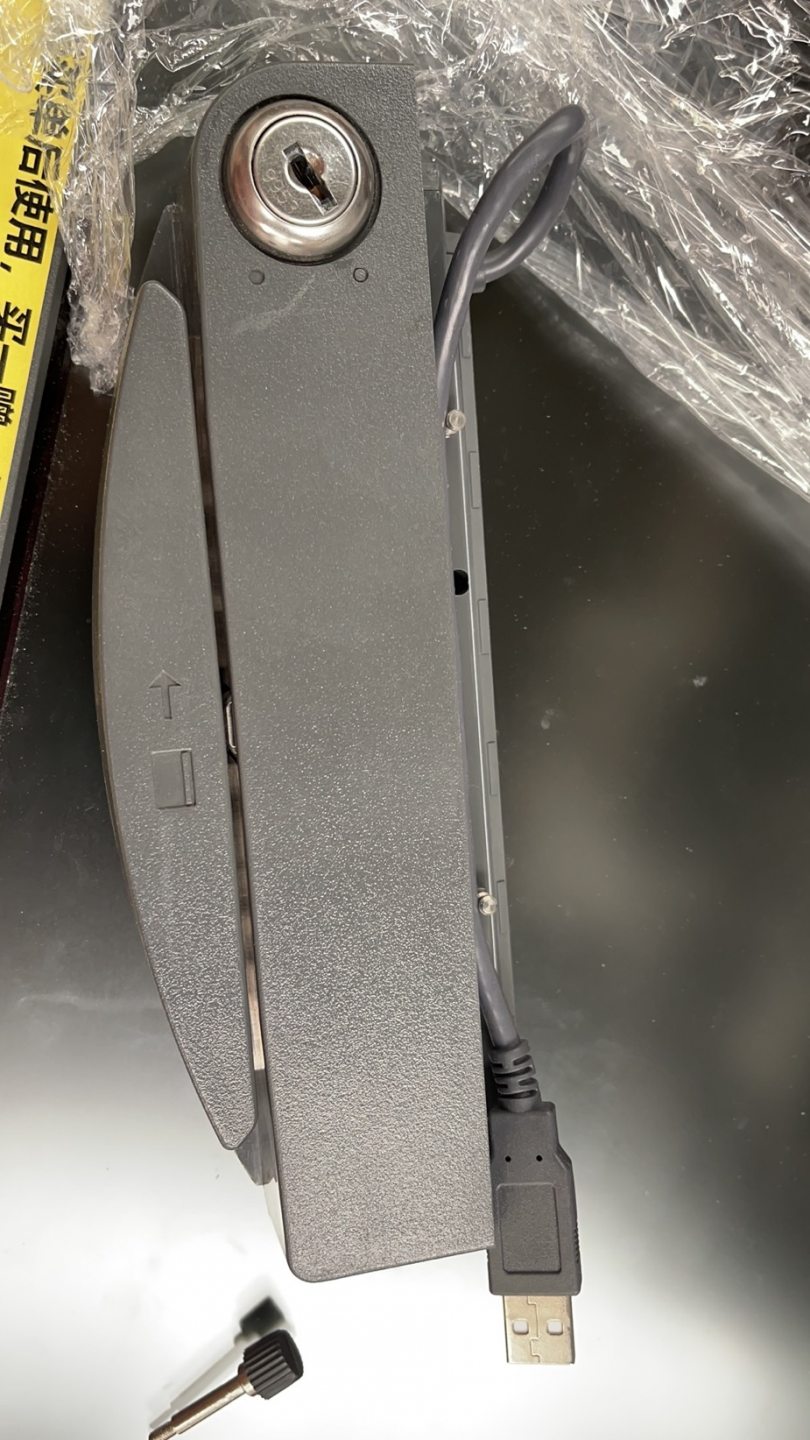
Écran tactile Toshiba IBM 4820 5LG SurePoint avec lecteur de carte MSR
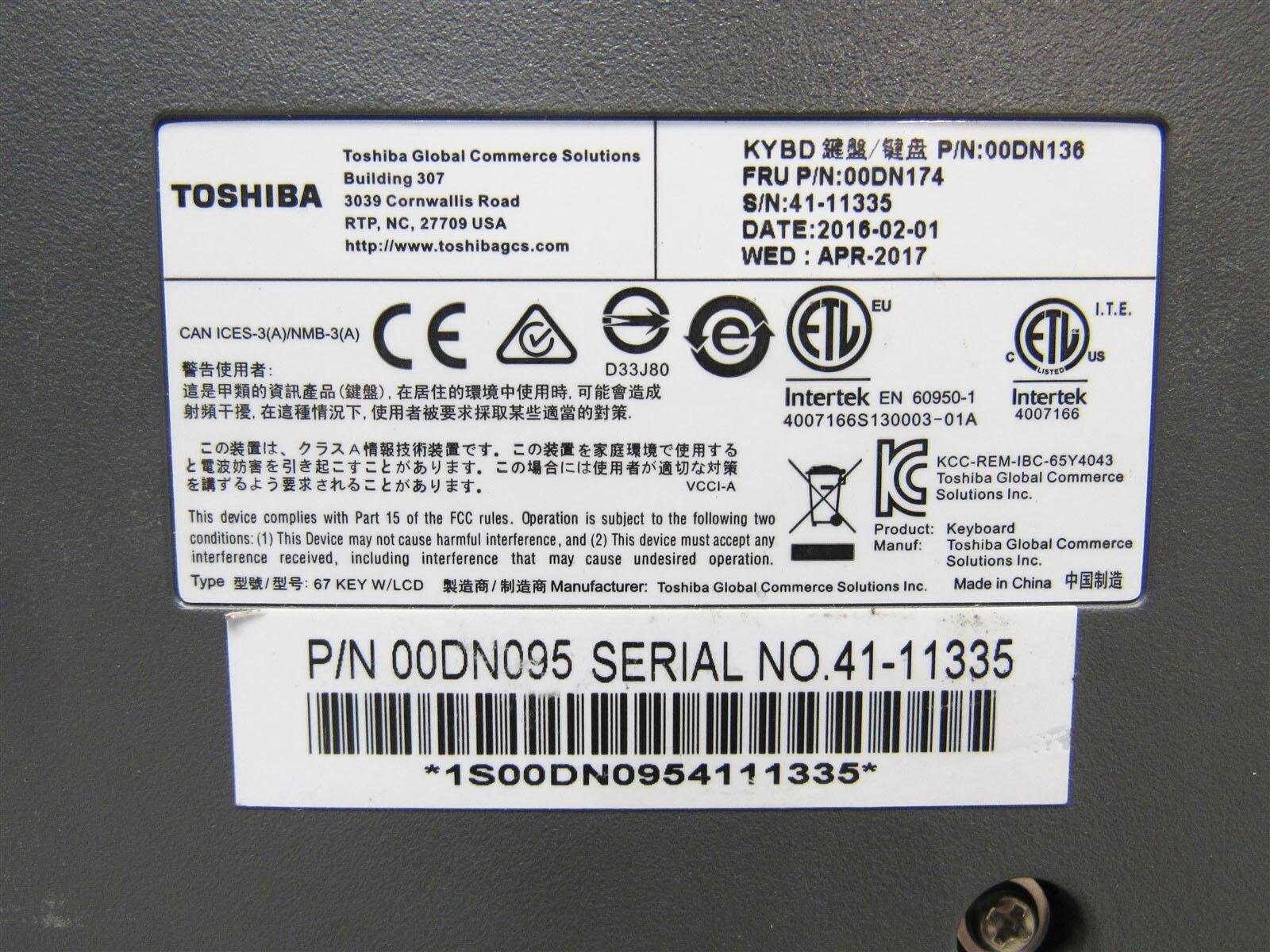
Clavier POS Toshiba IBM 67 touches avec écran LCD FRU 00DN137 00DN175 00DN174 00DN096
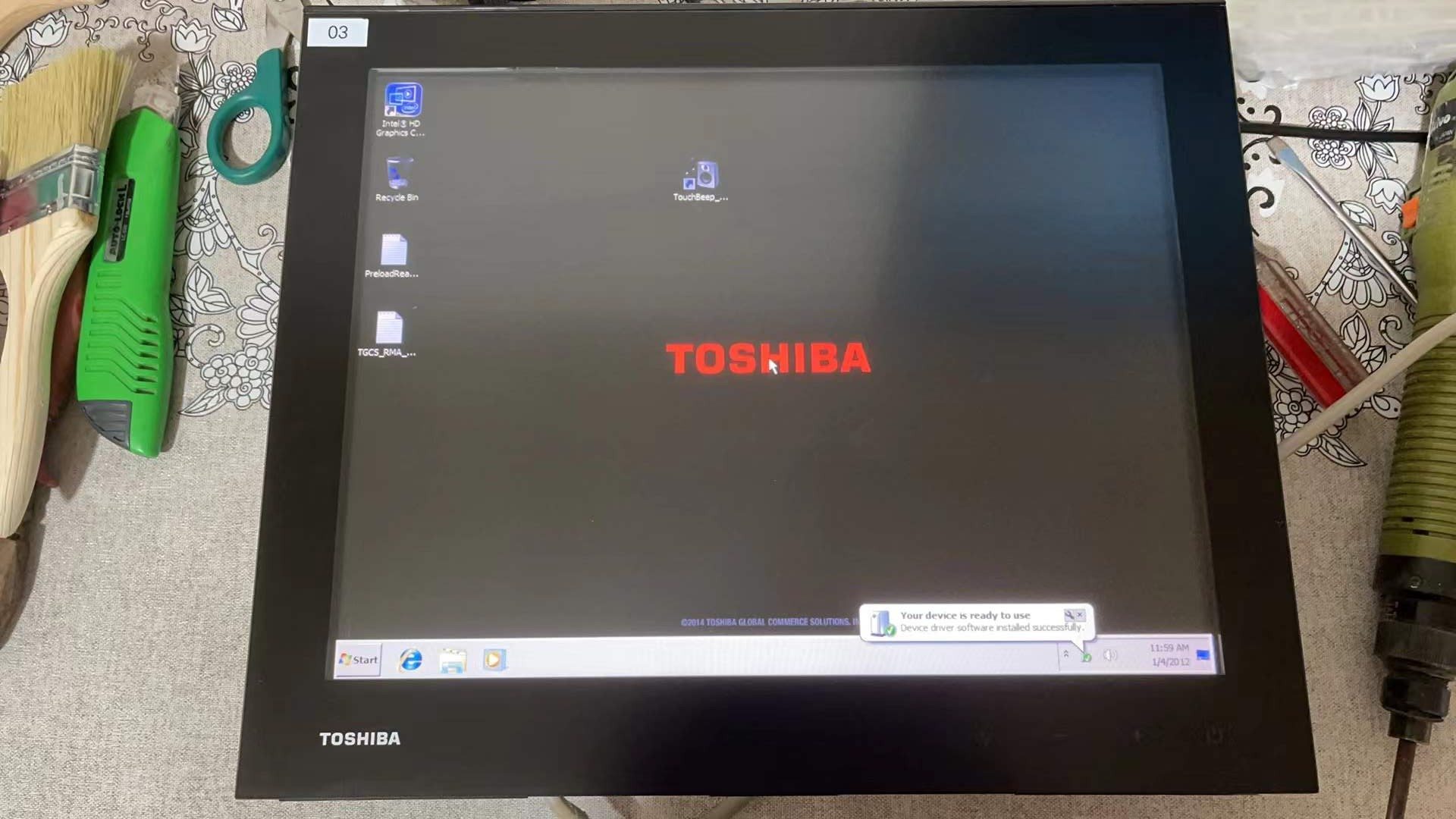
Panneau tactile et écran LCD du terminal POS Toshiba TCXWAVE 6140-E3R
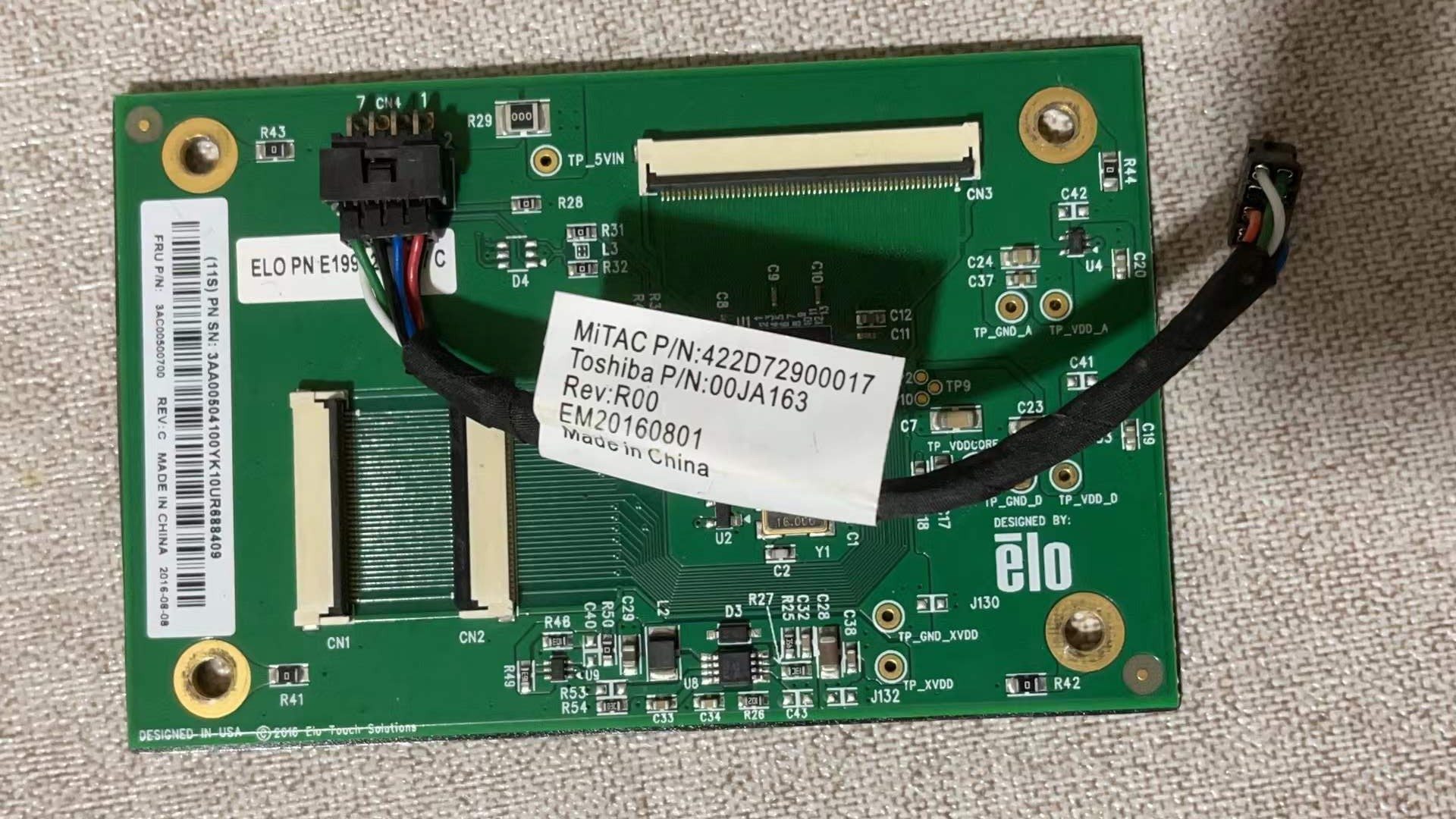
Carte de contrôle du panneau tactile du terminal POS Toshiba TCXWAVE 6140-E3R
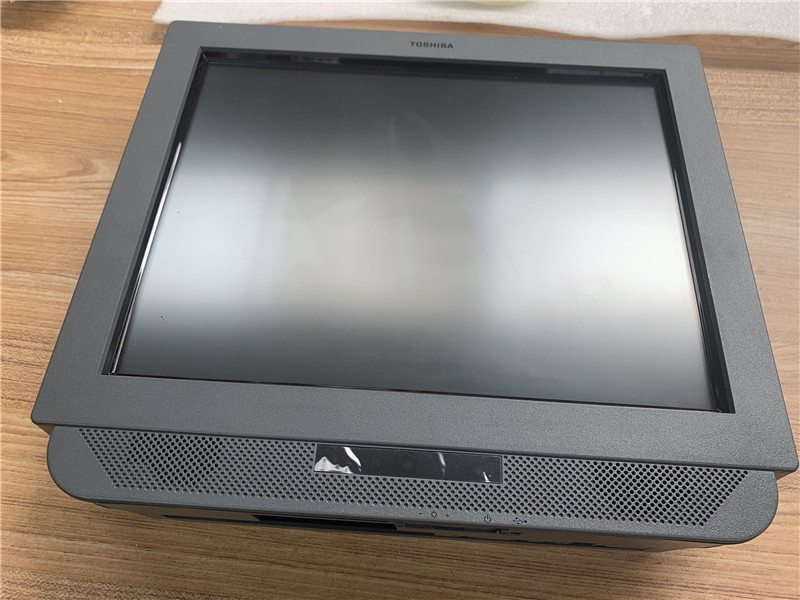
Terminal intégré TOSHIBA IBM 4838-330 écran tactile infrarouge 15 pouces
Nouveau
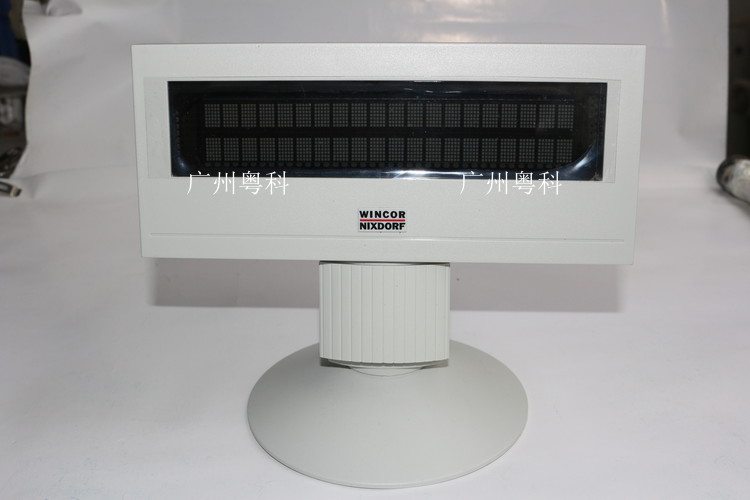
Afficheur client POS Wincor Nixdorf BA63
Nouveau
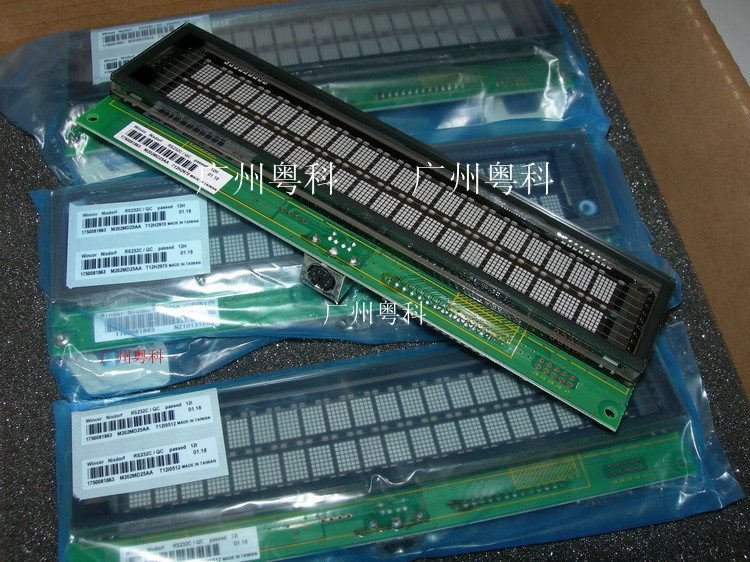
Module d'affichage client POS Wincor Nixdorf BA63
Nouveau
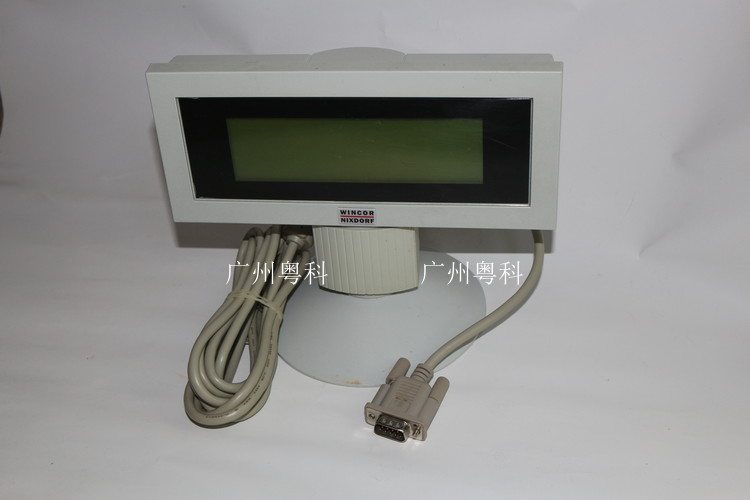
Afficheur client POS Wincor Nixdorf BA63G
Nouveau
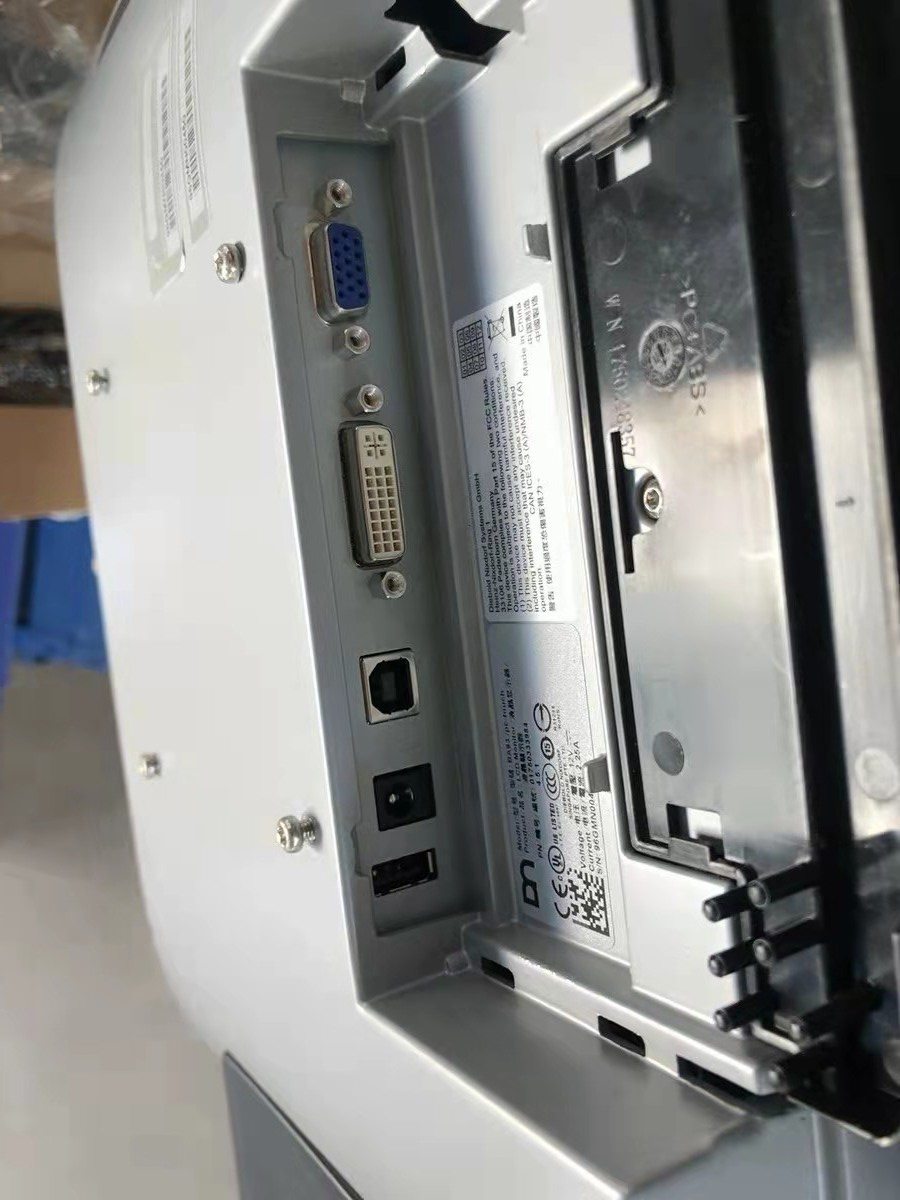
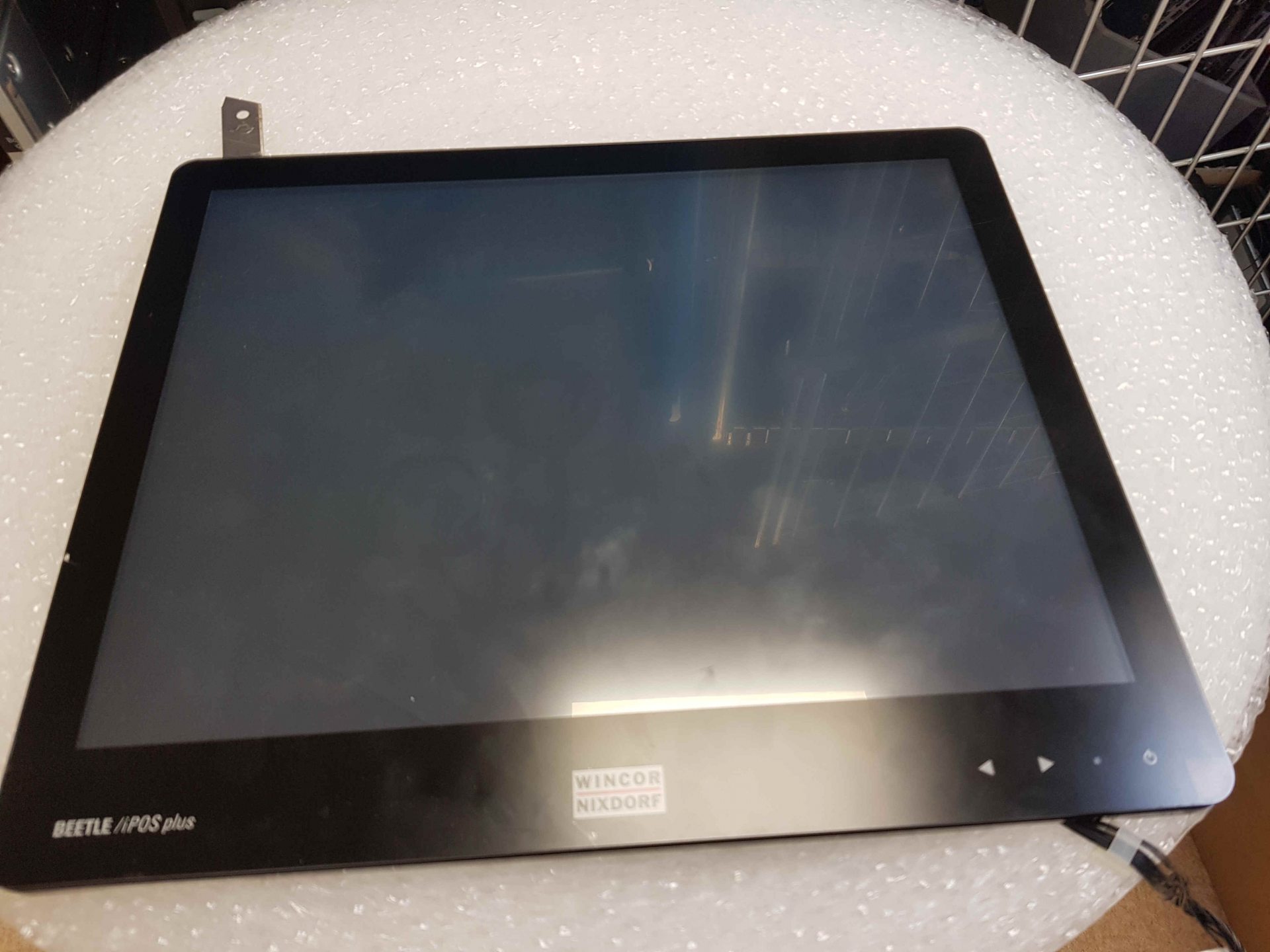
Écran tactile POS Wincor Nixdorf BA93
Nouveau
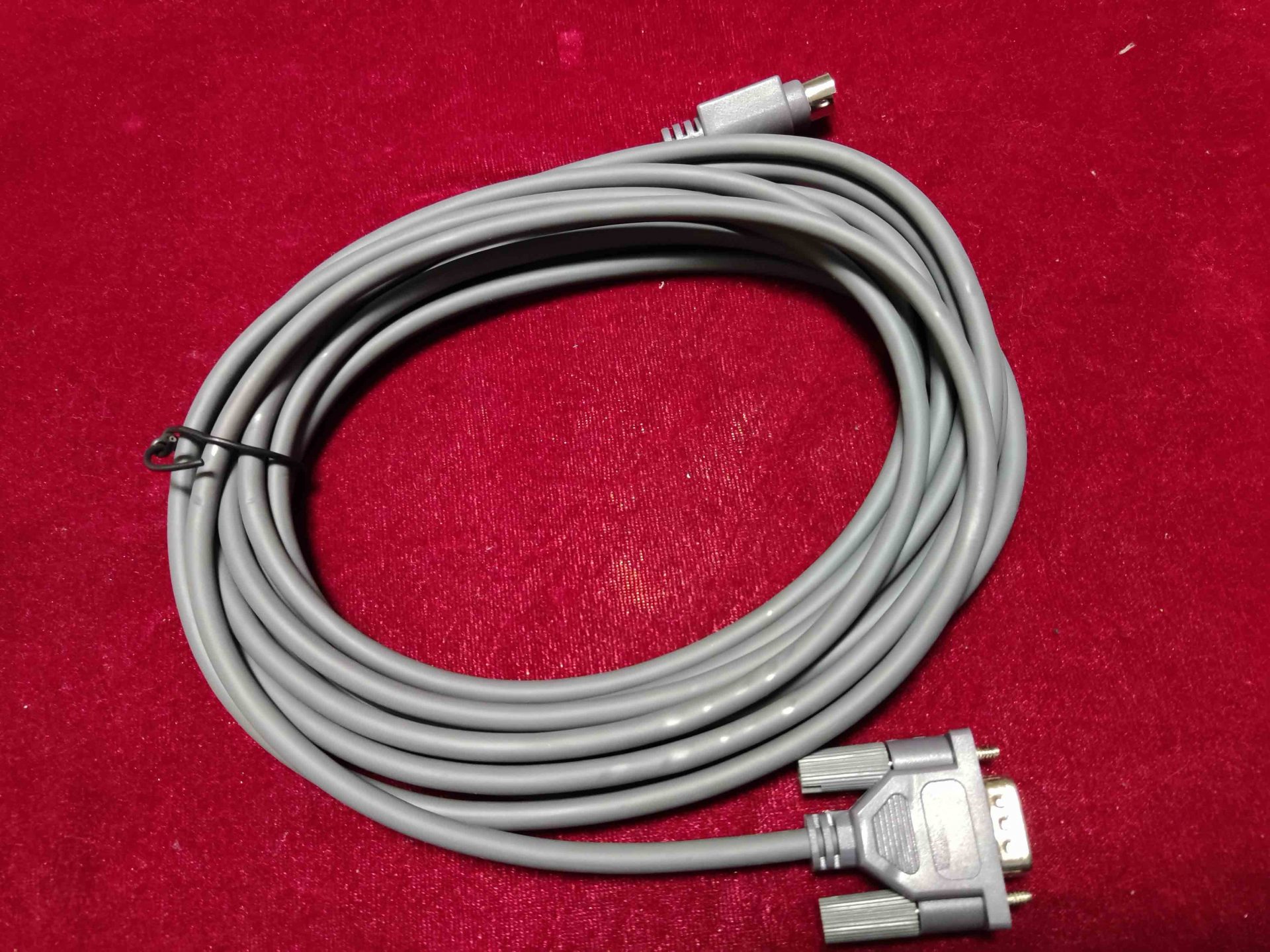
Écran 15 pouces pour terminal POS Wincor Nixdorf beetle ipos Plus Advanced
Nouveau
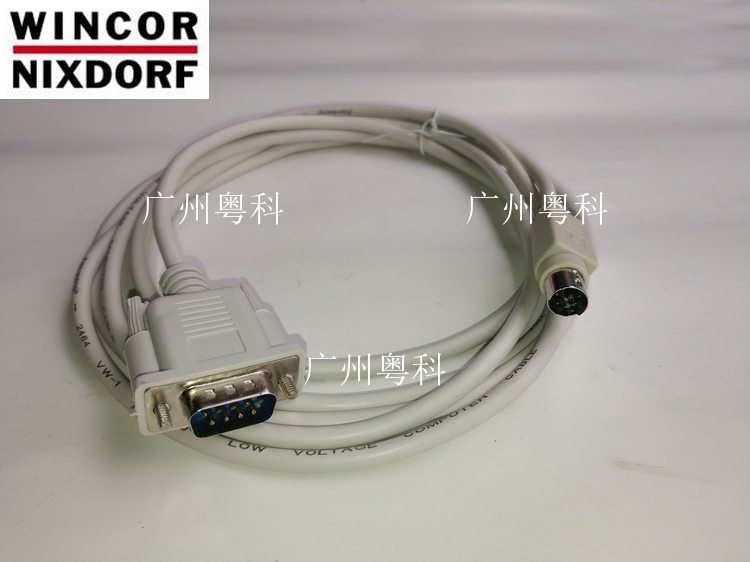
Câble d'afficheur client Wincor Nixdorf BA63
Nouveau
Câble d'afficheur client POS Wincor Nixdorf BA63
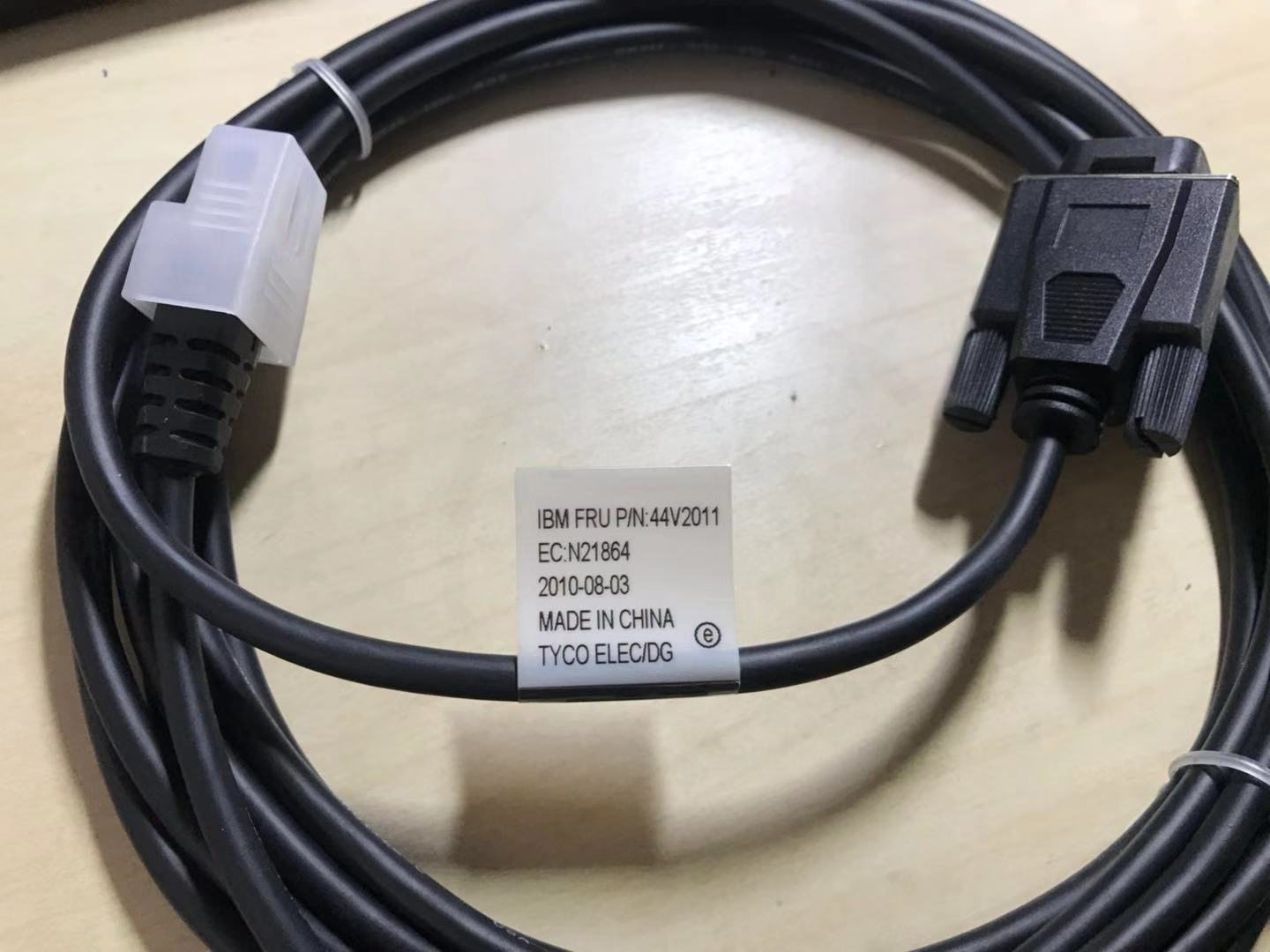
IBM 44V2011 VFD-II Afficheur client Câble
IBM 4820-21G SurePoint 15Pouces Écran tactile
IBM 4840 SurePOS 500 Afficheur client 15K2012
IBM POS 4820-2GD 50Y6694 Écran LCD
Nouveau
IBM SurePOS 4840 Sanyo Torisan 12″ LCD Écran tactile TM121SV-22L11A
IBM SurePos 500 4852-526 VFD Écran module 54Y2452
IBM Surepos 500 4840 POS LCD Moniteur Carte contrôleur Carte TSJB0010803 14
IBM TOSHIBA 40N6803 IBM VFD-II Afficheur client
Nouveau
IBM TOSHIBA 4852-526 POS 15pouces Écran PN54Y2473 FRU54Y2410
Nouveau
IBM TOSHIBA 570 E70 Afficheur client 2nd Écran 4820-2NG
IBM TOSHIBA 570 E70 Client VFD Afficheur client
IBM TOSHIBA POS FRU PN50Y6684 4820-2WD 12 Pouces Écran
IBM TOSHIBA POS Afficheur visiteur USB câble PN42M5632 PN42M5670
IBMT OSHIBA 4820 POS support de moniteur PN42P8087 FRU43P8584
Nouveau
Original TOSHIBA 6140 POS Écran Avec Panneau tactile G150xtt02.0
PN 40N6969 IBM POS VFD
Nouveau
TOSHIBA 6140 E3R et E45 et 14C Terminal POS Écran
TOSHIBA 6140 E45 et E3R A3R et 14C Terminal POS Panneau tactile
TOSHIBA 6140 POS terminal écran 15 pouces LCD moule G150XTN05
TOSHIBA 6200-E0C écran avec tactile panneau G150xtt02.0
Nouveau
TOSHIBA 67Touches Clavier Avec Afficheur LCD,MSR et Serrure PN3AA01198400 FRU PN3AC00613100
TOSHIBA IBM 4820 5LG SUREPOINT TACTILE ÉCRAN Support
TOSHIBA IBM 4820 5LG SUREPOINT TACTILE ÉCRAN USB CÂBLE
TOSHIBA IBM SurePOS 700 Écran
TOSHIBA POS TCx APA Afficheur client PN3AC00536400
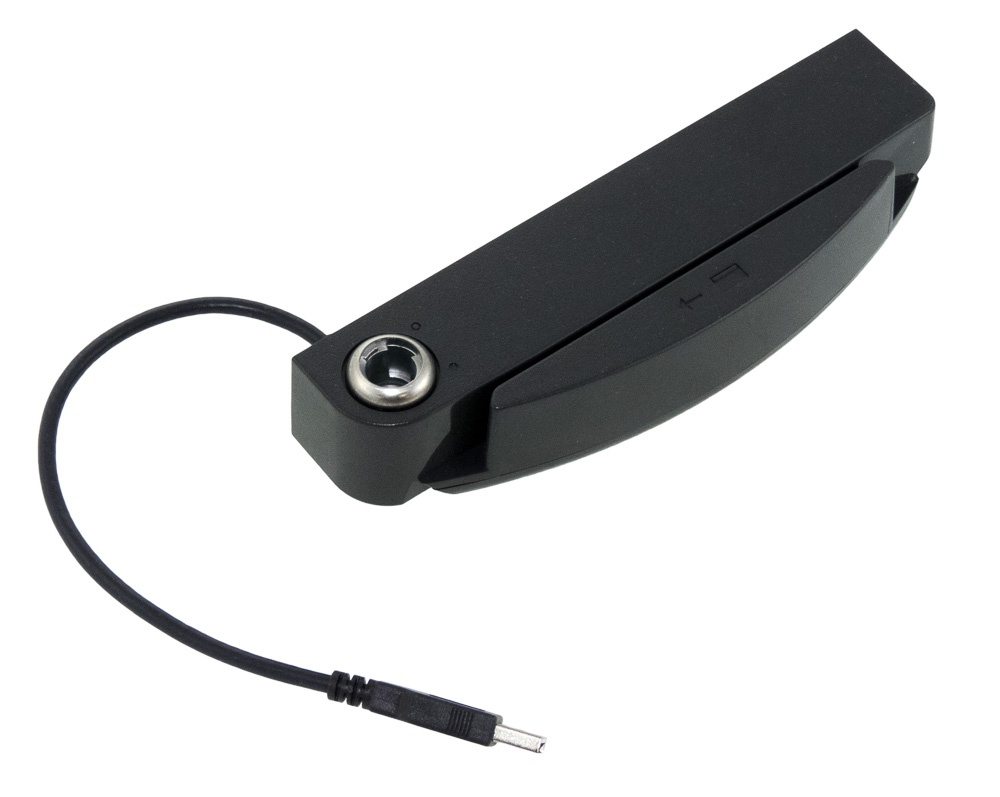
TOSHIBA SUREPOINT 4820 Écran MSR Carte lecteur Utiliser pour 4820-2LG 4820-5LG
TOSHIBA TCxWave 6140 POS VFD PN00V0204
Toshiba 15″ 4820-51G SurePoint SurePOS Tactile Écran 482051G
Nouveau
Toshiba 4820-5LG 15″ Écran tactile LCD Moniteur
Toshiba 4840-532 POS Panneau tactile Replace Pièces
Toshiba 6140 Série POS Écran LCD Mould 18.5 pouces G185XW01
Toshiba 6140 TCx Wave Simple 2×20 Pôle Écran FRU 3AA00808000
Toshiba IBM 4820 5LG SurePoint Écran tactile MSR Chariot Lecteur
Toshiba IBM 67-Touches POS Clavier Avec Afficheur LCD FRU 00DN137 00DN175 00DN174 00DN096
Toshiba TCXWAVE 6140-E3R Terminal POS Panneau tactile Et Afficheur LCD
Toshiba TCXWAVE 6140-E3R Terminal POS Panneau tactile contrôle carte
Nouveau
Wincor Nixdorf BA63 POS Afficheur client
Nouveau
Wincor Nixdorf BA63 POS Afficheur client Module
Nouveau
Wincor Nixdorf BA63G POS Afficheur client
Nouveau
Wincor BA93 POS Tactile Écran
Nouveau
Wincor Nixdorf beetle ipos Plus Advanced 15pouces Écran
Parcourir d'autres catégories
bixolom-printer-and-accessoriesCâbles & Connecteursepson-pos-printer-and-partsfujitsu-printer-and-partsmettler-toledo-electronic-scale-and-spare-partsncr-realpos-printer-and-partspda-equipment-and-partssnbc-thermal-printer-and-partsstar-micronics-printer-and-partsTerminaux POS TOSHIBA/IBM et pièces de rechangeTerminaux POS WINCOR NIXDORF et pièces de rechangeLecteurs de cartes & Scannerscash-drawer-and-partsRefroidissement & DissipateursCartes d'interface & RiserClaviers POSCartes mèresAutres piècesImprimantes de reçus POSPièces de réparation POSTerminaux POSAlimentationsPièces de coupe & EngrenagesCartes d'interface imprimanteStockage & MémoireTêtes d'impression thermiquesPièces de tiroir-caisse
Parcourir par marque
Foire aux questions
Can I use a regular monitor as a POS display?
For low-volume environments, yes — any HDMI/VGA monitor will work. But office monitors are typically rated for 16 hours/day duty, will glare under fluorescent overhead lighting, and their stands don't fit POS arms (VESA 100 vs the non-standard mounts most cash desks use). For lanes running 8+ hours/day, a true POS display pays for itself in lifespan.
What's the difference between resistive and capacitive touch?
Resistive (5-wire) touchscreens register pressure — anything (stylus, gloved finger, fingernail) works, very durable, and dominant in industrial and food-service POS. Capacitive (PCAP, used in modern smartphones) requires bare skin contact, much faster multi-touch, but expensive and limited in food/glove environments. Choose resistive for kitchen and grocery; capacitive for boutique retail.
Why is my touchscreen drifting / clicking the wrong spot?
Touchscreens need recalibration when the registration between the touch layer and the display drifts. Both Windows and most POS apps include a calibration wizard — usually accessed from the touch driver in Control Panel. If recalibration doesn't fix it, the touch overlay's controller cable may be loose or the overlay itself worn — both serviceable.
Do customer-facing displays need to be the same brand as the terminal?
No. Most customer-facing displays speak the OPOS or JavaPOS standard over USB or serial, so any compliant display works with any compliant POS app. Where you can run into trouble is with manufacturer-specific commands (e.g., NCR 5965-series sometimes uses NCR proprietary escape sequences), in which case the matching brand is the simplest path.