
Lecteur de carte POS qui ne lit pas les swipes ? Nettoyage, dépannage et remplacement du MSR
Un guide pratique pour un lecteur de bande magnétique qui ne lit pas — comment fonctionne un MSR, la bonne façon de nettoyer la tête de lecture, isoler une carte défectueuse d'un lecteur défectueux d'un problème hôte, et choisir un remplacement par interface et pistes.
Le tri rapide
A card reader that suddenly stops reading swipes rarely needs replacing. In the field, the order of likelihood is almost always: a dirty read head first, a worn or demagnetized card second, swipe technique third, and an actual reader failure a distant fourth. Two cheap tests resolve most calls before you order anything:
| Do this | What it rules out | |
|---|---|---|
| 1. Clean the slot (cleaning card or IPA + microfiber) | A dirty read head — the #1 cause of swipe failures | — |
| 2. Try 2–3 known-good cards | A single demagnetized or scratched card | — |
| 3. Swipe slowly, stripe facing the head | Too-fast, partial or wrong-orientation swipes | — |
| 4. Reseat USB / restart the terminal | A loose connection or stale USB session | — |
| 5. Cross-test, then replace | Confirms the reader itself is the fault before you buy | — |
Comment fonctionne un lecteur de bande magnétique
A magnetic-stripe reader (MSR) is simple: as the card’s stripe slides past a tiny magnetic read head, the head detects the flipping magnetic fields encoded on the stripe and converts them to data. The stripe holds up to three parallel tracks, and most POS transactions read tracks 1 and 2.
Because reading depends on physical contact between stripe and head, two things dominate failures: anything that blocks that contact (dirt, lint, grime on the head) and anything that weakens the signal (a worn, scratched or demagnetized stripe). That’s why cleaning and a known-good card resolve the overwhelming majority of swipe problems.
Lire le symptôme
The pattern of failure points to the cause. Match yours before reaching for a tool:
| Symptom | Most likely cause | |
|---|---|---|
| No cards read at all | Dirty head, loose USB, or failed reader | — |
| Some cards read, others don't | Worn/demagnetized cards (not the reader) | — |
| Reads only on slow, careful swipes | Head wear or build-up — clean, then watch the trend | — |
| LED reacts but POS shows nothing | USB/HID config or the POS field isn't focused | — |
| Intermittent / drops out | Loose connector or failing reader electronics | — |
| Customer chip cards 'fail' | Chip card swiped instead of inserted — not an MSR fault | — |
Nettoyer la tête de lecture correctement
Cleaning is the highest-yield fix, but only if done correctly — the wrong materials make things worse. Follow this exactly:
- 1
Use the right material
A purpose-made cleaning card, or a lint-free microfiber cloth lightly dampened with isopropyl alcohol. Nothing else touches the slot.Caution: Never use paper towel, tissue or ordinary cloth — they shed lint that builds up on the head and causes failures. - 2
Pass through in one direction
Insert the cleaning card or fold the cloth thin, and draw it slowly and fully through the swipe slot in one direction. - 3
Repeat in the opposite direction
Pull it back through the other way. Repeat a few passes until it comes out clean. Let any alcohol flash off before swiping a real card. - 4
Re-test with a known-good card
Swipe two or three good cards smoothly. If they read, you’re done — and you’ve just learned the cleaning interval this site needs.
Isoler : carte, lecteur ou hôte ?
If cleaning didn’t fix it, isolate the fault with a quick cross-test. The goal is to prove which of three things is at fault — the card, the reader, or the host — before you replace anything.
| Test | Result → conclusion | |
|---|---|---|
| Several good cards in the suspect reader | None read → reader is the likely fault | — |
| The original card in another good reader | Fails there too → the card is demagnetized/worn | — |
| Suspect reader on another terminal | Works there → host PC, USB or software, not the reader | — |
| Reader LED on swipe, POS blank | Config/focus issue — check USB-HID and the input field | — |
If the reader fails every good card across multiple terminals even after cleaning, the read head is worn or the electronics have failed — it’s time to replace it.
Choisir un MSR de remplacement
Read heads are wear parts; in heavy retail a reader may be due after a few years even with diligent cleaning. Match the replacement on these specs for a clean swap:
| Spec | How to choose | |
|---|---|---|
| Interface | USB HID keyboard-emulation (most common), USB-serial, or RS-232 | — |
| Tracks read | 1/2 for most payments; 1/2/3 if your application needs track 3 | — |
| Form factor | Standalone slot, or integrated to a specific display/terminal model | — |
| Mounting | Side-mount bracket vs built-in — match your terminal's chassis | — |
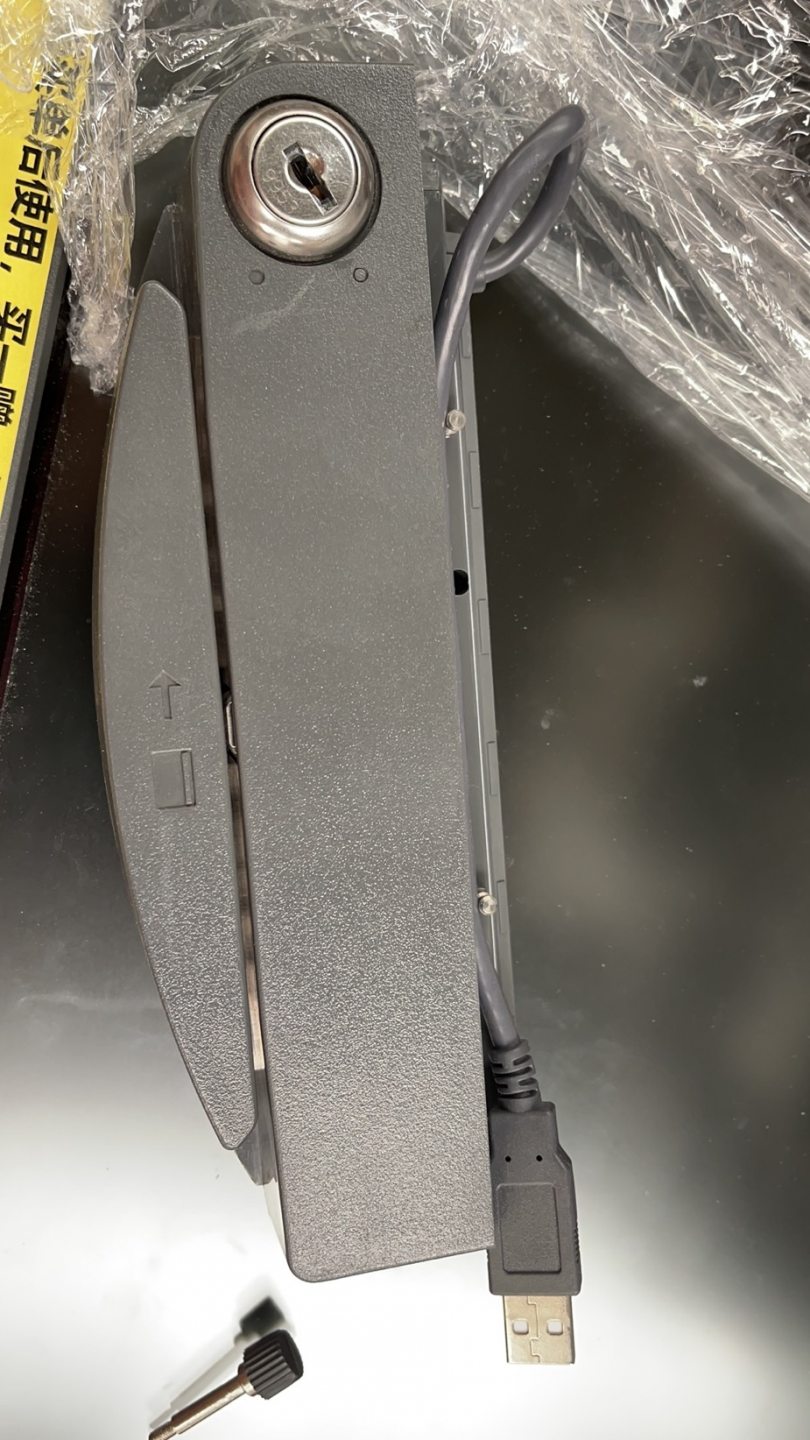
| Brand fit | Some terminals (Elo, NCR, etc.) take a model-specific attached reader | — |
Browse standalone and integrated readers in our card readers & scanners category, and replacement cables in cables & connectors. For motorized ATM-style read heads — a different beast from a hand-swipe POS MSR — see our ATM card reader heads comparison. Tell us your terminal model and required tracks and we’ll match the right reader before you order.
Questions fréquentes
Mon lecteur de carte POS ne lit plus les swipes — quoi vérifier en premier ?
Comment nettoyer un lecteur de bande magnétique, et à quelle fréquence ?
Comment savoir si c'est la carte ou le lecteur ?
La vitesse ou le sens du swipe comptent-ils ?
Le lecteur est alimenté mais le POS n'affiche rien au swipe — est-ce le logiciel ?
Quand le MSR est-il réellement usé et à remplacer ?
Sources & lectures complémentaires
Guides associés
Câblage et connexion du tiroir-caisse : drawer-kick RJ11/RJ12, piloté par imprimante vs USB, et l'impulsion 12–24V
Un tiroir-caisse POS ne se branche pas sur la caisse — il est ouvert par une impulsion 12–24V de l'imprimante de tickets via un câble RJ11/RJ12. Interface, broches et tension correctes, et ça marche.
Lire le guide →Ventilateur POS bruyant ou défaillant ? Diagnostiquer le roulement, le nettoyer et choisir un remplacement
Un ventilateur POS qui grince ou siffle, c'est généralement de la poussière ou un roulement usé — ignoré, cela mène à la surchauffe et aux arrêts. Voici comment trouver le ventilateur bruyant, décider nettoyer-ou-remplacer, et choisir le bon.
Lire le guide →Ticket pâle, foncé, partiel ou strié ? Dépannage de la qualité d'impression thermique (commencez par l'autotest)
Des tickets pâles, striés ou unilatéraux remontent presque toujours à une tête sale, au mauvais papier ou à un réglage de densité — pas à une imprimante morte. Un autotest dit si la solution est logicielle ou matérielle.
Lire le guide →Catégories associées
Pièces en vedette
%20Sparta%20Riser%20Card/120c399634d85265f7a7595a979407ee_c48b4b186f0a2eea2b86d0d5a86c219e_s-l1600.jpg)

Besoin des pièces mentionnées dans ce guide ?
Pièces OEM d'origine et alternatives testées en usine pour les systèmes IBM, Toshiba, NCR, Diebold, Wincor et Hyosung — avec expédition mondiale.


