
Barcode Scanner Not Scanning? Troubleshooting, Factory Reset and Choosing a Replacement
A field guide to a POS barcode scanner that won't read — laser vs CCD vs 2D imager, a clean-distance-symbology-reset fix sequence, telling a bad label from a bad scanner, and matching a replacement by scan type and interface.
The fast triage
A scanner that won’t read almost never has a dead scan engine. The aimer lighting up proves it has power, which points the fault at the optics or the configuration. In the field the order of likelihood is: a dirty or scratched window first, a disabled symbology or scrambled config second, a connection/interface issue third, and a worn scan engine a distant fourth. Run this triage first:
| Do this | What it rules out | |
|---|---|---|
| 1. Clean the scan window | Dust, smudges and scratches — the #1 cause of read failures | — |
| 2. Check distance, angle and the right code type | A 1D laser can't read a 2D/QR code at all | — |
| 3. Scan the factory-reset barcode | Clears disabled symbologies, prefixes and pairing glitches | — |
| 4. Test the connection in Notepad | Proves whether it's the scanner, the cable, or the POS field | — |
| 5. Replace the scanner | Only if a clean, reset, connected unit still won't read | — |
Scanner types: laser, CCD and 2D imager
Before you diagnose, know which scanner you have — it determines what it canread and what replacement you need. Three technologies dominate retail:
| Laser (1D) | CCD / LED (1D) | Area imager (2D) | |
|---|---|---|---|
| Reads 1D barcodes | ✓ | ✓ | ✓ |
| Reads 2D / QR / Data Matrix | ✗ | ✗ | ✓ |
| Reads from a phone screen | ✗ (poor) | ✗ (poor) | ✓ |
| Best range | Longer | Short / near-contact | Short–medium |
| Moving-part wear | Yes (oscillating mirror) | No | No |
| Typical use | General retail 1D | Budget / near-contact | Modern POS, mobile pay |
Reading the symptom
The pattern of failure narrows the cause before you reach for a tool:
| Symptom | Most likely cause | |
|---|---|---|
| No aimer light, fully dead | Power/USB cable, port, or (wireless) flat battery | — |
| Aimer on, reads nothing | Dirty window, or config/symbology disabled | — |
| Reads 1D but not QR/2D | Wrong scanner type — needs a 2D imager | — |
| Reads some labels, not others | Poor label print/contrast, or specific symbology off | — |
| Beeps but POS shows nothing | Interface mode / focus — test in Notepad | — |
| Slow, needs many tries | Scratched window or a worn scan engine | — |
Step-by-step: clean, reset, reconnect
Work the steps in order and stop as soon as it scans reliably. Each step rules out a class of cause so you never replace a working scanner.
- 1
Clean the window
Wipe the scan window with a soft, lint-free cloth — dry, or lightly dampened with isopropyl alcohol. Check for scratches while you’re there. This alone fixes a large share of degraded scanning. - 2
Check distance, angle and code type
Hold the scanner at its rated working distance, square to the code, and confirm you’re not asking a 1D laser to read a 2D/QR code. Try several known-good barcodes. - 3
Scan the factory-reset barcode
From the scanner’s manual, scan “Restore Factory Defaults.” This re-enables symbologies, clears stray prefix/suffix settings and fixes Bluetooth pairing glitches in one step.Caution: After a reset you may need to re-scan the interface-mode barcode (USB-HID vs USB-COM) your POS expects. - 4
Test the connection in a text field
Open Notepad and scan. Data appears = scanner and cable are fine, so the issue is the POS field/focus. Nothing appears = reseat the USB cable, try another port, and (wireless) recharge and re-pair. - 5
Confirm worn engine, then replace
If a clean, reset, correctly connected scanner still won’t read good codes across multiple tries, the scan engine is worn. Replace it — matching scan type, interface and form factor.
When the barcode — not the scanner — is the problem
Sometimes the scanner is fine and the barcode is the problem. If a scanner reads most codes but balks at specific labels, suspect the label before the hardware:
| Label problem | Why it fails / fix | |
|---|---|---|
| Low contrast / faded print | Scanner can't tell bars from spaces — reprint darker | — |
| No quiet zone (margins) | Bars too close to edge/graphics — leave clear margins | — |
| Wrinkled, curved or shiny | Distorts or reflects — flatten, or use a matte label | — |
| Too small / too dense | Below the scanner's resolution — enlarge the symbol | — |
| Wrong symbology for the scanner | Enable that symbology, or use a 2D imager | — |
| Damaged / partly torn | Missing data — reprint the label | — |
Choosing a replacement scanner
When the engine really is worn, match the replacement on these specs so it drops straight into your lane and reads what you actually scan:
| Spec | How to choose | |
|---|---|---|
| Scan type | 2D imager if you scan QR/phone codes; 1D laser/CCD if strictly retail 1D | — |
| Interface | USB-HID keyboard wedge (most POS), USB-COM, serial, or Bluetooth | — |
| Form factor | Handheld, hands-free presentation stand, or in-counter | — |
| Range & field | Long-range for warehouse/shelf; close-range for counter | — |
| Durability | Drop/IP rating for industrial; standard for clean retail | — |
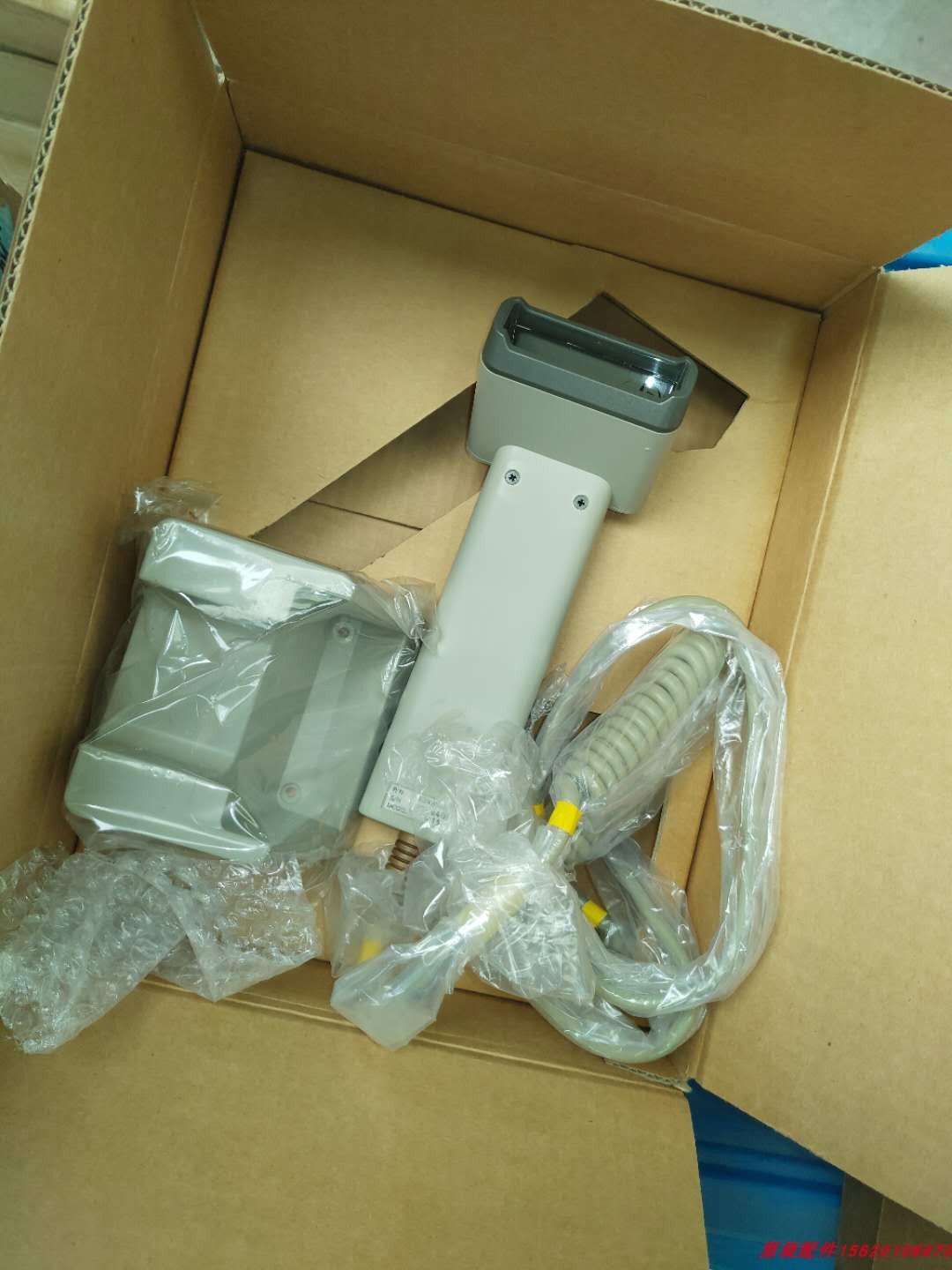
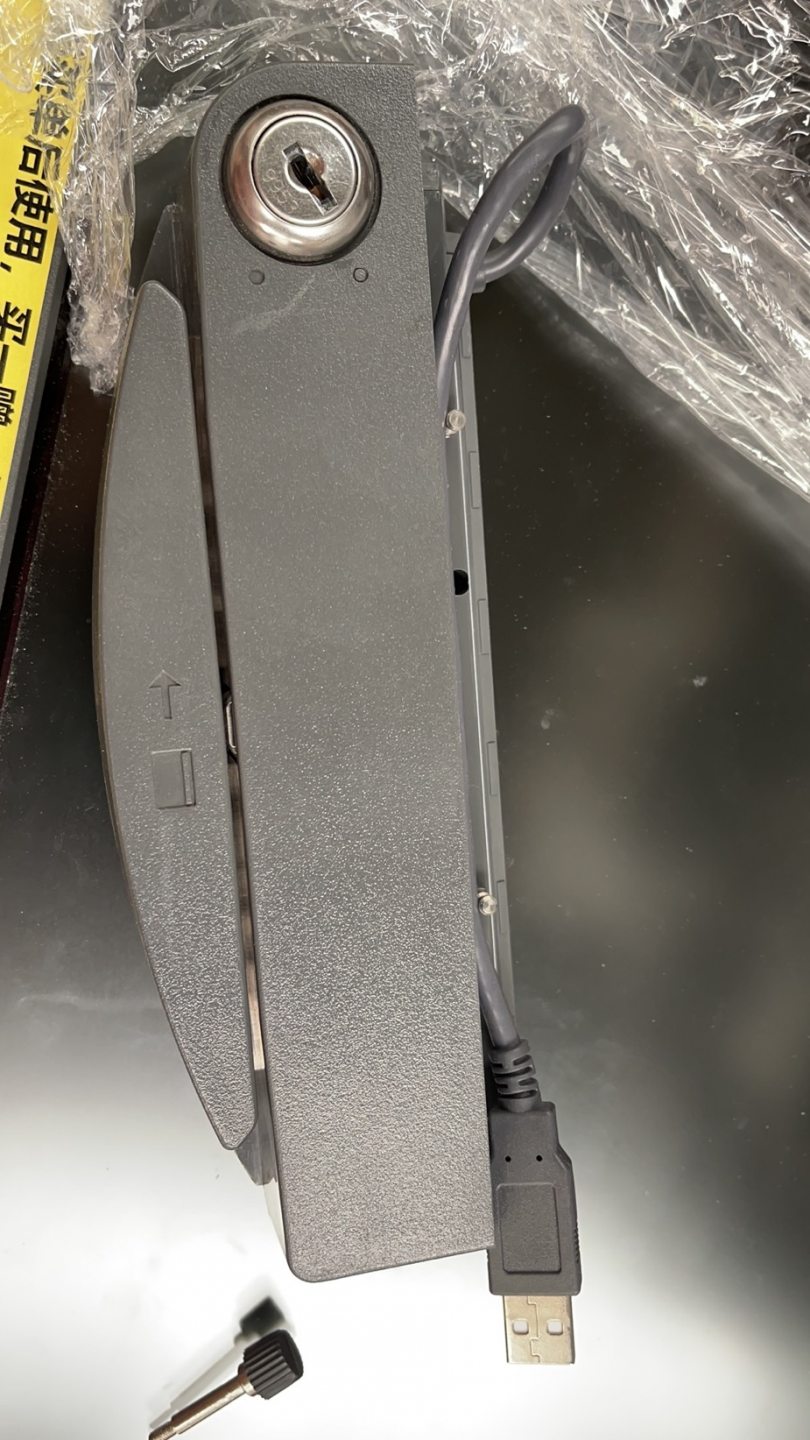
Browse handheld and hands-free scanners in our card readers & scanners category, and replacement cables in cables & connectors. For magnetic-stripe swipe faults — a different device entirely — see our MSR card reader troubleshooting guide. Tell us what codes you scan (1D only, or 2D/QR) and your POS interface, and we’ll match the right scanner before you order.
Frequently Asked Questions
My barcode scanner lights up but won't read anything — where do I start?
Why can my scanner read some barcodes but not QR codes?
How do I factory-reset a barcode scanner?
The scanner beeps on a scan but nothing appears on the POS — is it the software?
Does the scan window really need cleaning that often?
When is the scanner genuinely worn out and due for replacement?
Sources & further reading
- Barcode Scanner Not Scanning? Common Issues and Easy Fixes — HPRT
- Barcode Scanner Troubleshooting — POS-X
- Barcode Scanner Troubleshooting Guide — Lightspeed Retail
- Why Aren't My Barcodes Scanning? Common Problems & Fixes — Computype
- Troubleshoot Your Barcode Scanner — Square
Related guides
Cash Drawer Wiring & Connection: RJ11/RJ12 Drawer-Kick, Printer-Driven vs USB, and the 12–24V Pulse
A POS cash drawer doesn't plug into the till — it's kicked open by a 12–24V pulse from the receipt printer down an RJ11/RJ12 cable. Get the interface, pins and voltage right and it just works. Here's the wiring, explained.
Read guide →Noisy or Failing POS Cooling Fan? Diagnose the Bearing, Clean It, and Match a Replacement
A grinding or whining POS fan is usually dust or a worn bearing — and ignored, it leads to overheating and shutdowns. Here's how to find the noisy fan, decide clean-or-replace, and match the right fan.
Read guide →Receipt Printing Faint, Dark, Partial or Streaked? Thermal Print-Quality Troubleshooting (Start With the Self-Test)
Faint, streaked or one-sided receipts almost always trace to a dirty head, the wrong paper, or a density setting — not a dead printer. One self-test print tells you whether the fix is software or hardware. Here's the full routine.
Read guide →Related categories
Featured parts in this guide
%20Sparta%20Riser%20Card/120c399634d85265f7a7595a979407ee_c48b4b186f0a2eea2b86d0d5a86c219e_s-l1600.jpg)

Need the parts mentioned in this guide?
Genuine OEM and quality-tested aftermarket parts for IBM, Toshiba, NCR, Diebold, Wincor and Hyosung systems — with worldwide shipping.


