
จอแสดงผลลูกค้า POS ดับหรือไม่ทำงาน? คู่มือไฟ พอร์ต COM โปรโตคอล และการเปลี่ยน
คู่มือภาคสนามสำหรับจอแสดงผลลูกค้า/จอเสา POS (VFD หรือ LCD) ที่ดับหรือตัวอักษรเพี้ยน — เชื่อมต่อผ่านซีเรียลหรือ USB-COM อย่างไร ลำดับ ไฟ-สาย-COM-โปรโตคอล ทดสอบพอร์ตด้วยโปรแกรมเทอร์มินัล และเลือกตัวเปลี่ยนตามการจำลองคำสั่ง
คัดกรองอย่างเร็ว
A blank customer (pole) display rarely means a dead screen. The display and its data link are separate, so the first thing to settle is whether it has power: a powered but idle display usually glows or shows a standby readout (some models literally display “rOFF” or “cOFF”). From there, almost every fault is a cable, a COM port, or a protocol mismatch — not the VFD. Triage in this order:
| Do this | What it rules out | |
|---|---|---|
| 1. Confirm power (own adapter) | No glow at all = power; pole displays are often powered separately | — |
| 2. Reseat the serial/USB data cable | A loose data link = powered but no sale data | — |
| 3. Match the COM port in the POS | Wrong COM number — the #1 config fault | — |
| 4. Match baud rate and emulation | Garbled text = wrong baud or command protocol | — |
| 5. Test the port, then replace | Proves the display vs the software before you buy | — |
จอแสดงผลลูกค้าเชื่อมต่ออย่างไร
A customer display — usually a blue-green VFD (vacuum fluorescent display), sometimes an LCD — receives text from the POS over a serial link: a real RS-232 port, or a USB connection that presents itself as a virtual COM port. The POS sends characters and control commands; the display’s controller interprets them and shows the price or total.
Two facts follow from this. First, power and data are independent — the display can be lit yet show nothing because no data is arriving. Second, the controller only understands one command emulation (Epson ESC, UTC, EMAX, ADM and others), so the POS must send the matching protocol or you get blank or garbled output.
อ่านอาการ
The exact symptom narrows the cause quickly:
| Symptom | Most likely cause | |
|---|---|---|
| Totally dark, no glow | No power — adapter, cable or outlet | — |
| Glows / standby readout, no sale data | Data cable, wrong COM port, or POS not configured | — |
| Garbled / random characters | Wrong baud rate, or wrong command emulation | — |
| Shows some text, freezes | Loose cable or flaky USB-COM connection | — |
| Worked until a PC change | COM number reassigned — re-point the POS | — |
| Nothing even via PuTTY (correct settings) | Cable, port, or the display itself failed | — |
ทีละขั้น: ไฟ สาย COM โปรโตคอล
Work the sequence in order and stop when the total shows correctly. Each step proves a link in the chain so you never replace a healthy display.
- 1
Confirm power
Check the display’s own power adapter at both ends and the outlet. Look for a glow or standby readout. No light at all is a power fault — fix that first. - 2
Reseat the data cable
Firmly reseat the serial or USB data cable at both the display and the terminal. Inspect for bent pins or damage. A half-seated data cable is a classic “powered but blank” cause. - 3
Match the COM port
In Device Manager, find the COM number the display uses, then set that exact COM port in your POS software. A wrong COM number is the single most common reason a healthy display stays blank. - 4
Match baud rate and emulation
Set the baud rate and serial parameters (often 9600, 8-N-1 — check the manual). If text is garbled, the command emulation is wrong — set the POS to the protocol your display speaks (Epson ESC, UTC, EMAX, ADM, etc.).Caution: Wrong baud rate produces garbage characters; wrong emulation produces blank or scrambled output. - 5
Test the port, then replace
Open the COM port in a terminal program (PuTTY) and type. Characters appear = hardware fine, fix the POS config. Nothing appears with correct settings = the cable, port or display has failed — replace the display.
พอร์ต COM อัตราบอด และการจำลองคำสั่ง
Most “dead display” tickets are really a settings mismatch. These are the four parameters that have to agree between the POS and the display:
| Setting | What to check | |
|---|---|---|
| COM port number | The exact virtual/real COM the display enumerates as (Device Manager) | — |
| Baud rate | Match the display's rated speed — 9600 is common; wrong = garbage | — |
| Data bits / parity / stop bits | Usually 8-N-1; must match the display's spec | — |
| Command emulation / protocol | Epson ESC, UTC, EMAX, ADM… set the POS to the display's set | — |
เลือกจอแสดงผลลูกค้าตัวเปลี่ยน
When a verified-good port and settings still produce nothing, the display or its controller has failed. Match the replacement on these specs for a clean swap:
| Spec | How to choose | |
|---|---|---|
| Interface | Serial RS-232 or USB — match your terminal's port | — |
| Command emulation | Pick one your POS supports (Epson ESC, UTC, EMAX, ADM…) | — |
| Display type | VFD (bright, wide viewing angle) or LCD | — |
| Character layout | Commonly 2 lines × 20 characters — match your POS output | — |
| Mount / pole | Pole height and base that fit your counter | — |
Browse customer and pole displays in our displays & monitors category, and serial/USB cables in cables & connectors. If the main operator screen is the one at fault rather than the customer display, see our touchscreen troubleshooting guide. Tell us your POS software and the emulation it supports, and we’ll match a compatible display before you order.
คำถามที่พบบ่อย
จอแสดงผลลูกค้า (จอเสา) POS ดับสนิท — เริ่มตรงไหน?
จอมีไฟแต่ไม่แสดงอะไรตอนขาย — เสียหรือ?
หาพอร์ต COM และอัตราบอดที่ถูกต้องอย่างไร?
ทดสอบว่าตัวจอทำงานอย่างไร?
จอขึ้นตัวอักษรเพี้ยนแทนราคา — ทำไม?
เมื่อใดควรเปลี่ยนจอแสดงผลลูกค้า และจับคู่อะไร?
แหล่งข้อมูลและการอ่านเพิ่มเติม
- How to Set Up a Pole Display / Customer Display (VFD) — SambaPOS Knowledgebase
- Common Issues with a POS Pole Display and How to Resolve Them — Alexandria Point of Sale
- The Display on My VFD Is Blank — What Does This Mean? — Power Knowledge
- Configure a POS-X Pole / Customer Display — POSGuys
- Common Problems of POS Systems (Customer Display) — GS POS System
คู่มือที่เกี่ยวข้อง
การเดินสายและเชื่อมต่อลิ้นชักเก็บเงิน: drawer-kick RJ11/RJ12, ขับด้วยเครื่องพิมพ์ vs USB, และพัลส์ 12–24V
ลิ้นชักเก็บเงิน POS ไม่ได้เสียบเข้าเครื่องแคชเชียร์ — แต่ถูกเปิดด้วยพัลส์ 12–24V จากเครื่องพิมพ์ใบเสร็จผ่านสาย RJ11/RJ12 อินเทอร์เฟซ พิน และแรงดันถูก ก็ใช้ได้
อ่านคู่มือ →พัดลม POS เสียงดังหรือใกล้เสีย? วินิจฉัยตลับลูกปืน ทำความสะอาด และจับคู่ตัวเปลี่ยน
พัดลม POS ที่ครืดคราดหรือหวีดมักเป็นฝุ่นหรือตลับลูกปืนสึก — ปล่อยไว้นำไปสู่ความร้อนเกินและดับ นี่คือวิธีหาพัดลมที่ดัง ตัดสินใจทำความสะอาดหรือเปลี่ยน และเลือกตัวที่ถูก
อ่านคู่มือ →ใบเสร็จพิมพ์จาง เข้ม ไม่ครบ หรือมีเส้น? แก้ปัญหาคุณภาพการพิมพ์ความร้อน (เริ่มที่การพิมพ์ทดสอบตัวเอง)
ใบเสร็จที่จาง มีเส้น หรือพิมพ์ด้านเดียว เกือบทุกครั้งมาจากหัวสกปรก กระดาษผิด หรือการตั้งความเข้ม — ไม่ใช่เครื่องพิมพ์ตาย การพิมพ์ทดสอบตัวเองหนึ่งครั้งบอกว่าทางแก้อยู่ที่ซอฟต์แวร์หรือฮาร์ดแวร์
อ่านคู่มือ →หมวดหมู่ที่เกี่ยวข้อง
อะไหล่แนะนำ

%20Sparta%20Riser%20Card/120c399634d85265f7a7595a979407ee_c48b4b186f0a2eea2b86d0d5a86c219e_s-l1600.jpg)
ต้องการอะไหล่ที่กล่าวถึงในคู่มือนี้หรือไม่?
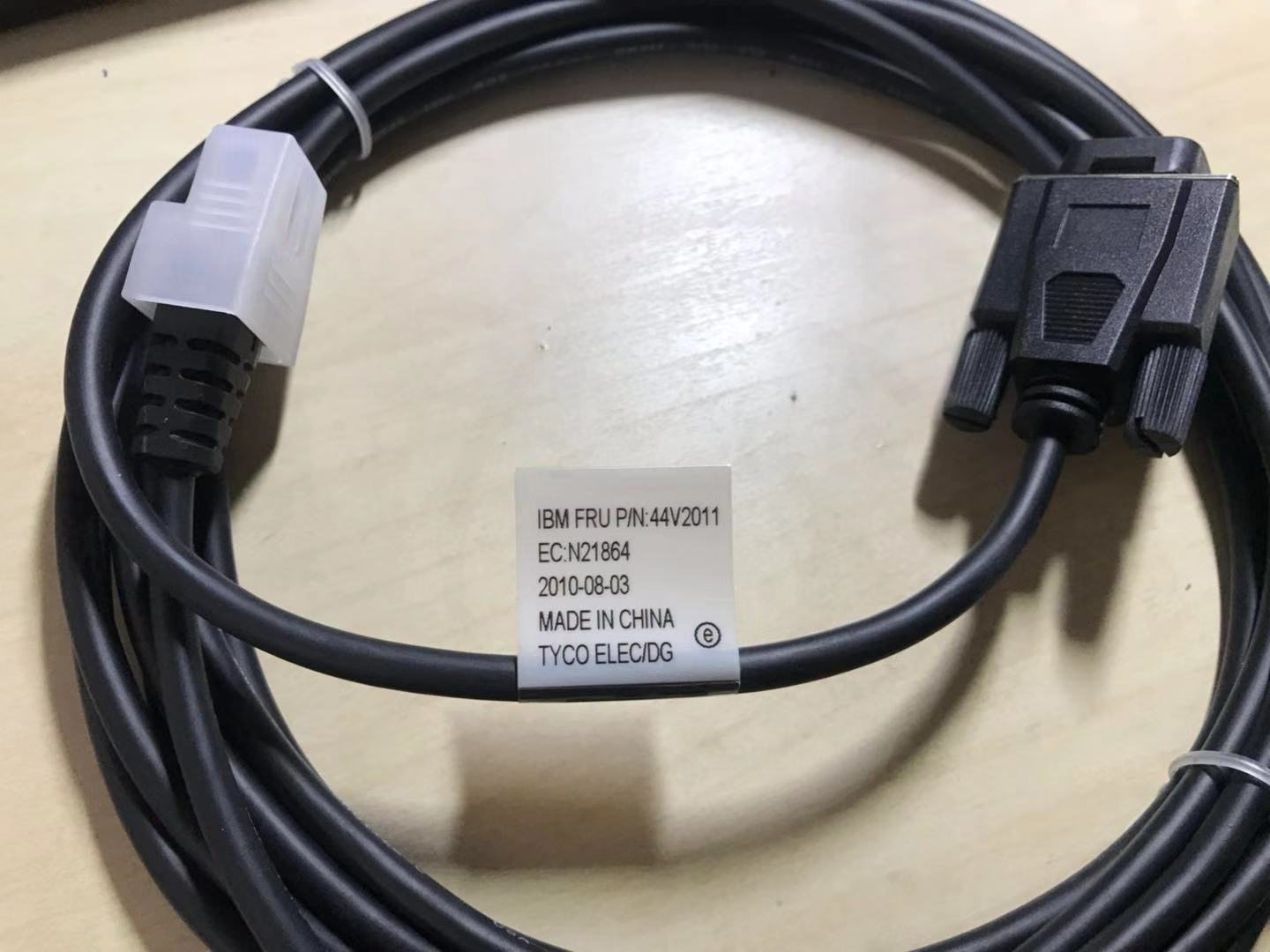
อะไหล่ OEM ของแท้และอะไหล่ทดแทนคุณภาพระดับโรงงานสำหรับระบบ IBM, Toshiba, NCR, Diebold, Wincor และ Hyosung — จัดส่งทั่วโลก


